Sharing Your Schedule
Last updated: March 24, 2026
Learn how to share your facility's appointment schedule with your team by displaying it on a TV or printing paper copies.
TV Mode
Conduit offers a TV Mode for displaying your schedule on large displays at your facility for staff to use as a reference.
To access TV Mode, start by navigating to the Schedule page. Change the view to a calendar-style view, like "Week" or "Day". The "Week" view is shown below. For details on the available schedule views or how to select a view, read the article Viewing your Schedule.
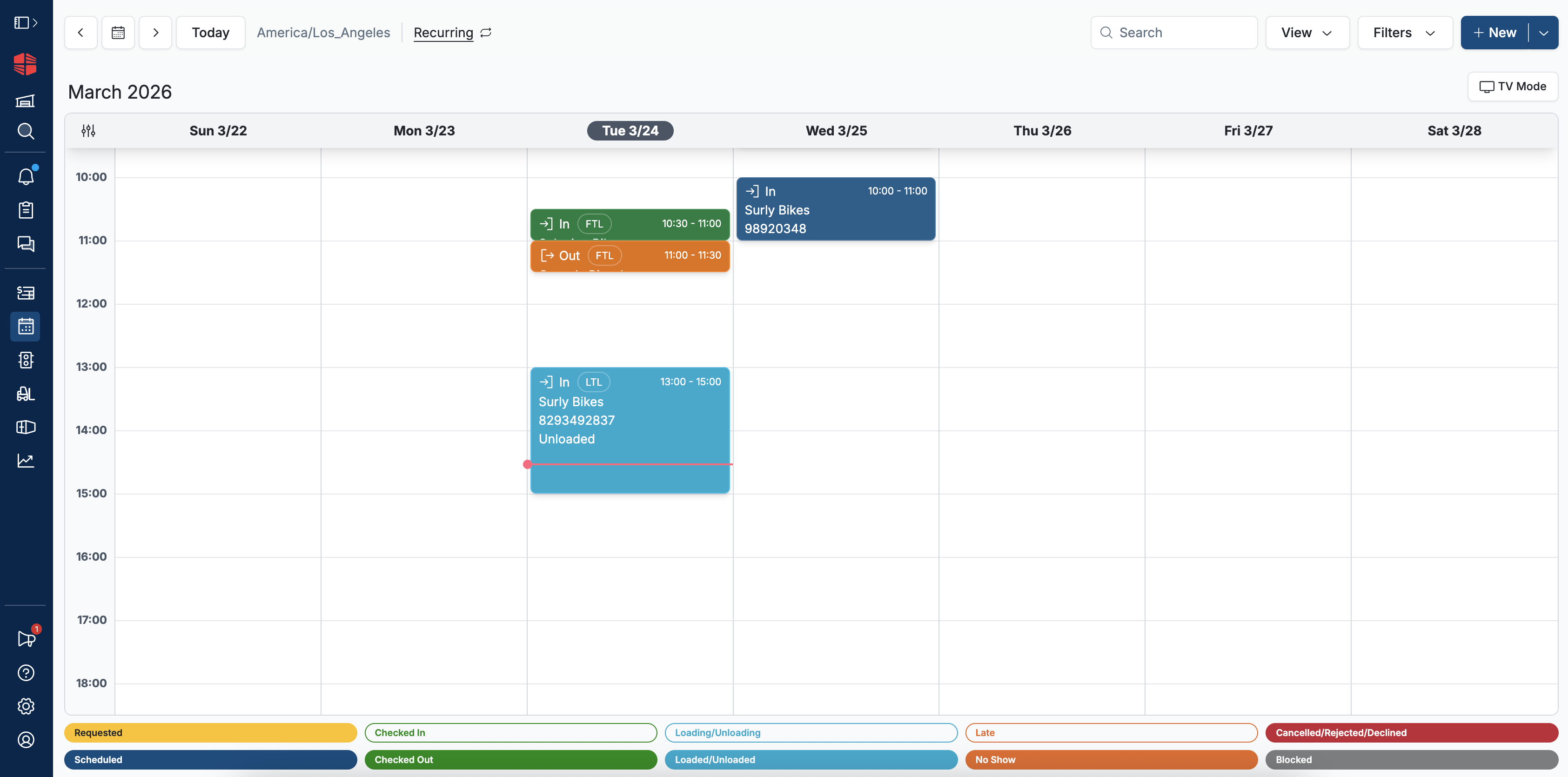
Click "TV Mode" toward the top right of the page to open TV mode. This will maximize the visible calendar and hide the calendar controls at the top of the page. It will also automatically scroll to ensure that the current time is always visible.
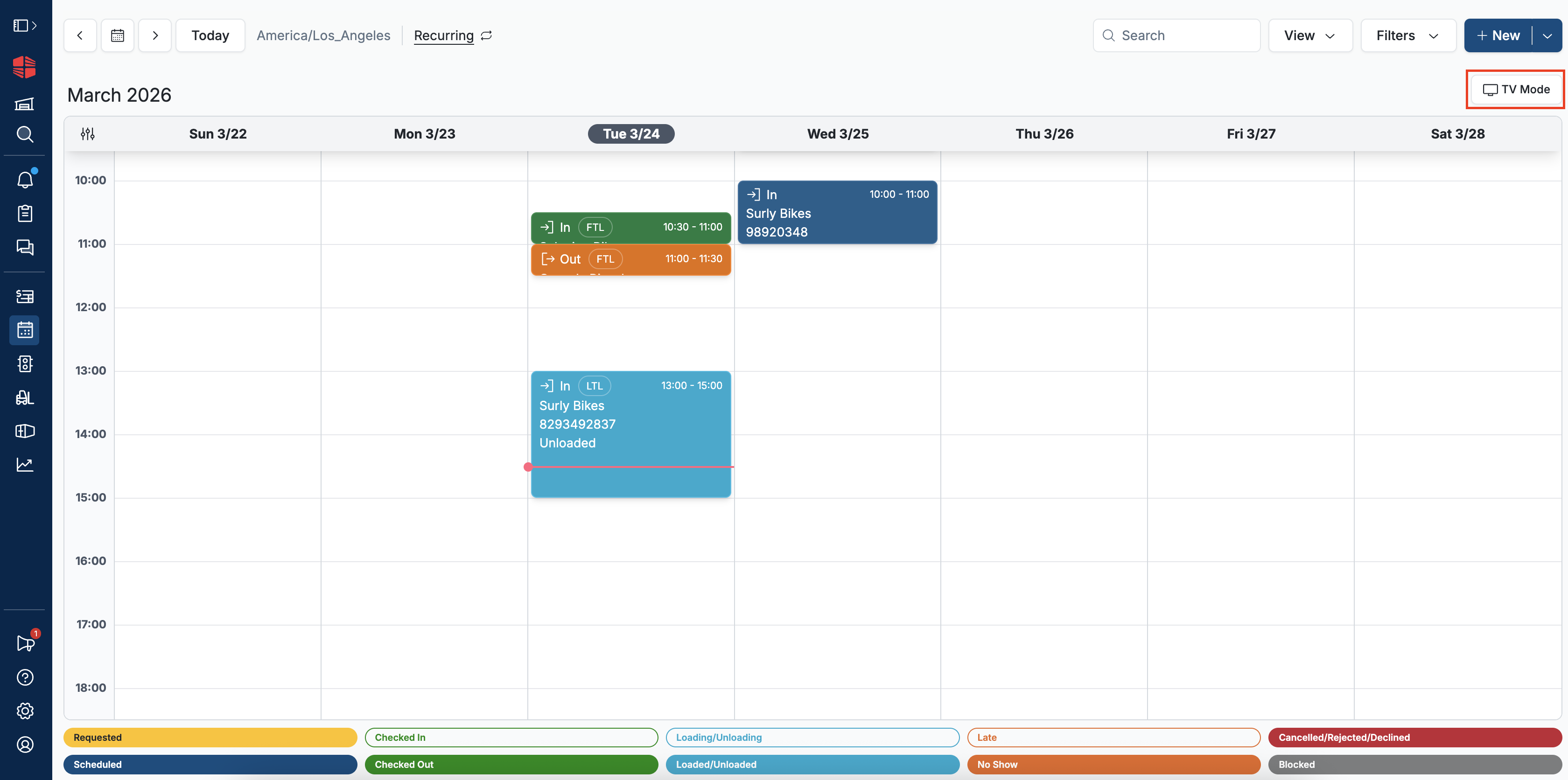
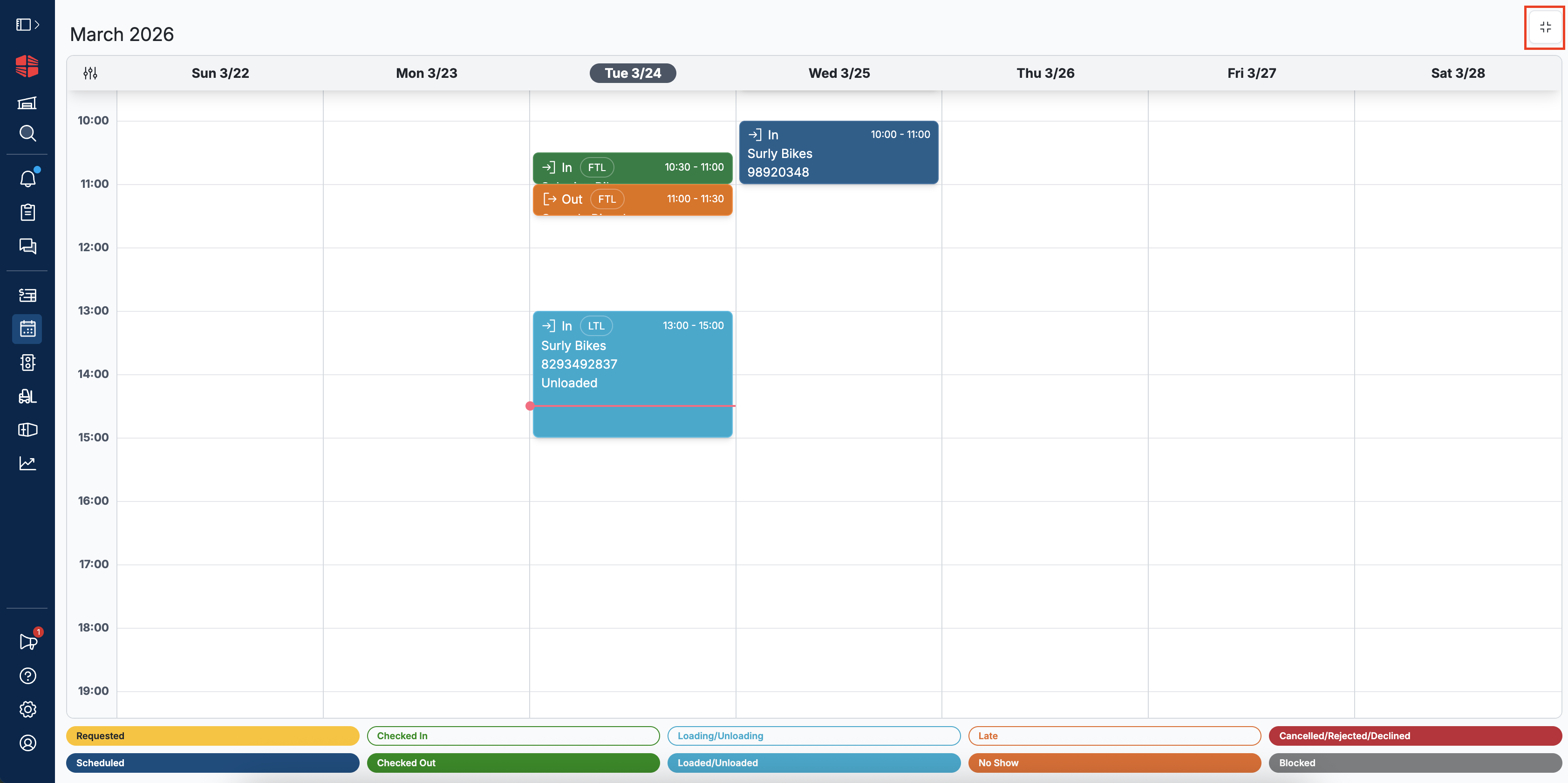
To exit TV mode, click the icon at the top right of the page.
Printing Paper Copies
Printing the Schedule Page
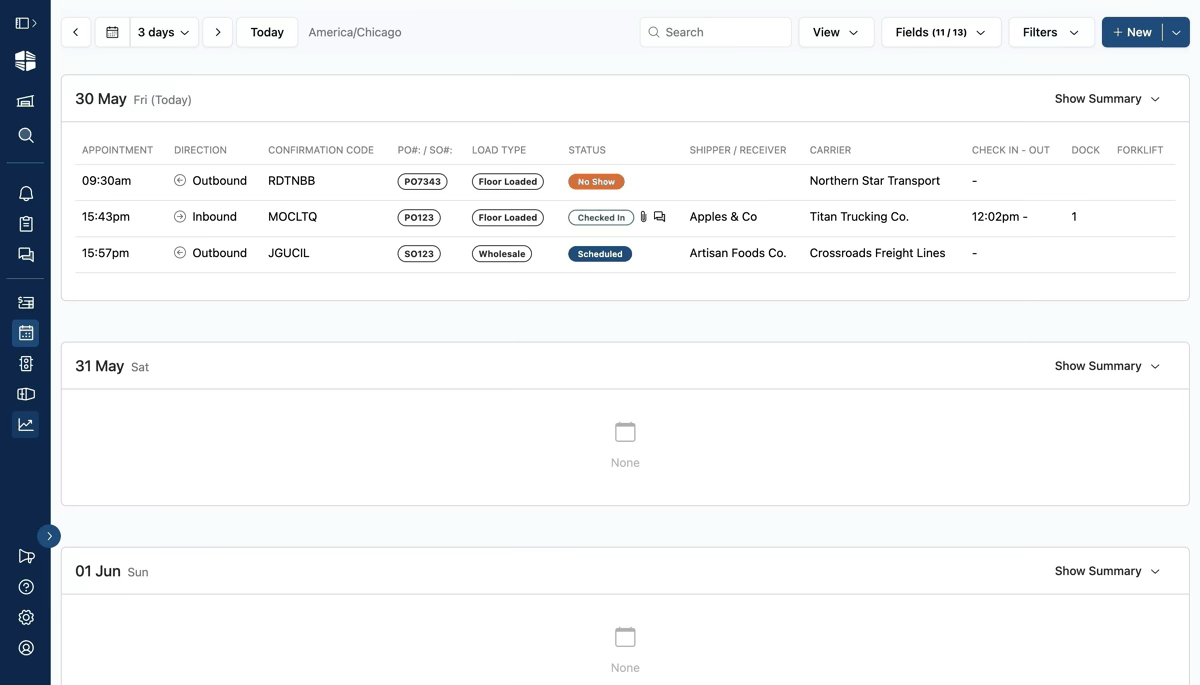
If you would like to create a paper printout of your schedule, we recommend using the "List" view. Navigate to the List view using the View dropdown at the top right of the page, then use your browser's print feature (accessible using Ctrl+P or Cmd+P) to print the current page.
We recommend printing the page in "Landscape" orientation for the best appearance.
Printing a Spreadsheet Export
Another alternative for printing your schedule is to export your appointments as a CSV and print the data using the spreadsheet editor of your choice (for example, Excel or Google Sheets).
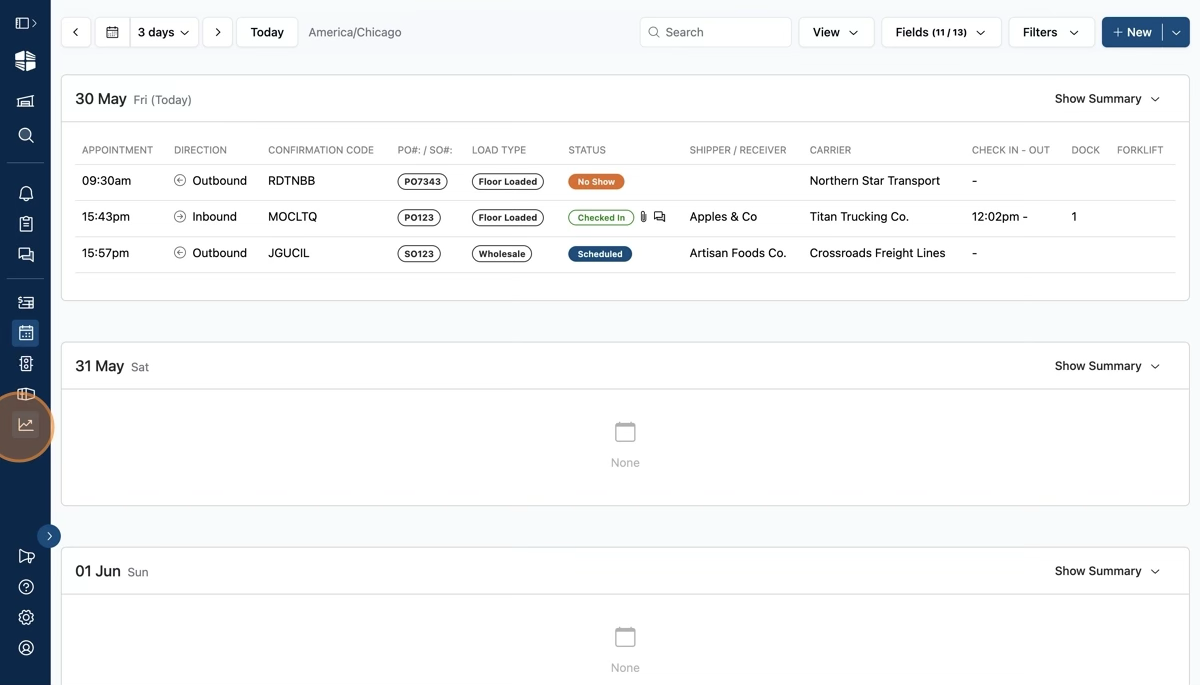
To start, click the "Reports" icon in the side navigation bar, represented by a graph icon.
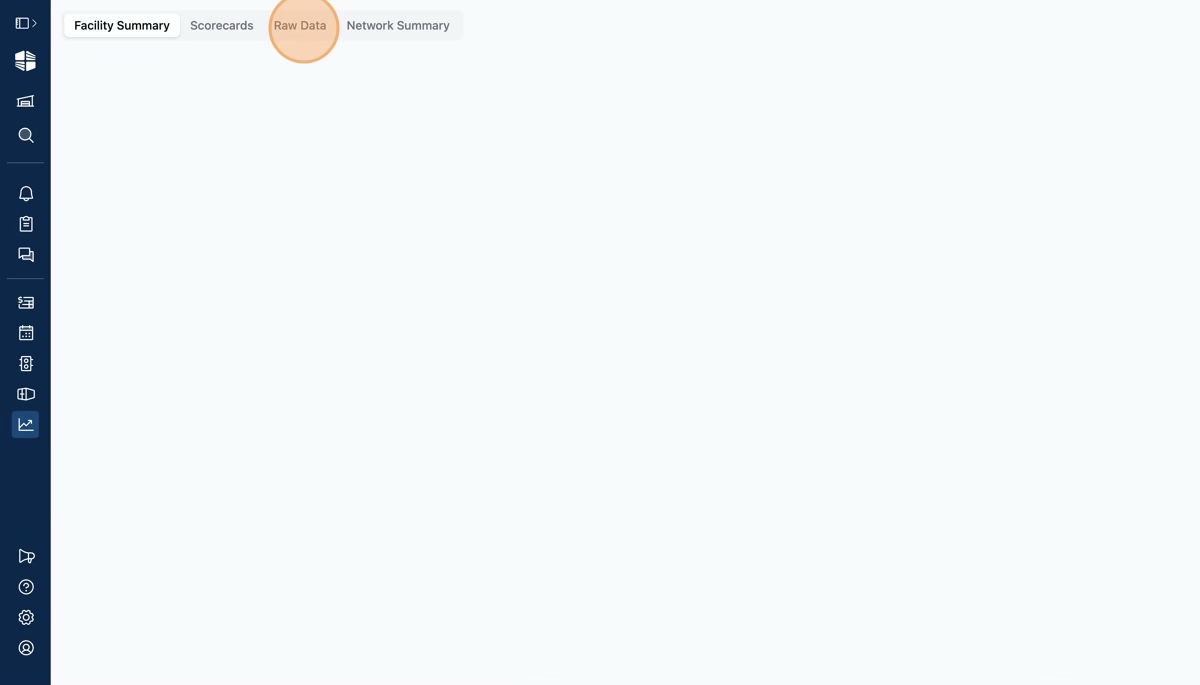
Click the "Raw Data" tab at the top of the page.
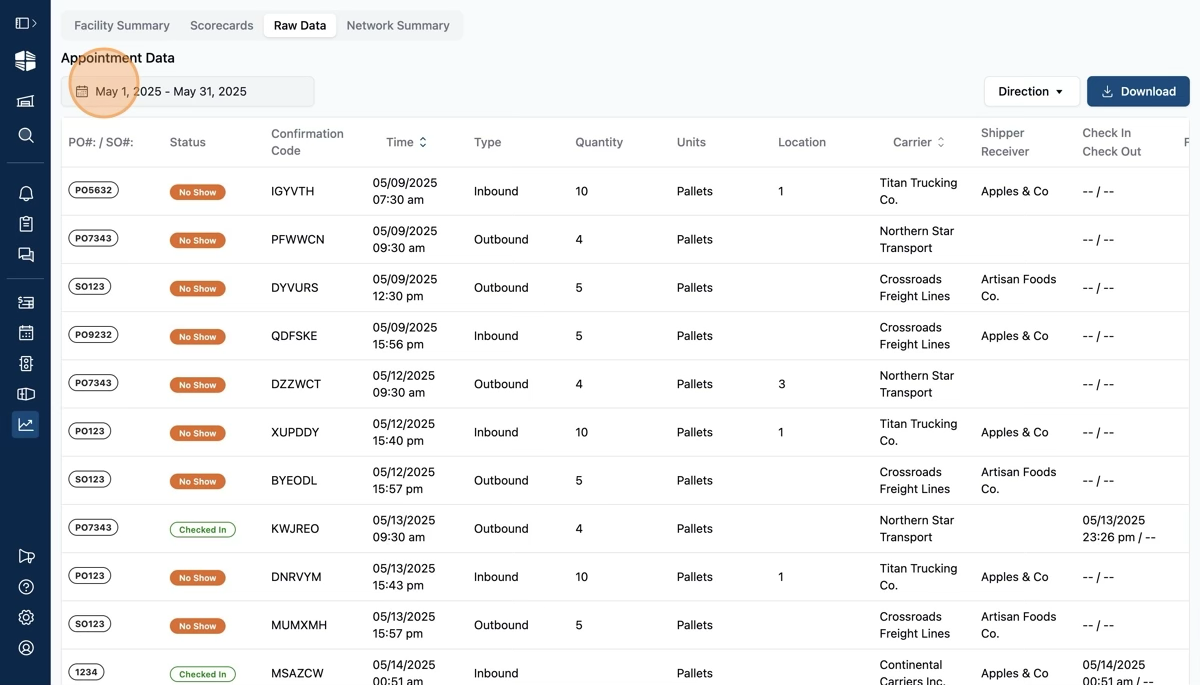
Adjust the date range to a single day (or the date range of your choice) by clicking the date selector towards the top of the page.
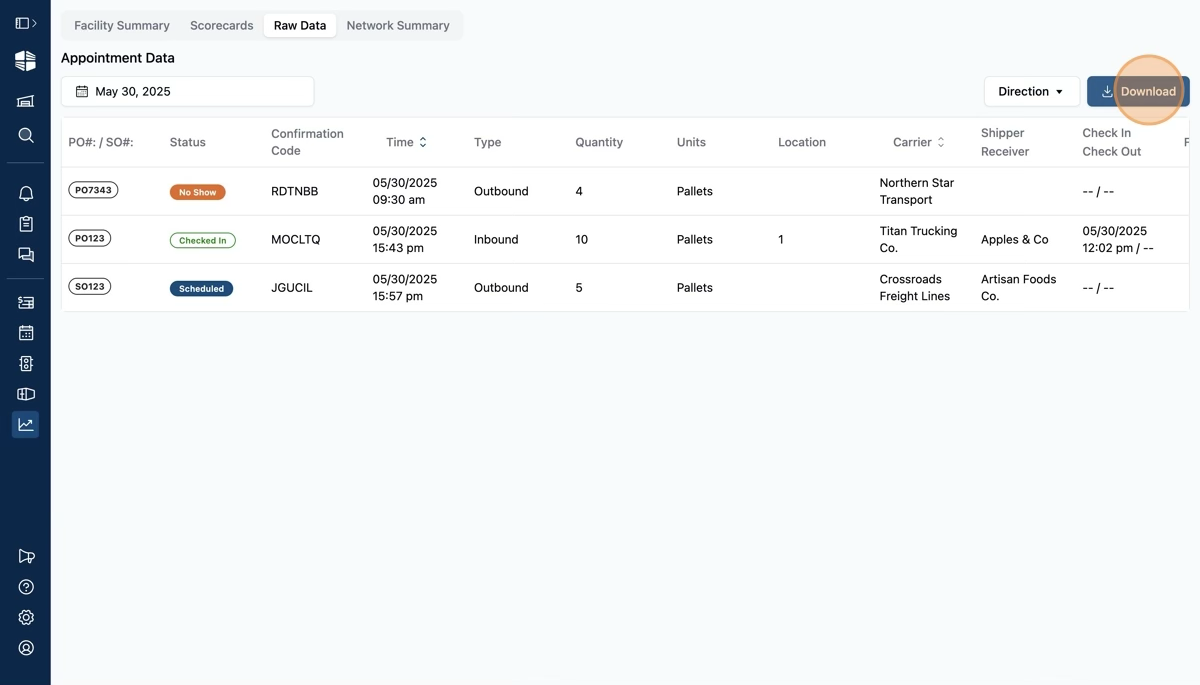
Click "Download" to download the CSV file. From there, you can open or import the file to a spreadsheet editor of your choice, edit the columns as needed, and print the spreadsheet of appointments.
Frequently Asked Questions
Is there a way to display the schedule on a TV as a list view?
We do not currently have the option to use "TV Mode" using any of the list views on the schedule. We are continually adding new functionality and hope to offer it in the future.
When I try to print from my browser using control+P or command+P, it cuts off the page and does not allow me to print the whole screen.
Some browsers and computers have this issue. We recommend using the Print an Excel Sheet option if your computer is not printing all of your appointments.