On Site Page
Last updated: June 5, 2025
Conduit's On Site page provides a view of your appointments focused on what's happening at your facility in the moment to help you manage your check-in, loading, and unloading operations.
The Basics of On SIte
Getting there
Navigate to https://getconduit.ai/facility-app/on-site. You can reach this page by clicking the traffic light icon in the navigation bar.
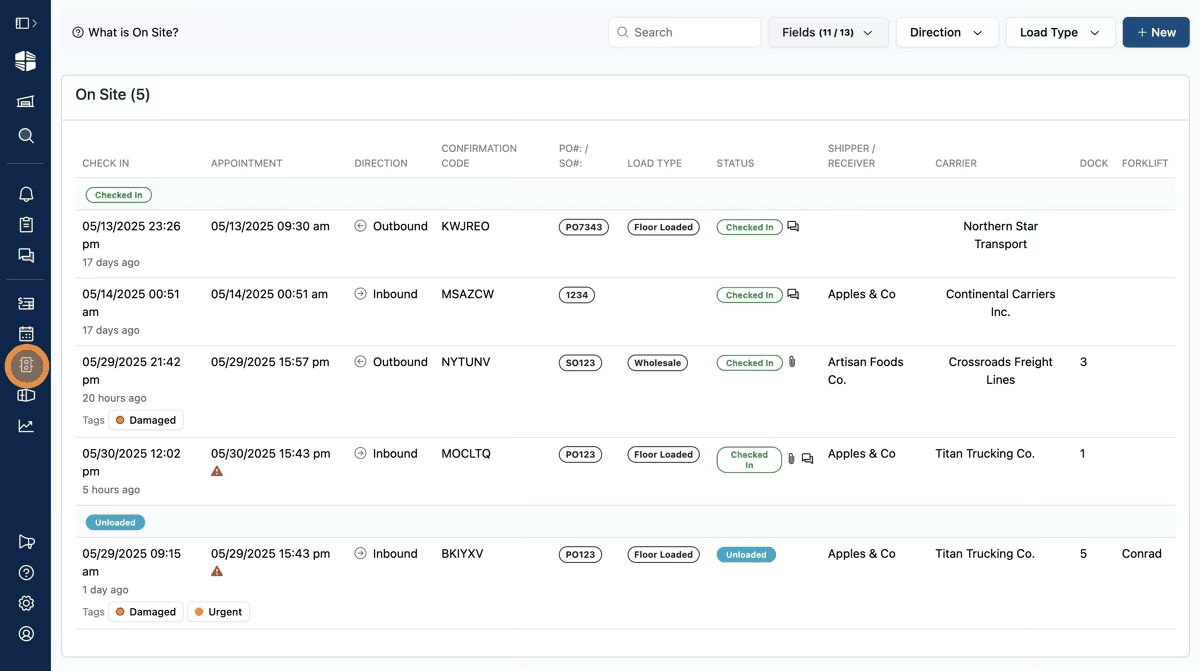
Structure
The On Site view groups appointments into three main sections: On Site, Upcoming, and Past.
The On Site section shows all appointments that are currently checked in to your facility, but haven't checked out yet. Within "On Site", appointments are broken into subsections according to their status (Checked In, Loading/Unloading, and Loaded/Unloaded).
"Upcoming" contains the appointments for your facility that are expected to arrive, including appointments that are scheduled in the next 24 hours, and any appointments that are past their scheduled time but haven't been canceled yet (for example, an appointment that was scheduled for an earlier time but the carrier is running late).
"Recently Completed or Canceled" contains appointments that have checked out or were canceled in the last 24 hours.
Adjusting and Filtering On Site
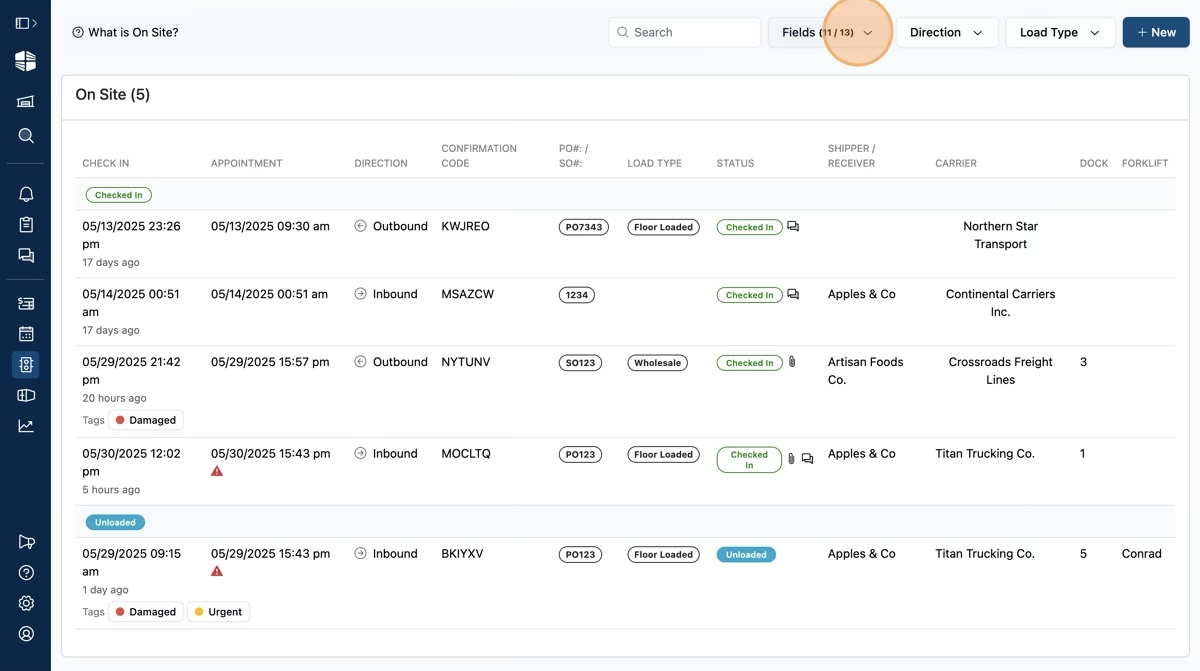
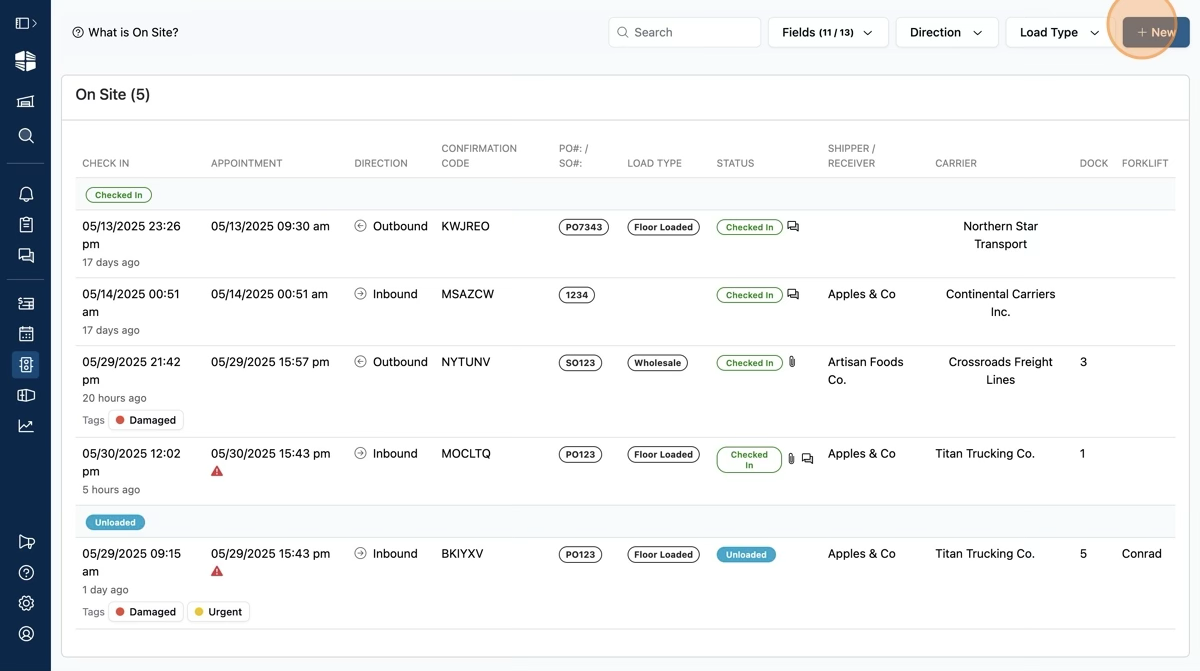
You can adjust the data that is shown for each appointment by clicking the "Fields" dropdown at the top of the page.
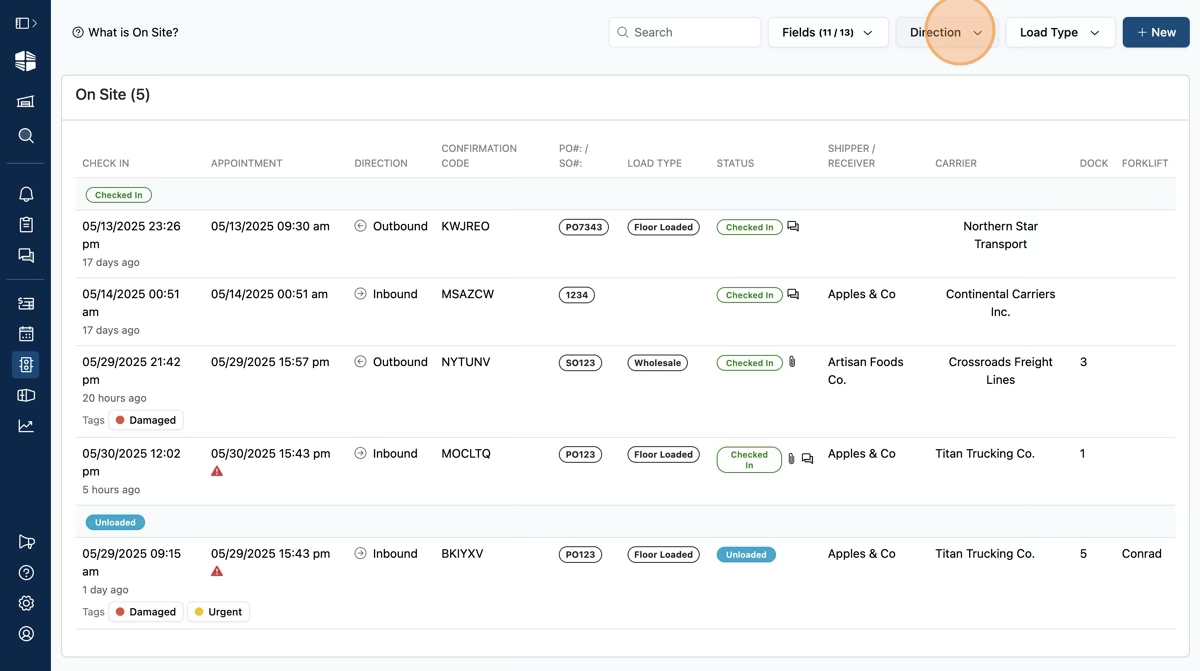
Filter the On Site view to show only inbound or outbound appointments using the "Direction" dropdown at the top of the page.
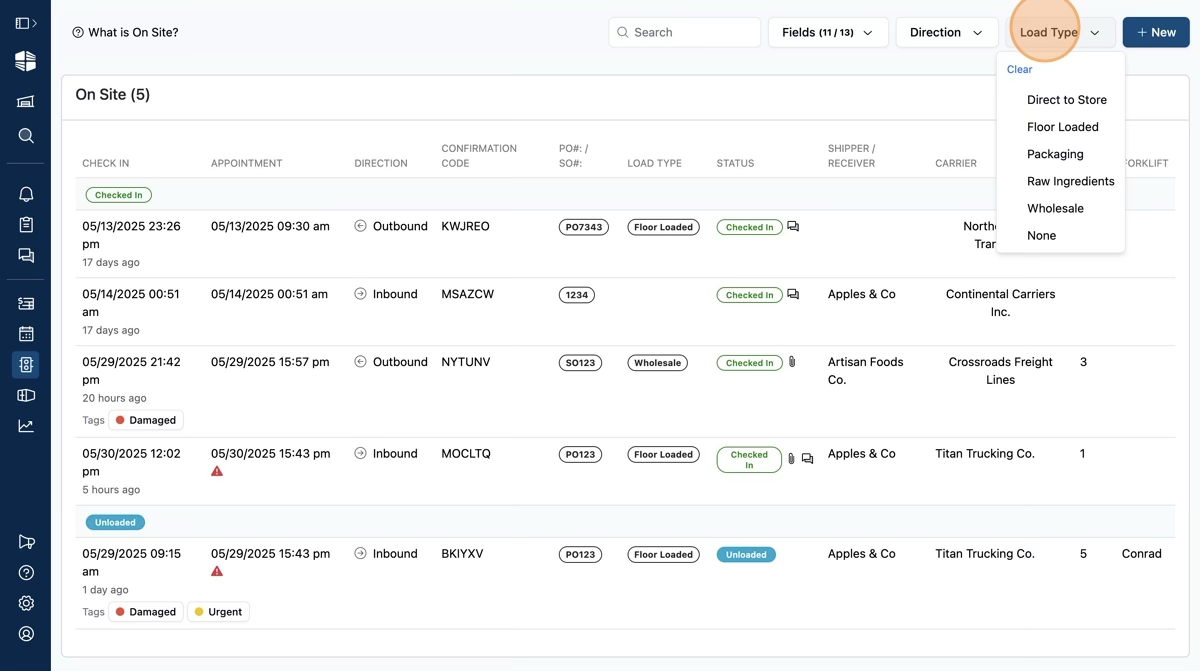
If Load Types are configured for your facility, you can filter the On Site page to show only specific Load Types by clicking the Load Type dropdown at the top of the page.
Create new appointments, work-ins, or schedule blocks by clicking the "New" button at the top right of the page.
Viewing Appointments
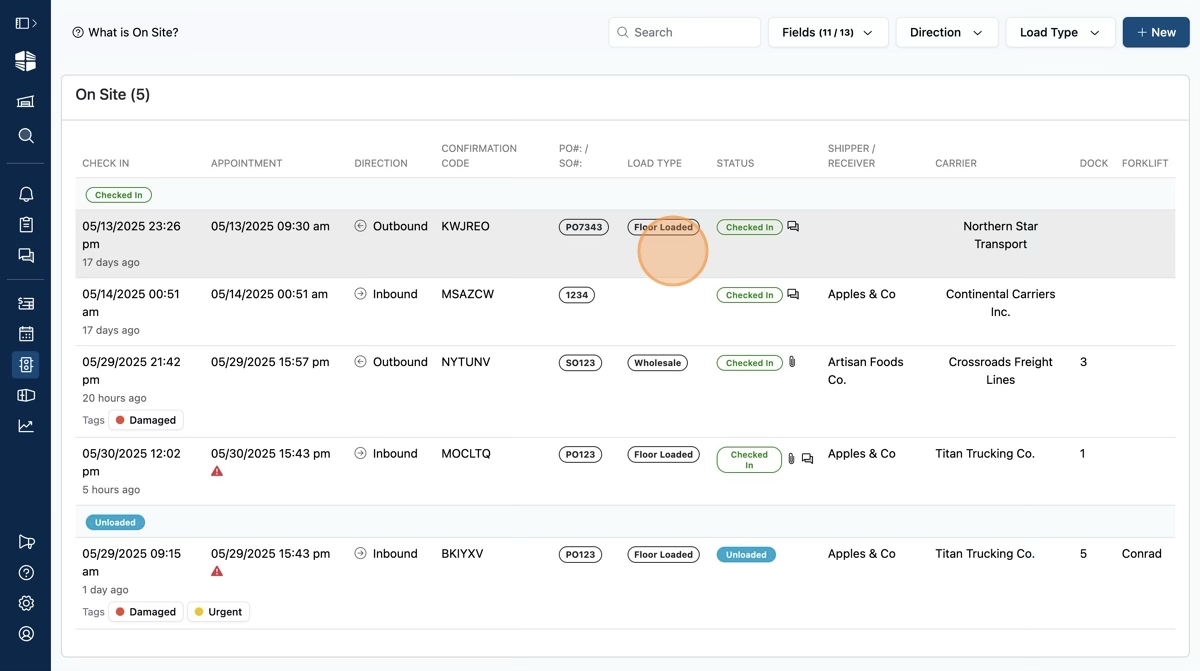
Clicking any row in the On Site page will take you to the appointment details page for the specific appointment.
Frequently Asked Questions
What is On Site for, and how does it differ from the Schedule page?
On Site is a view meant to help Warehouse staff focus on checking in, loading, unloading, and checking out appointments, as opposed to planning schedules in advance.
On Site focuses on appointments scheduled on or near the current day, and keeps in view all appointments that are currently checked in.
The schedule page is organized according to scheduled times, making it easy to miss certain situations; for example:
If a driver checks in very early to an appointment for the following day, you would have to look at tomorrow's schedule to notice that the appointment is checked in. Using On Site, the checked in appointment is visible in the "On Site" section, regardless of its scheduled time.
Assume a driver is checked in for an appointment, but the facility forgot to check them out when they left. It is easy to miss this error because by the next day, you would have to navigate back to the prior day to notice the appointment is still "checked in". Using On Site, the checked in appointment stays visible in the "On Site" section, regardless of its scheduled time.