Asset View
Last updated: November 13, 2025
In your Conduit account, there are several views along with filters to help you see the exact yard and trailer information you're looking for. The Asset view shows only dock and yard spaces that have trailers or assets in them.
Instructions
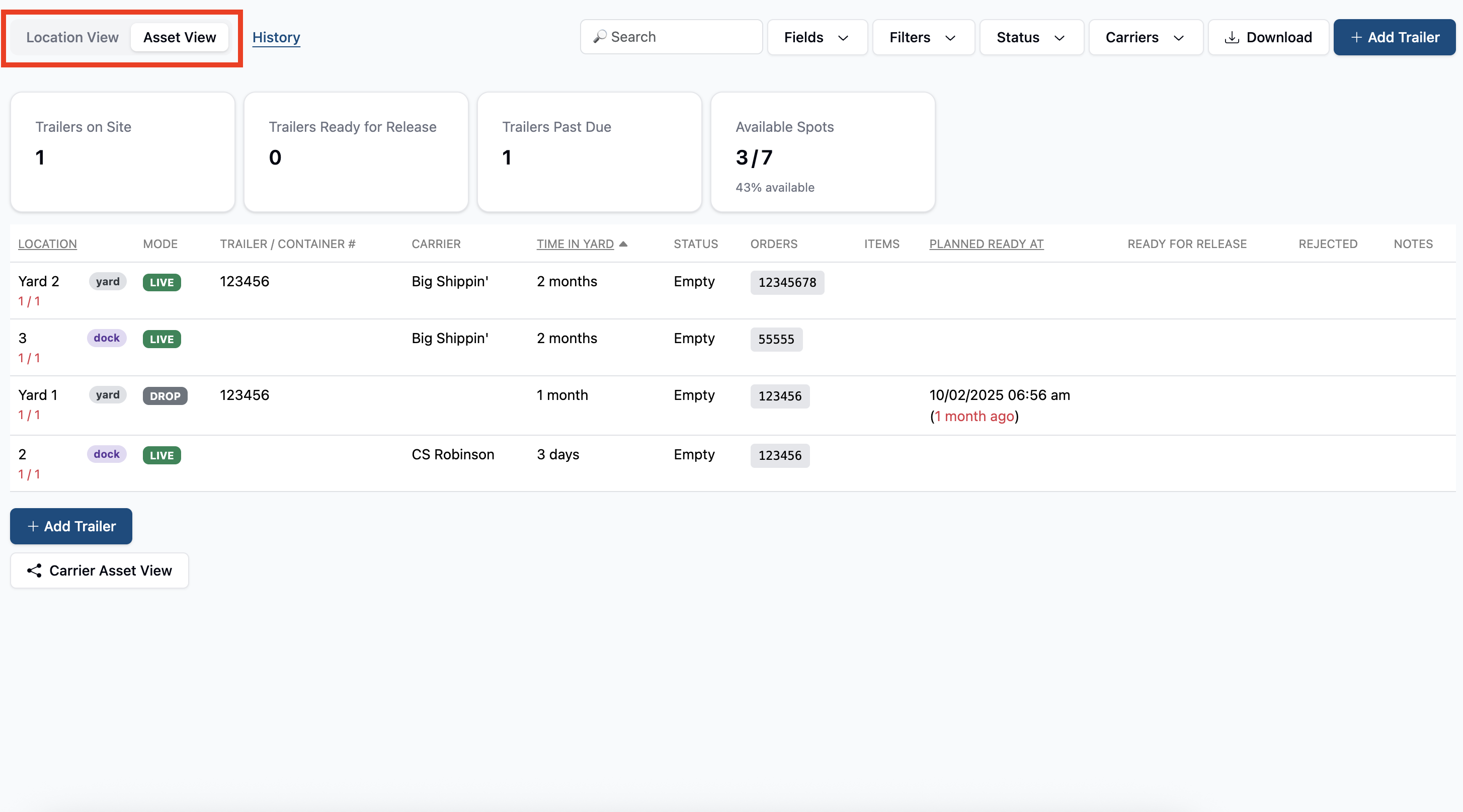
On the yard page of your account, you can toggle between Asset and Location view at the top left of the page
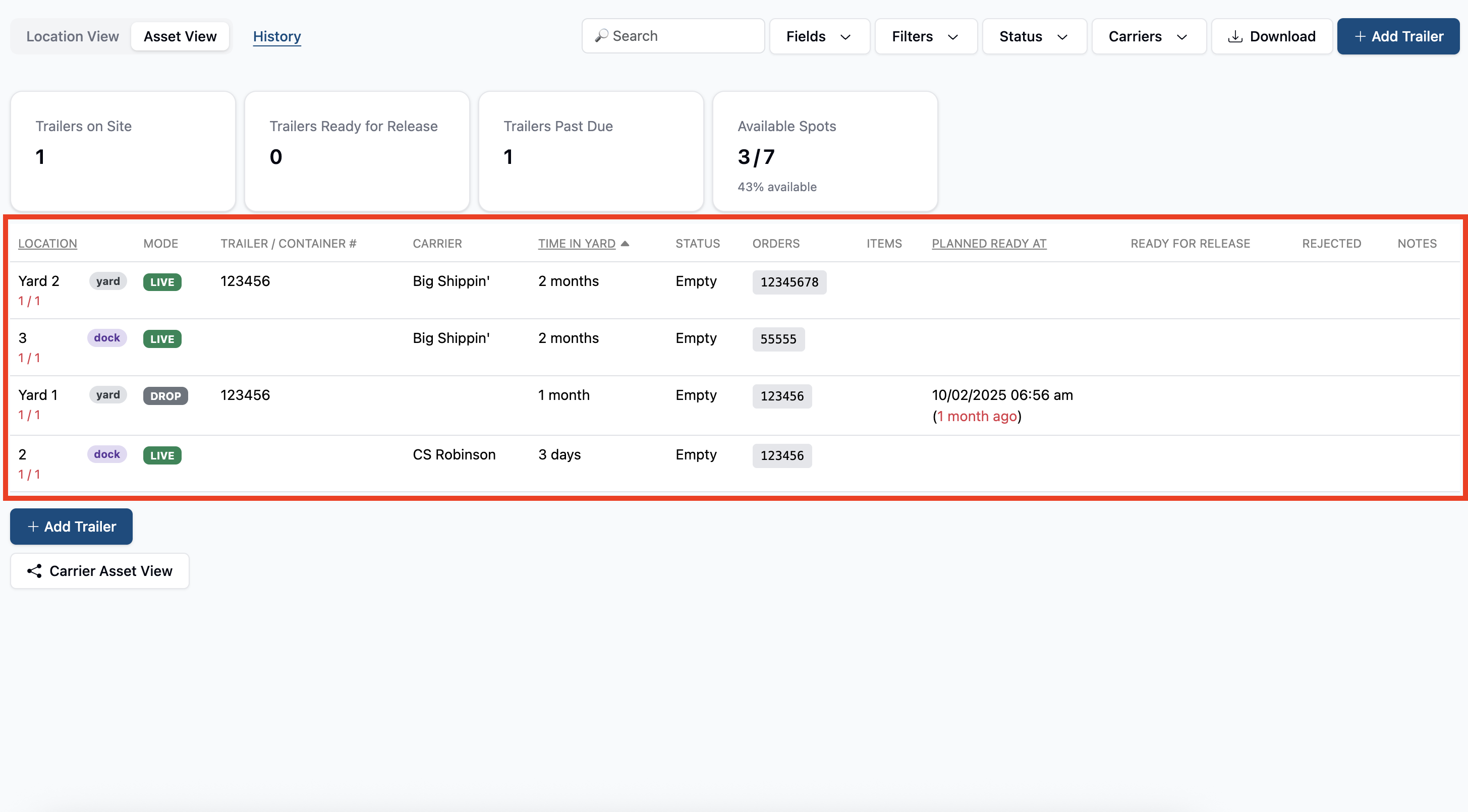
On this page, you'll be able to see line item details about any trailer or appointment that you have assigned to a dock or yard space in the system. Clicking on any of these will bring you to their trailer or appointment detail pages.
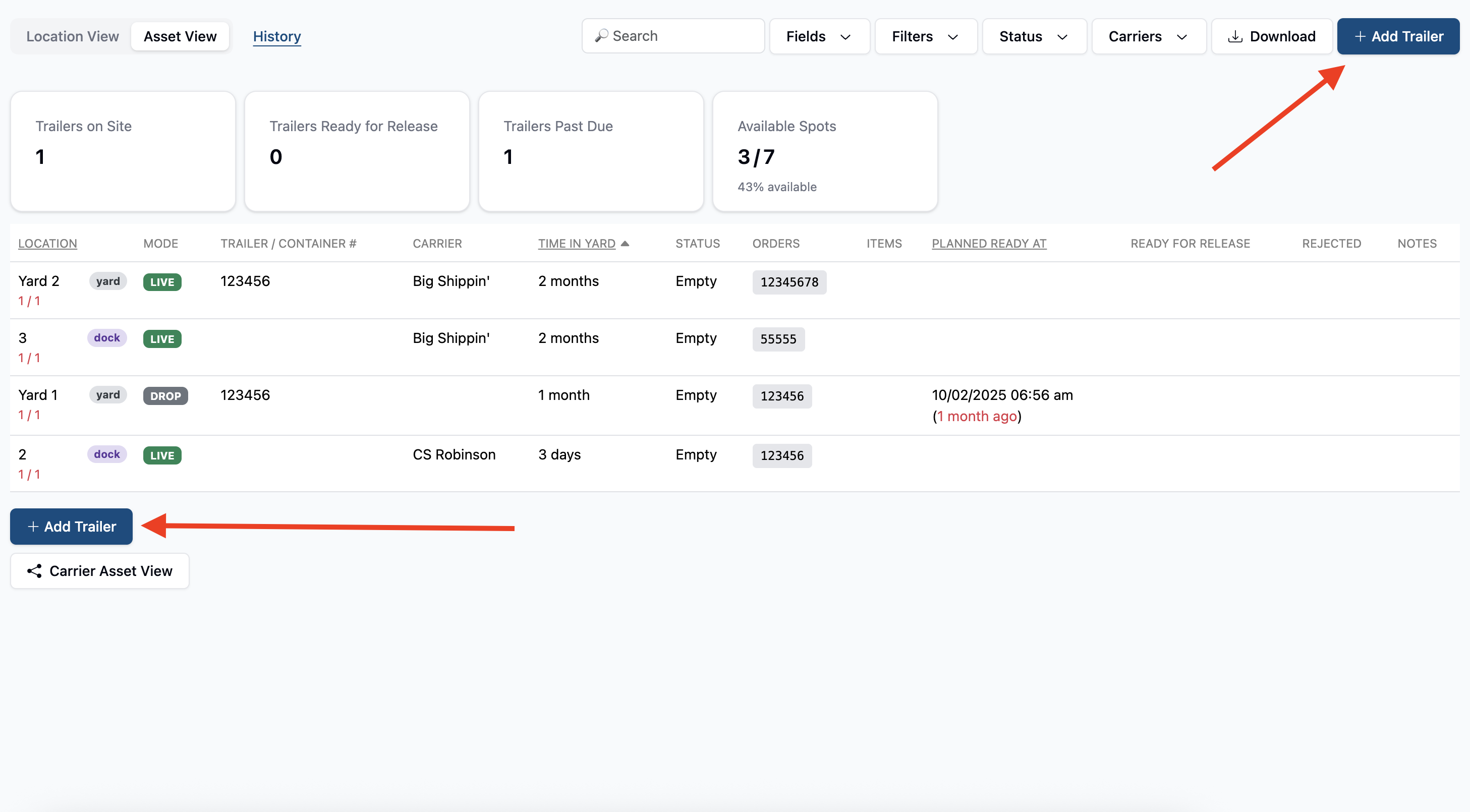
On this page you can also add trailers to any open yard spots using the + Add Trailer buttons at the top right and bottom left of the page.
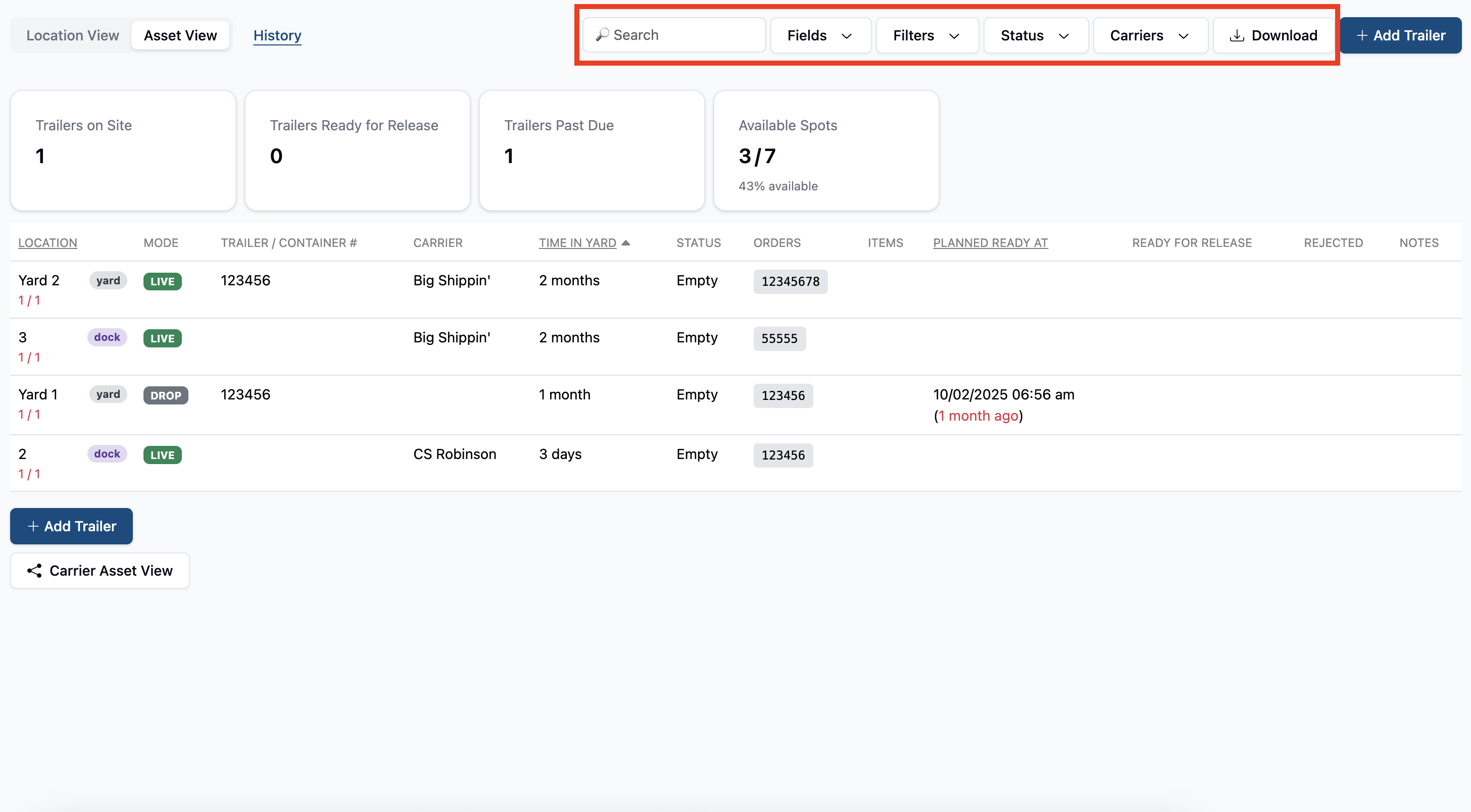
Lastly, you can also use filters at the top of the page, as well as download a csv spreadsheet of the list of assets shown on this page.