Carrier Asset View
Last updated: November 14, 2025
In the yard section of Conduit, you can generate a public link that is associated with a carrier email so they can see a list of their assets onsite.
Instructions
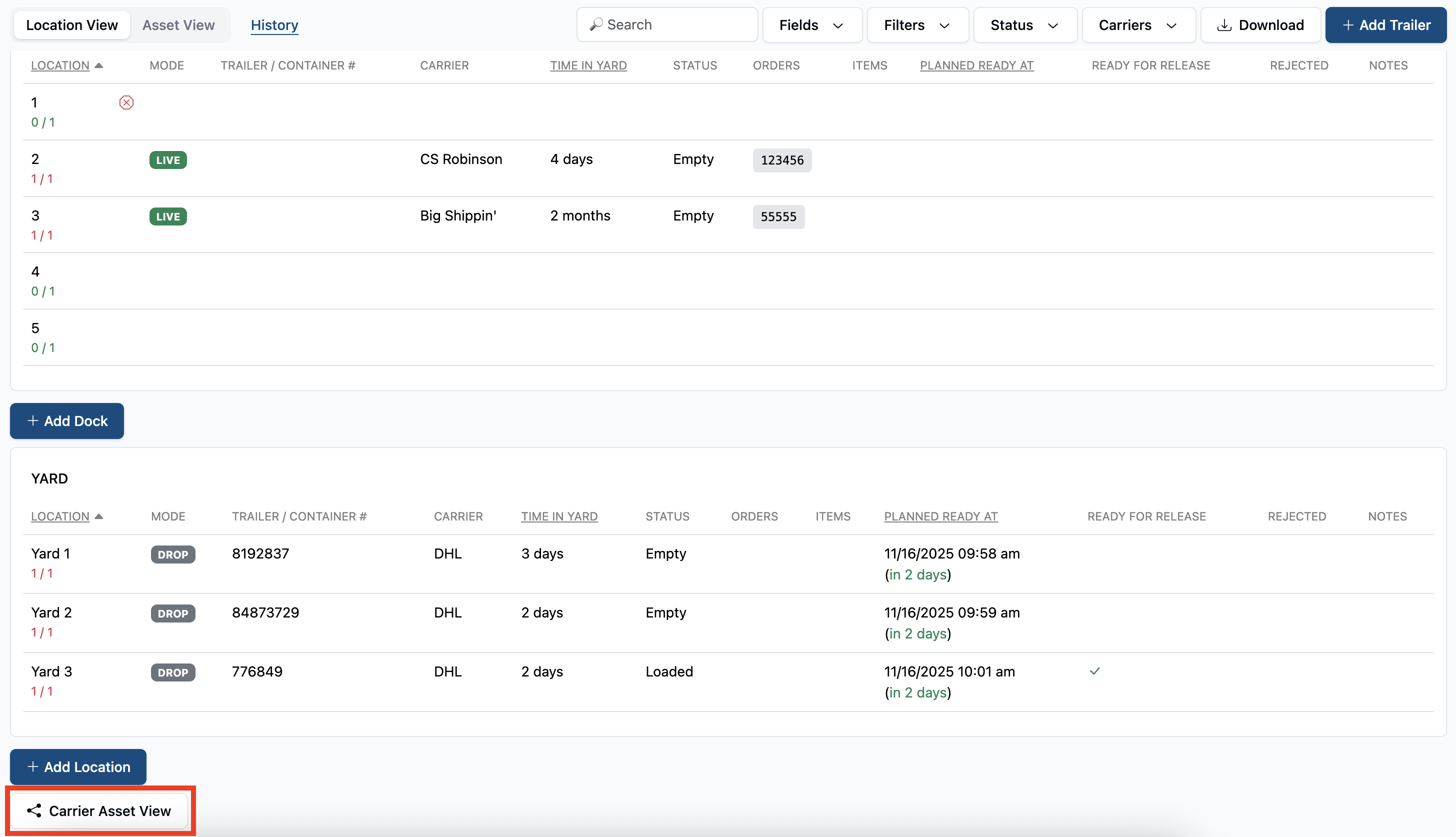
Navigate to the the Carrier Asset View button at the bottom left of the Yard page.
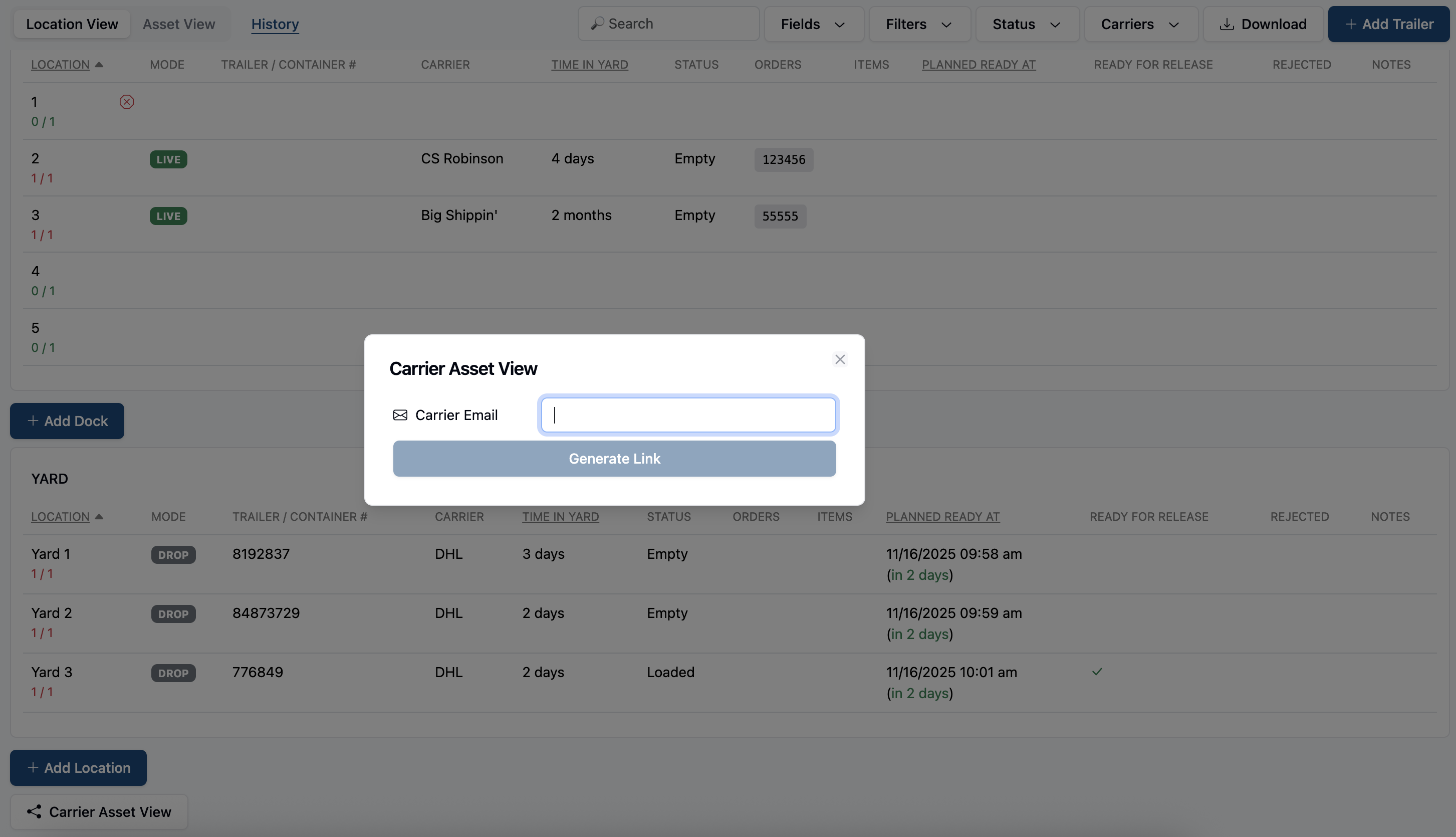
You will then be prompted to enter the email associated with any trailer or carrier entered into the system.
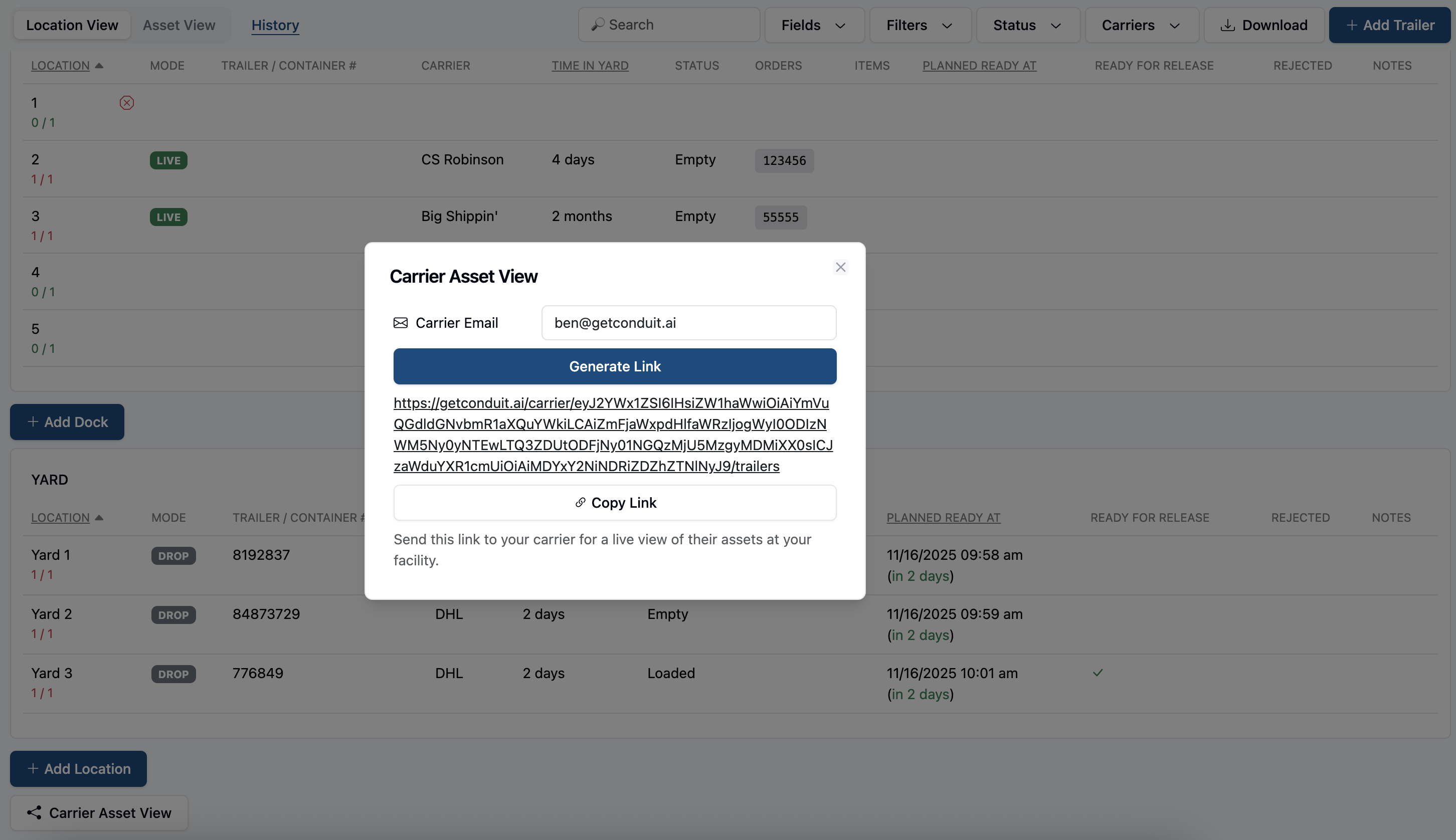
This will then generate a public link that you can share with you carrier.
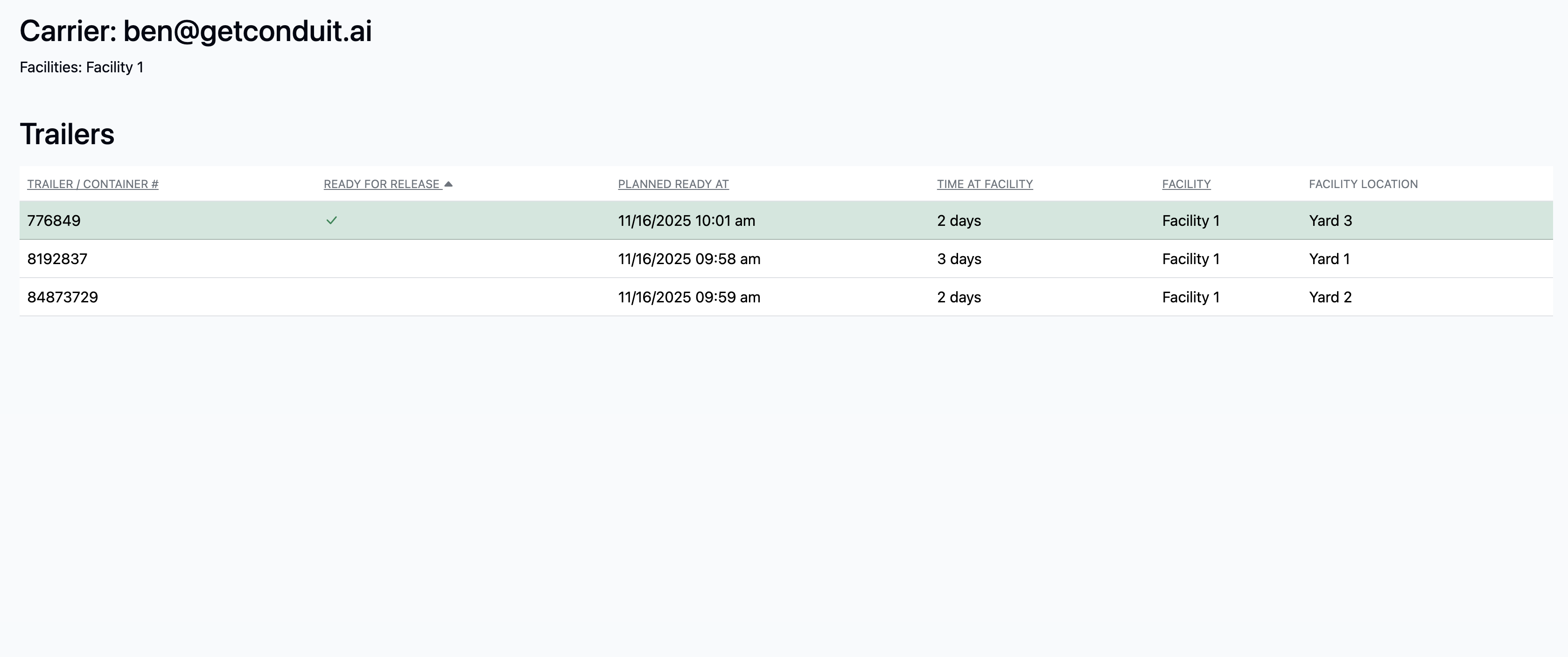
The link will open a list of assets that the carrier has onsite.
Frequently Asked Questions
Can anyone use the link that I created?
Yes. The link is public, anyone with the link can view the asset info.
Where does the link get this info?
When prompted to enter an email address, it pulls all trailer info from that carrier email address. If a carrier name is entered without an attached email address, then it will not pull that info.