Hostler/Jockey
Last updated: May 14, 2026
Conduit's Hostler feature allows a dispatcher to assign dock and yard asset movements to task user.
Set up Task User and Dispatcher
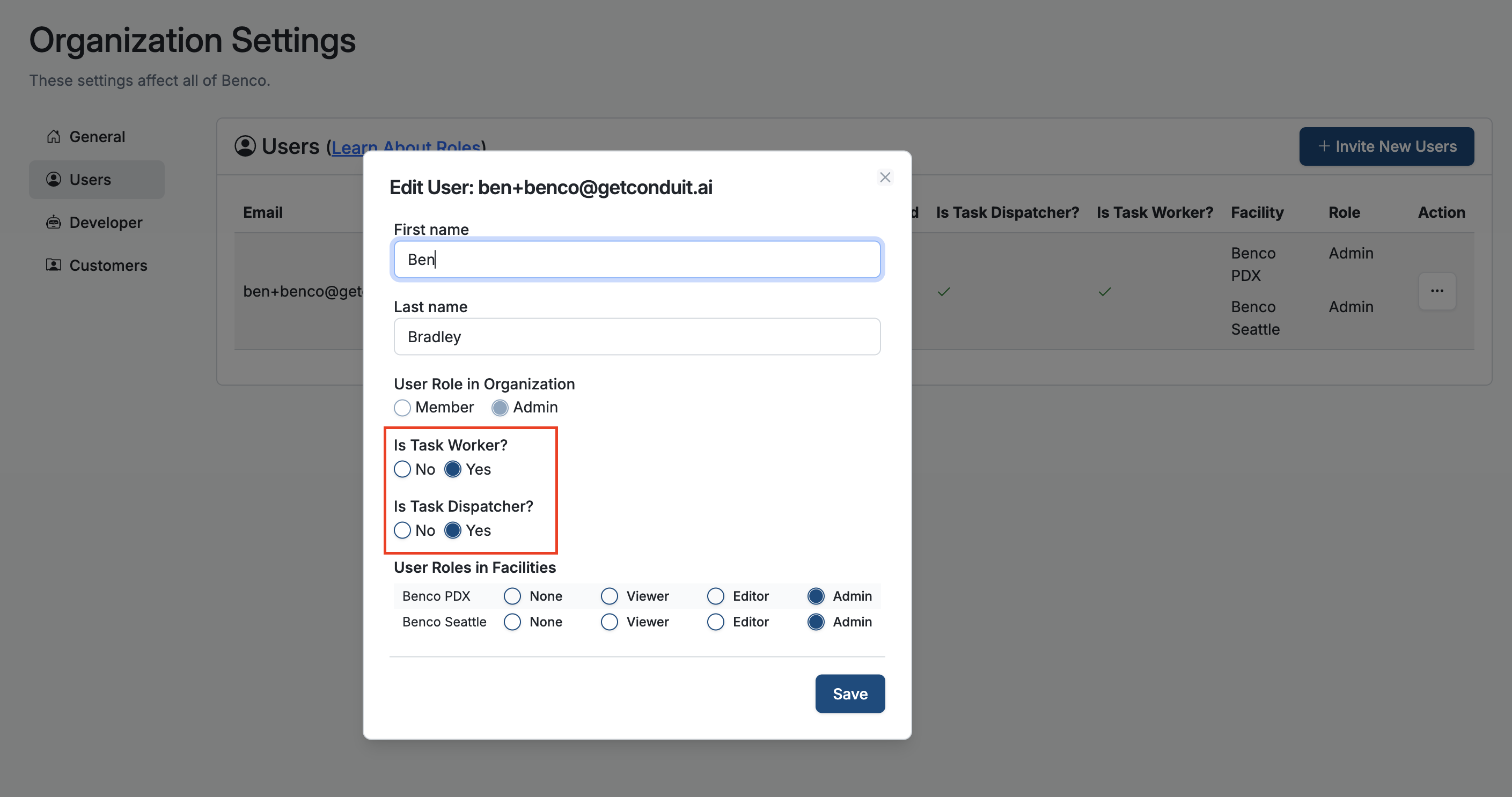
Once a user has been created in organization settings, navigate to the Action button to assign the user as either a task dispatch or a task worker (or both). This will enable this user to either assign moves or action them.
Task App/Dispatcher and My Task Views
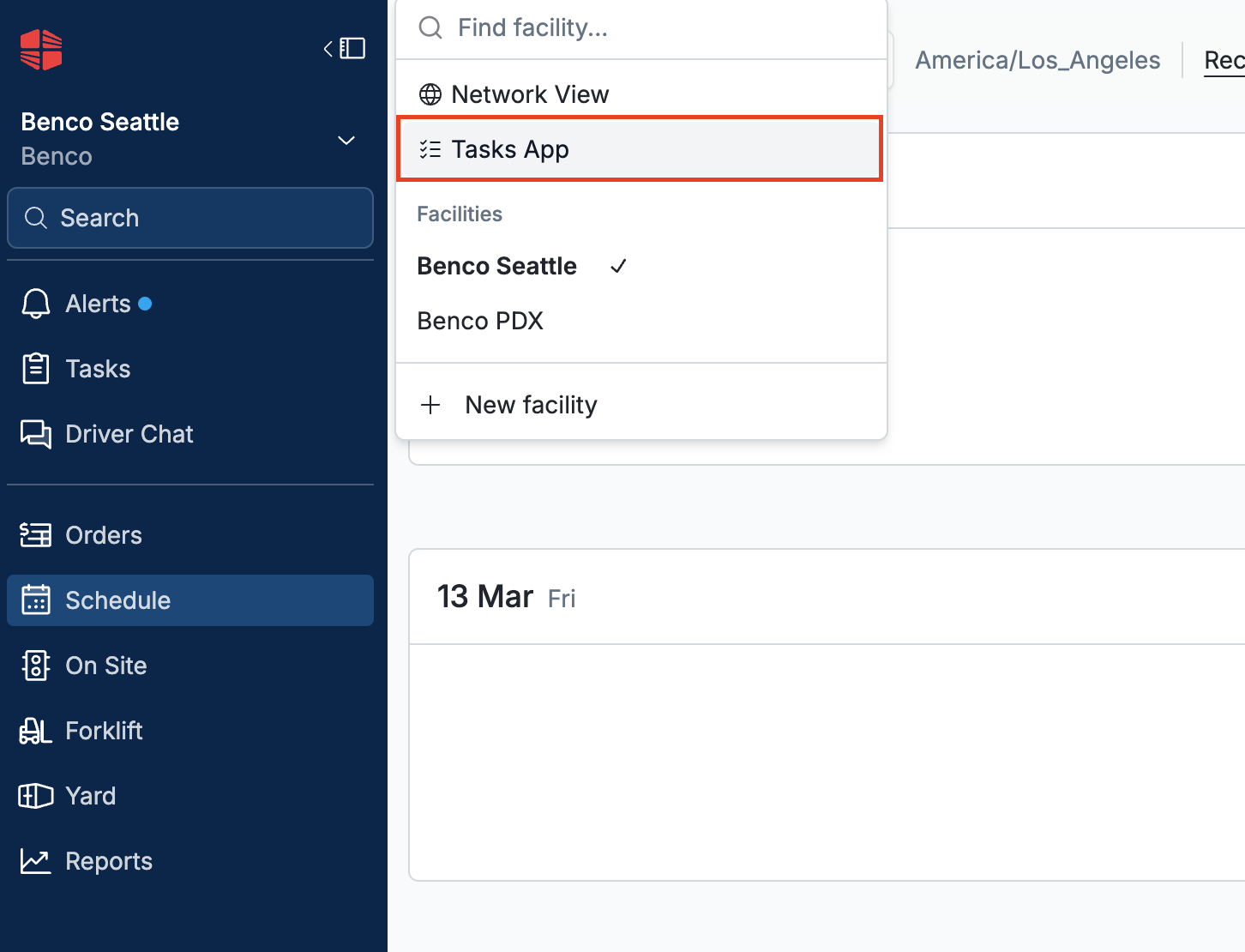
Navigate to the Task App under the facility name at the top left of the Conduit page
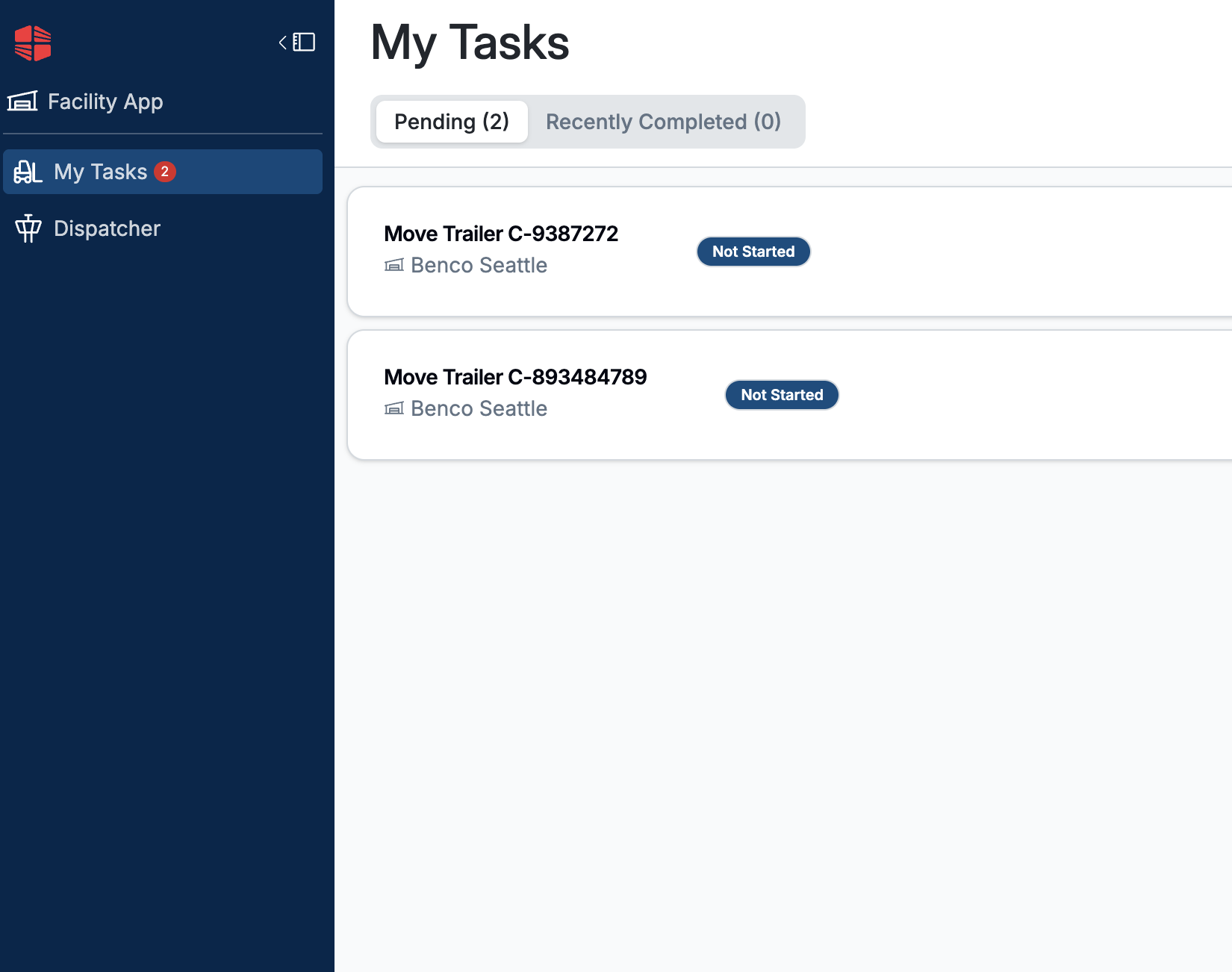
Here you will see a tab for task workers (My Tasks) as well as Dispatchers
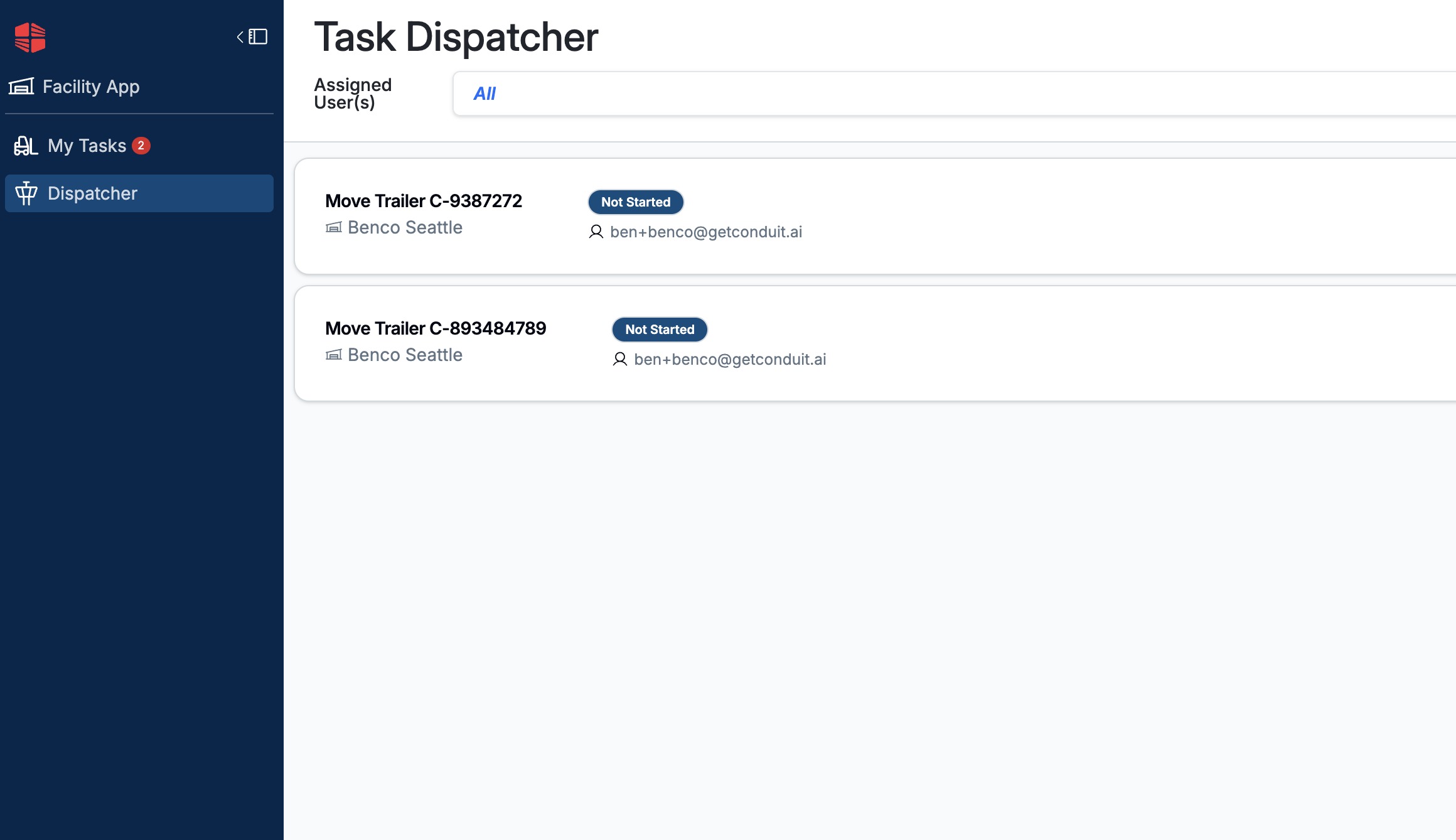
Dispatchers can also drag and drop in order to change the priority of each move
Assigning Trailer Movements
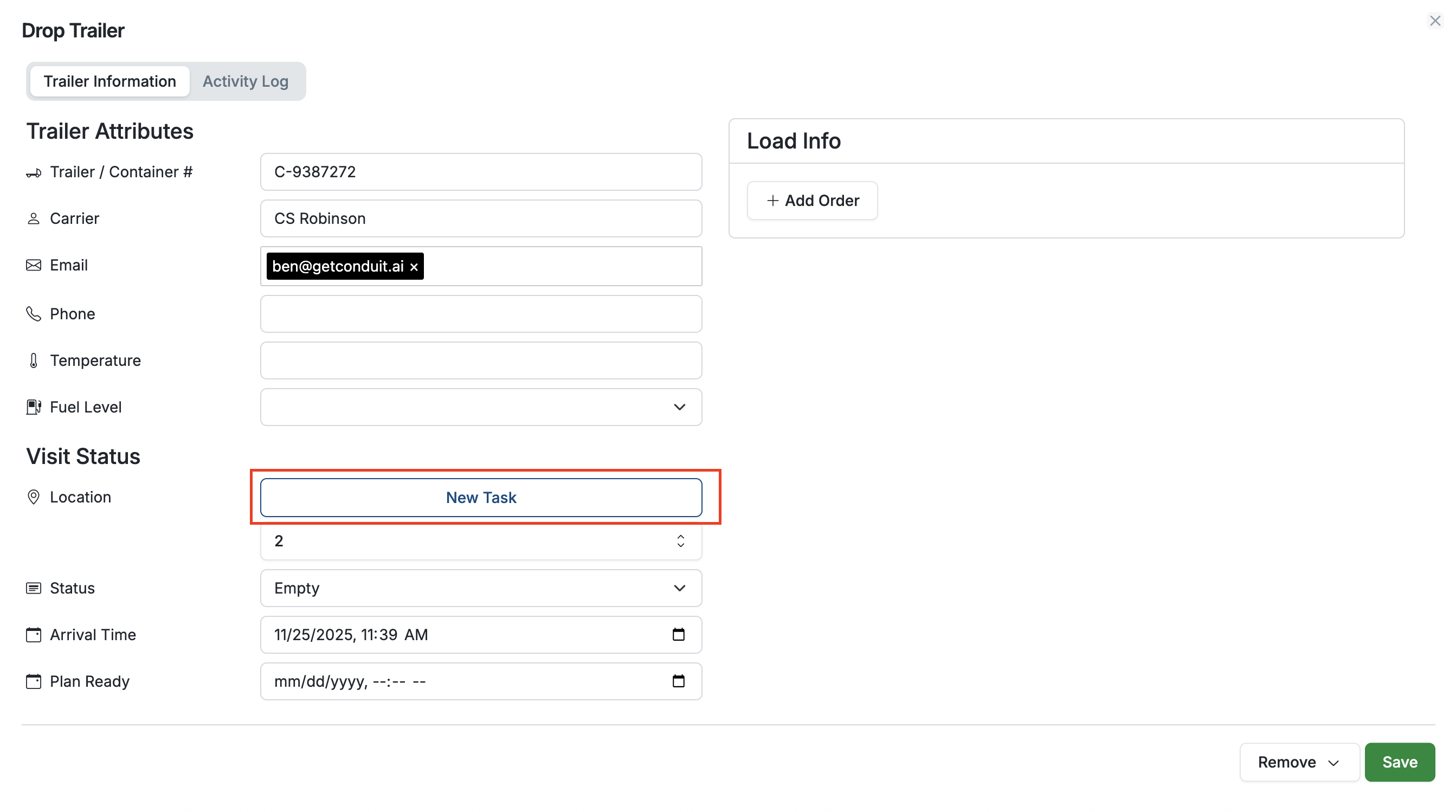
Navigate to the Yard page and select the asset that you would like to move (this can be done on all three yard views). On the Trailer page, select New Task
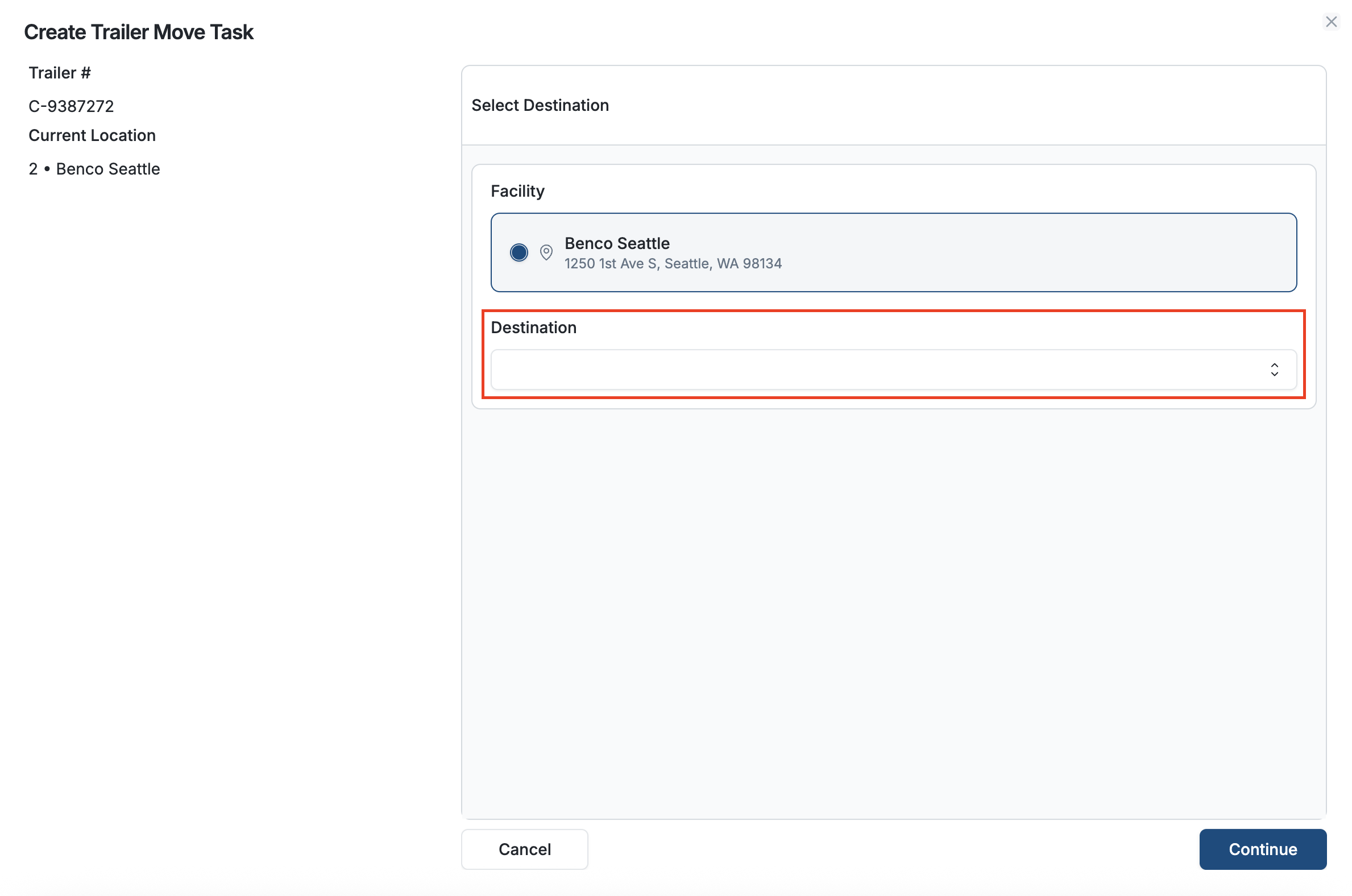
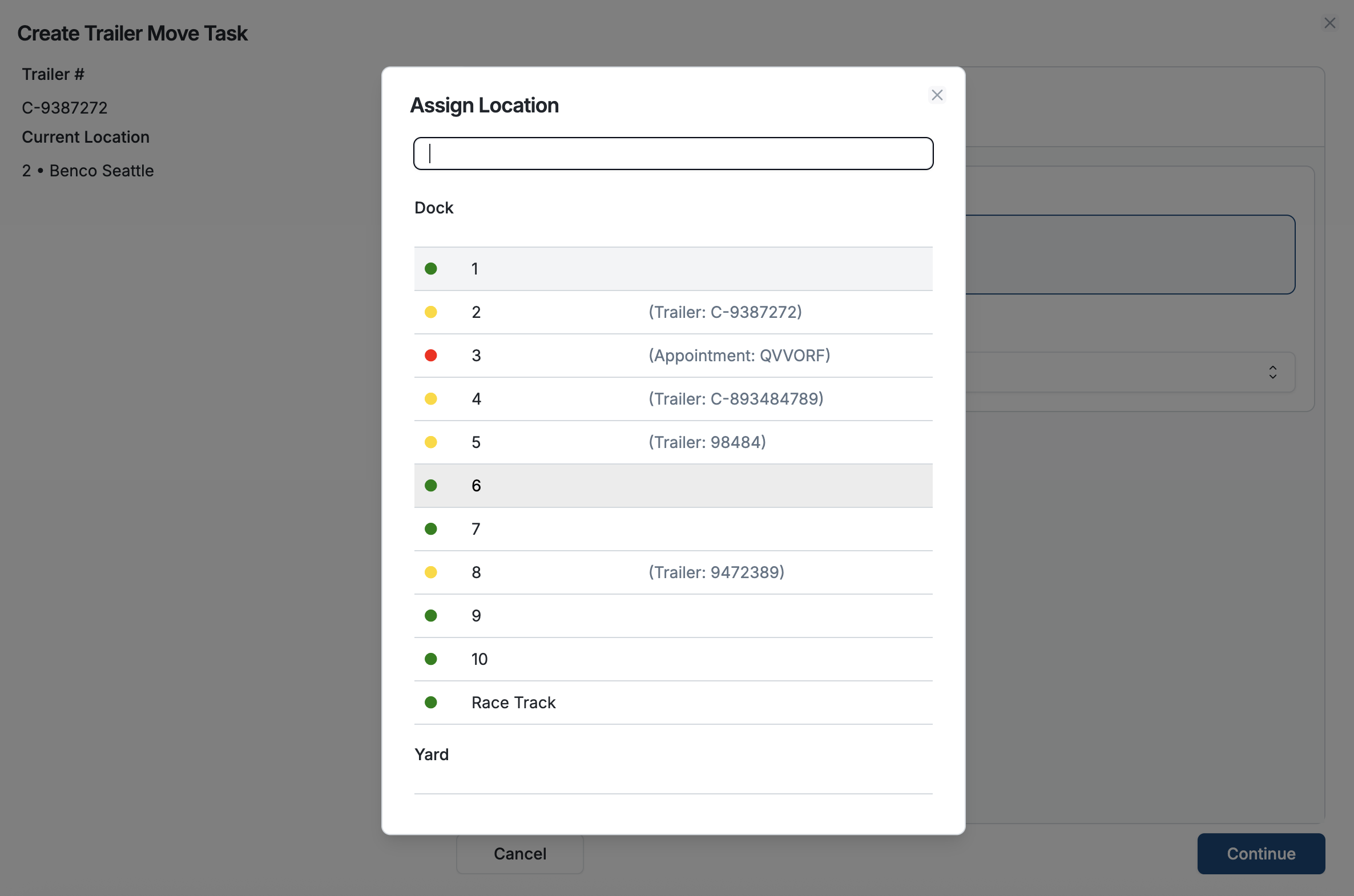
Select your facility and it's destination, then hit Continue
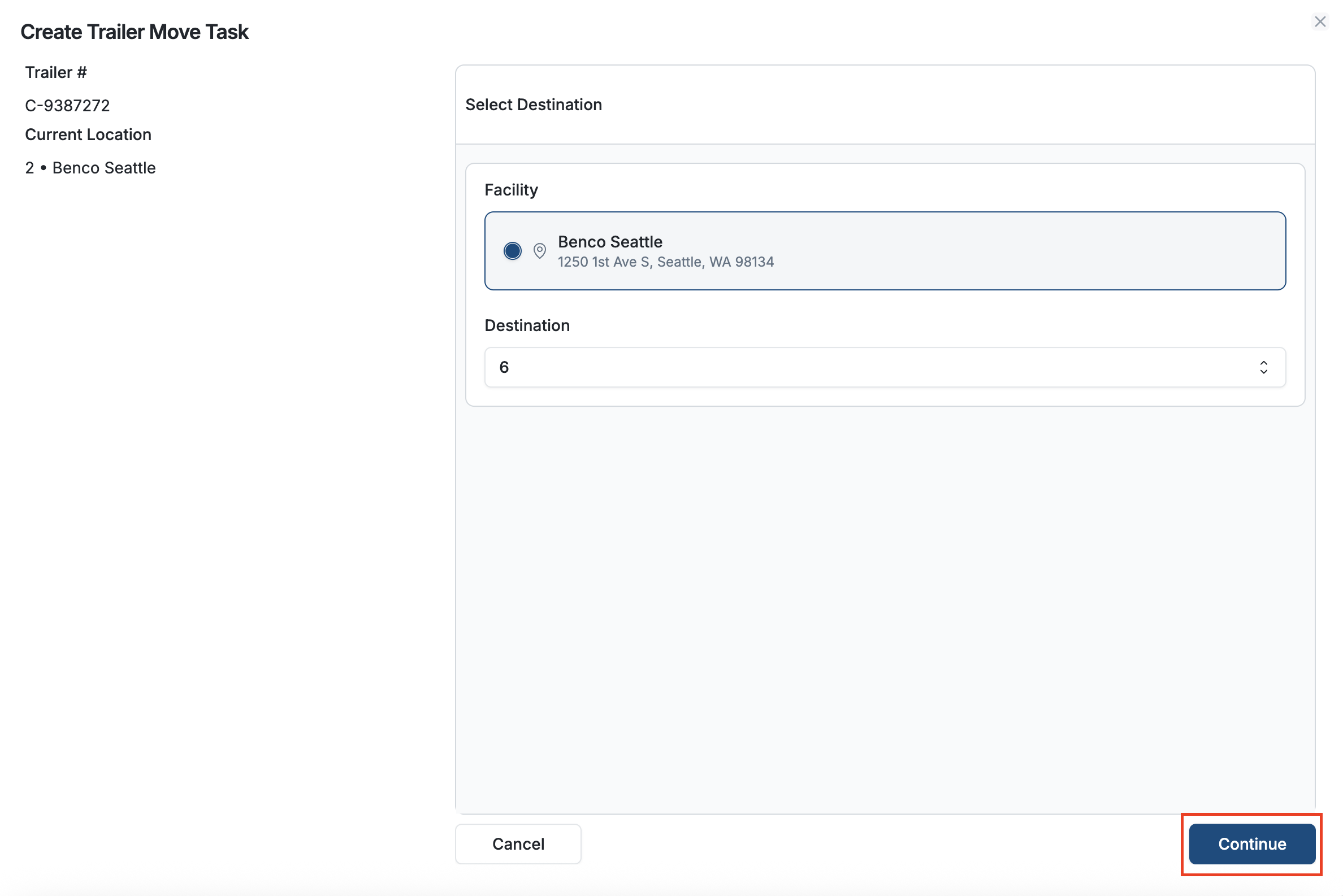
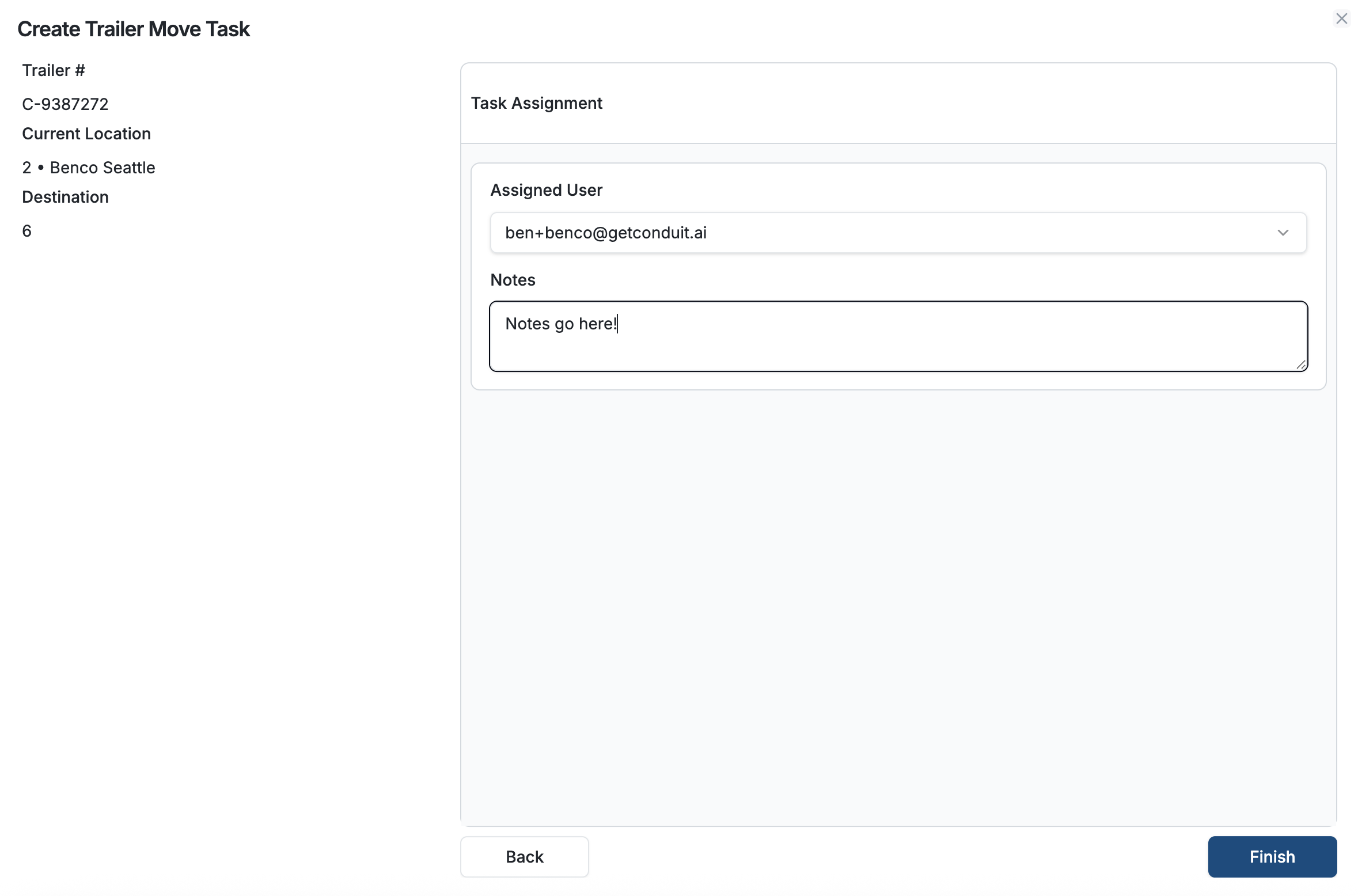
It will then ask you to select a task worker from the dropdown as well as an optional notes field. When ready, hit Finish to complete your task assignment
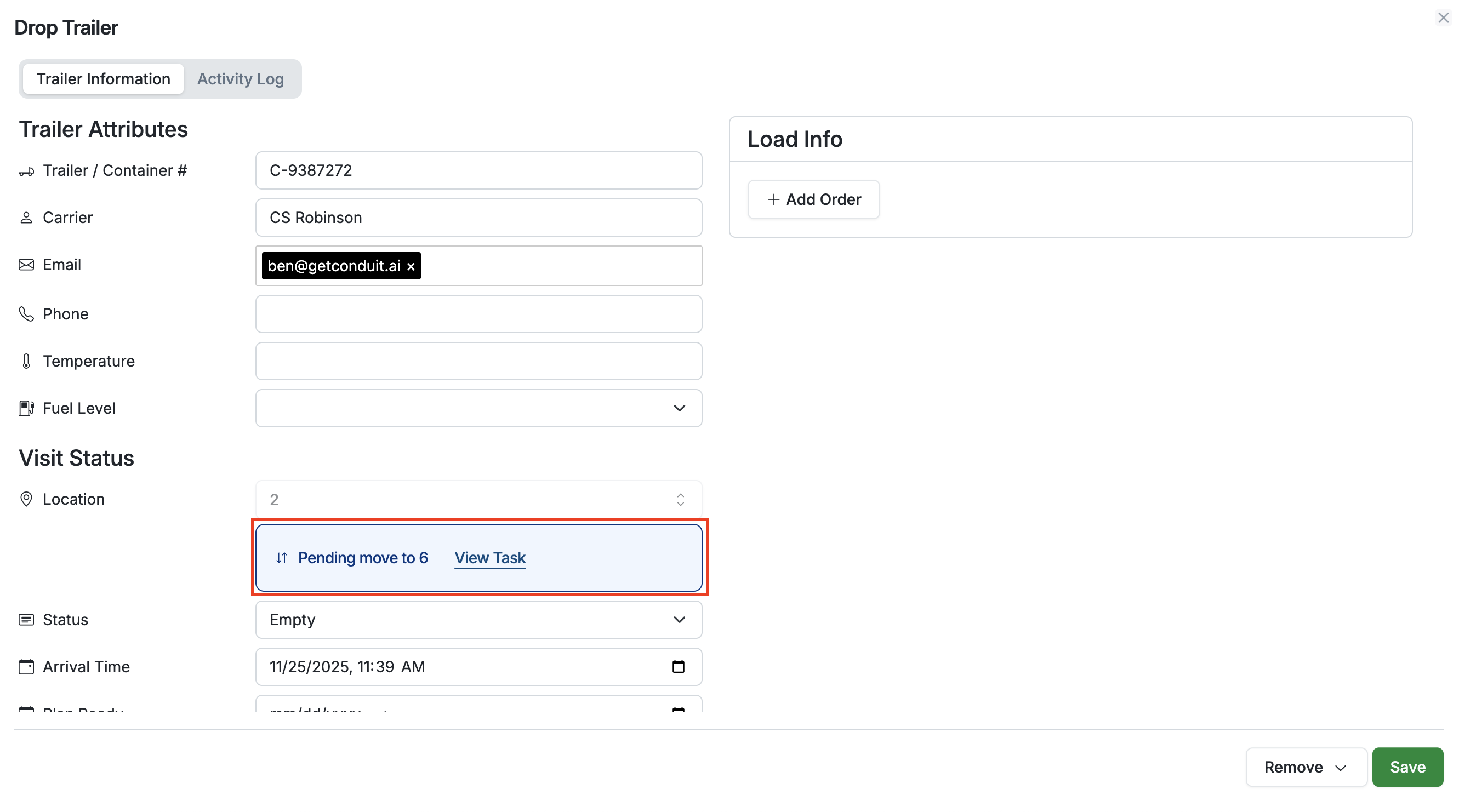
This move will now show as Pending on the trailer detail page
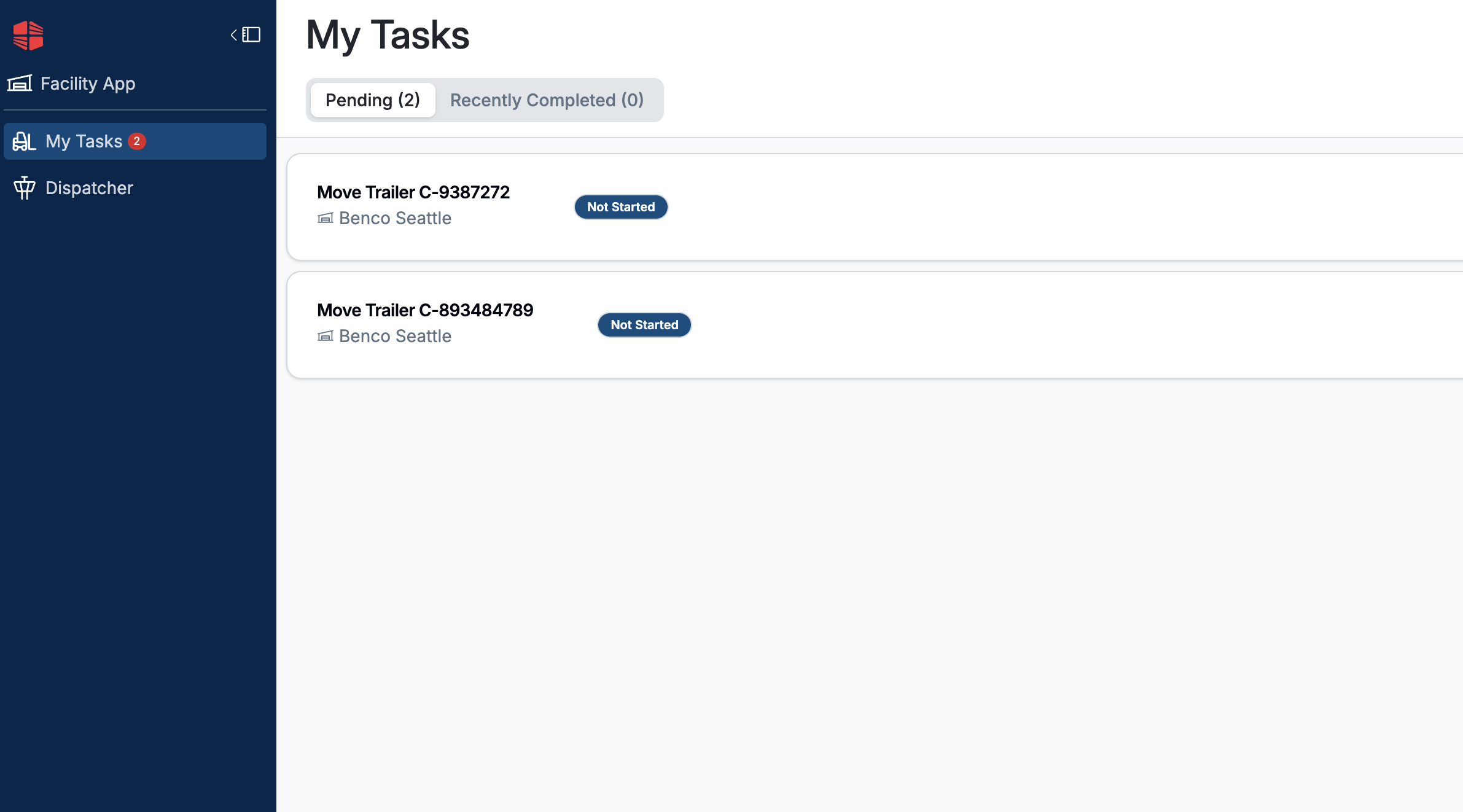
You may repeat this process to add more tasks to your task worker's queue
Actioning and Completing Tasks
Task workers will receive their moves as ordered by the dispatchers, indicated by a red numbered dot. Selecting the first Move will bring them to the move detail page
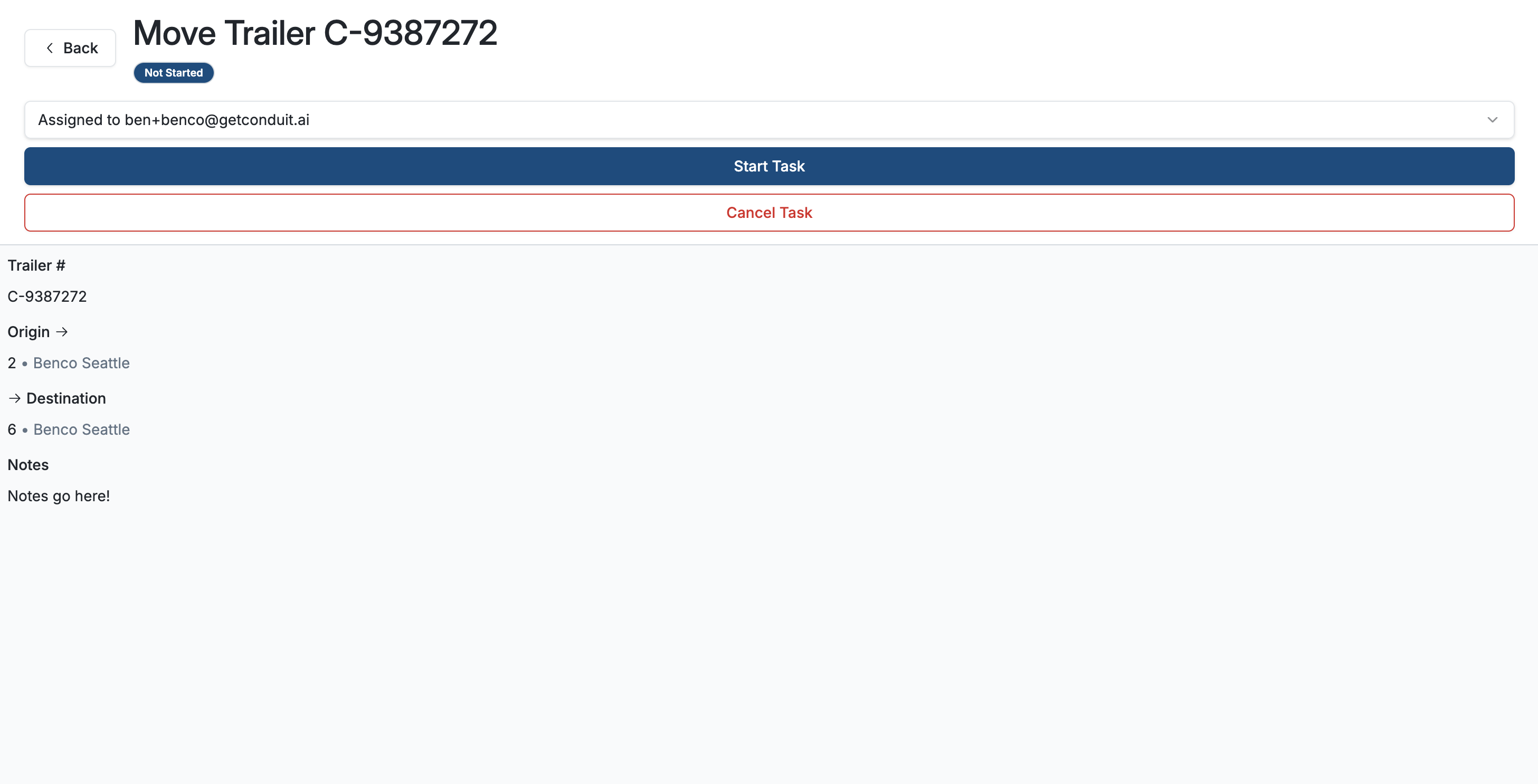
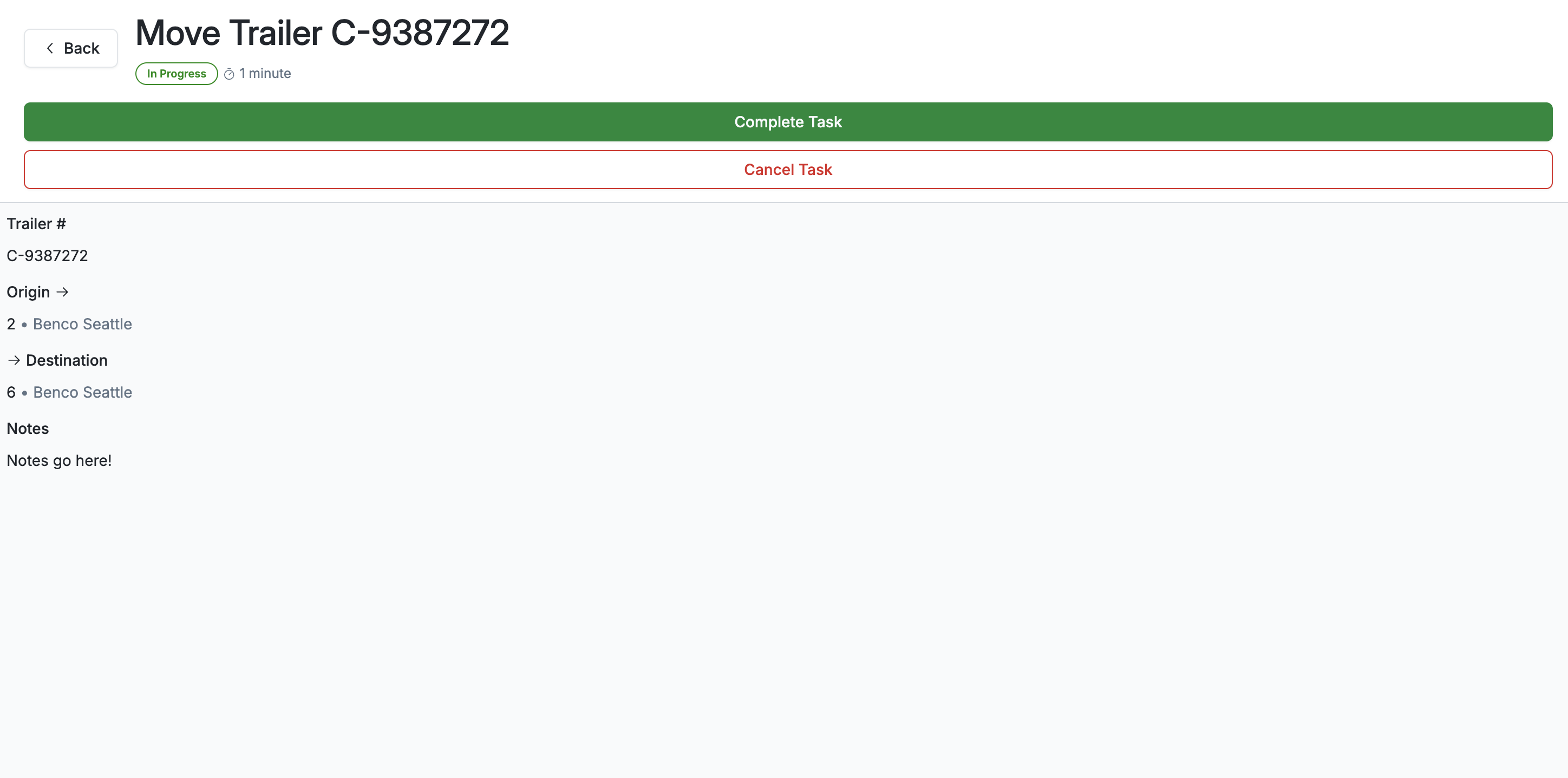
Here they can see the trailer info, location info, as well as any notes added by the dispatcher. They can also Start or cancel the task
Once the task has been started, an automatic timer will time the move length until the task worker hits Complete Task
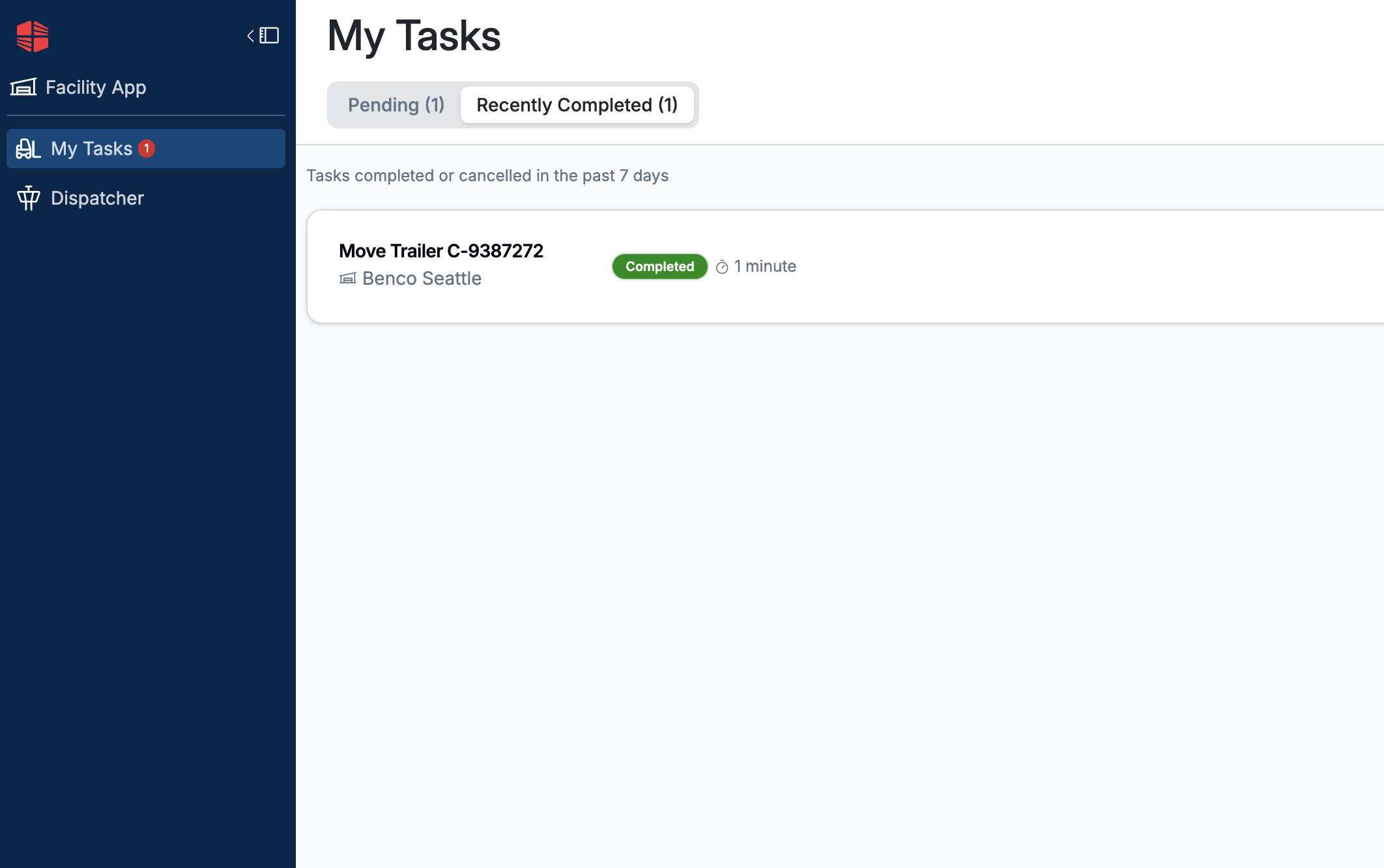
Once completed, this task is automatically moved over into the Recently completed tab, and the task worker can move on to the next assignment until all pending items are complete
Frequently Asked Questions
Do task workers need to have an email to log in?
Yes. All task workers must have an email, but do not need other permissions in order to use Hostler.
Yes. When people schedule appointments using the public scheduling link, Conduit will only allow them to book appointments up to the capacity you selected in your Settings.
For more information on public scheduling, read Schedule an Appointment (Public Scheduling Link).
For more information on appointment capacity, read Setting Appointment Capacity.