Appointment Action Settings
Last updated: April 3, 2026
In Conduit Facility Settings, an admin can configure, enable and disable the actions of each appointment. When these changes are made and saved, they will immediately reflect in the appointment actions page. You can find the article for Appointment Actions HERE.
Instructions
Under Facility Settings, navigate to the Appointment Actions tab.
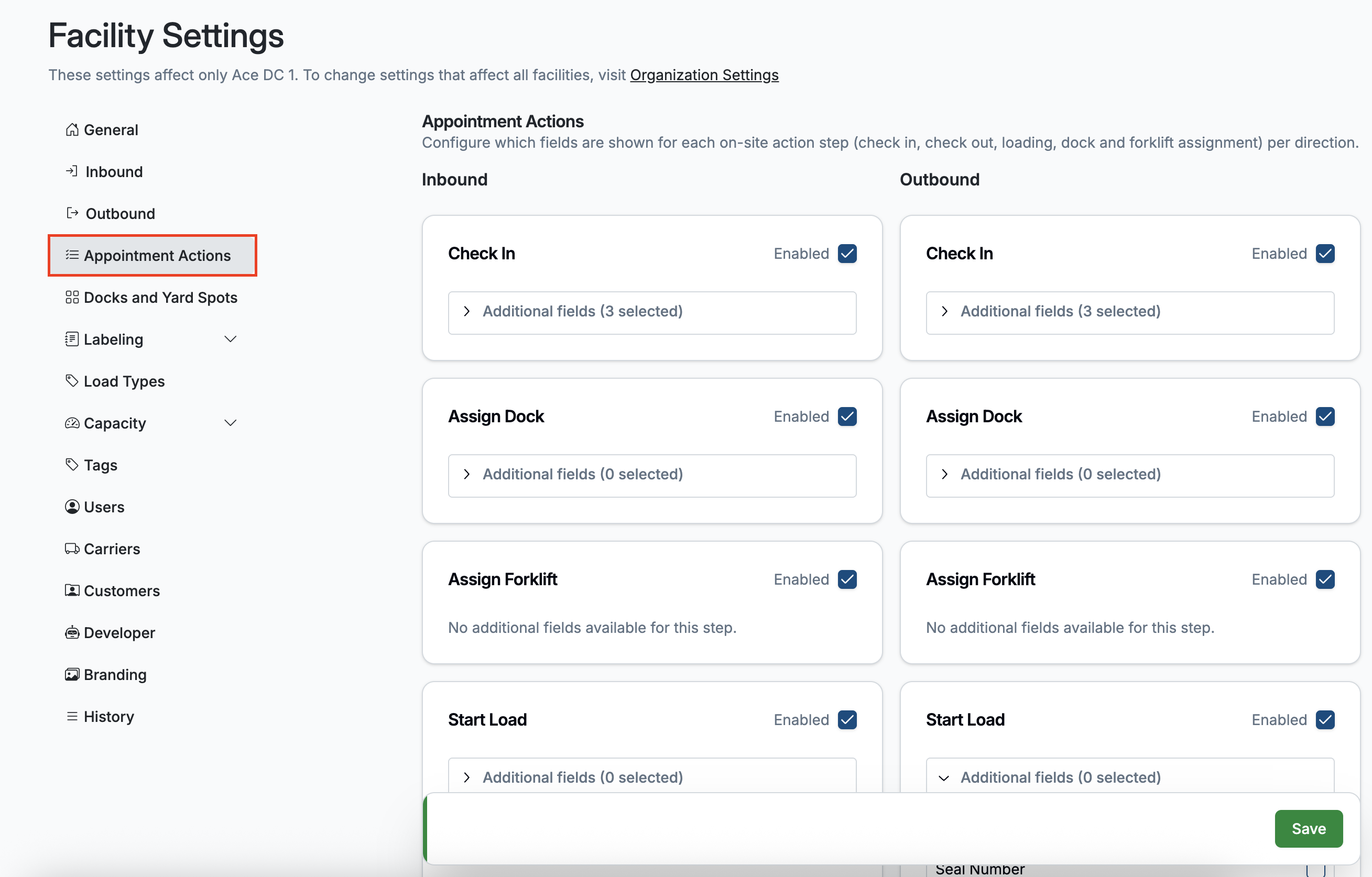
Here you will find appointment action settings split by direction, both inbound and outbound.
Setting Types
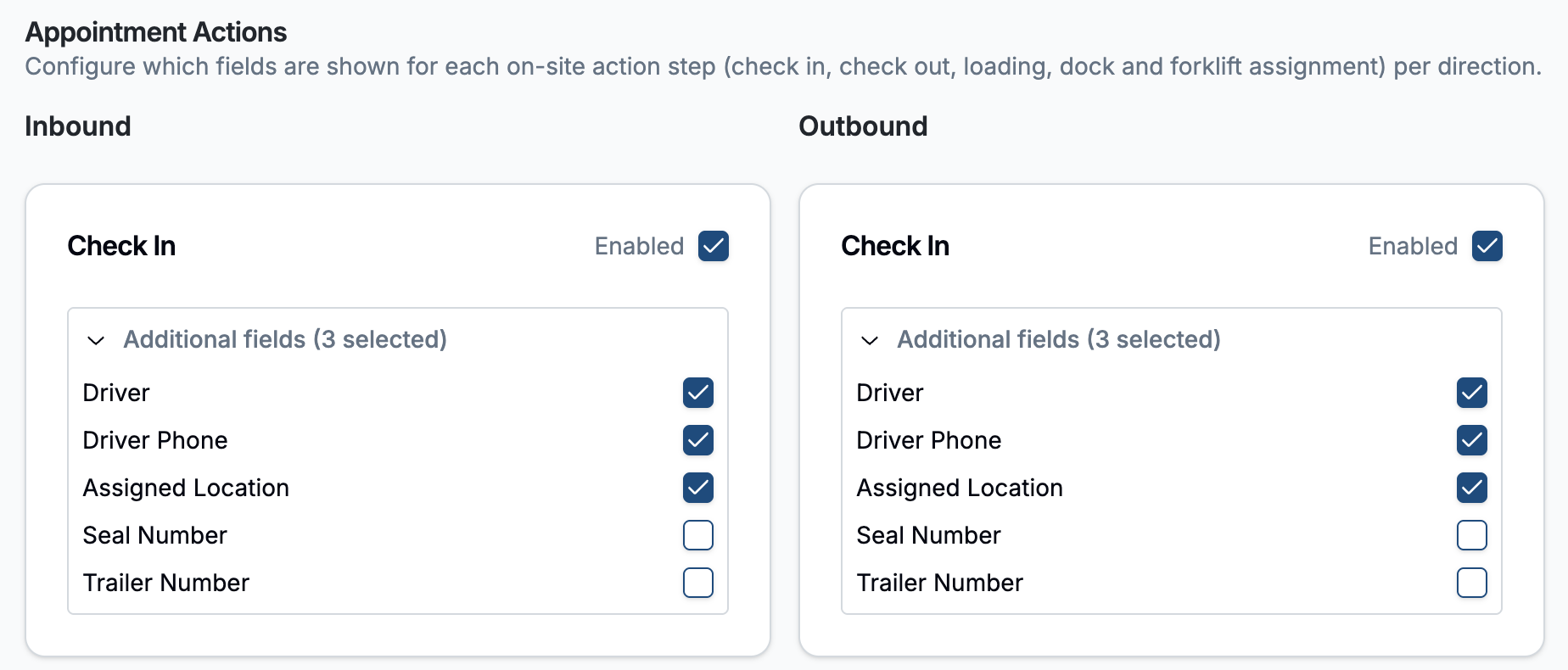
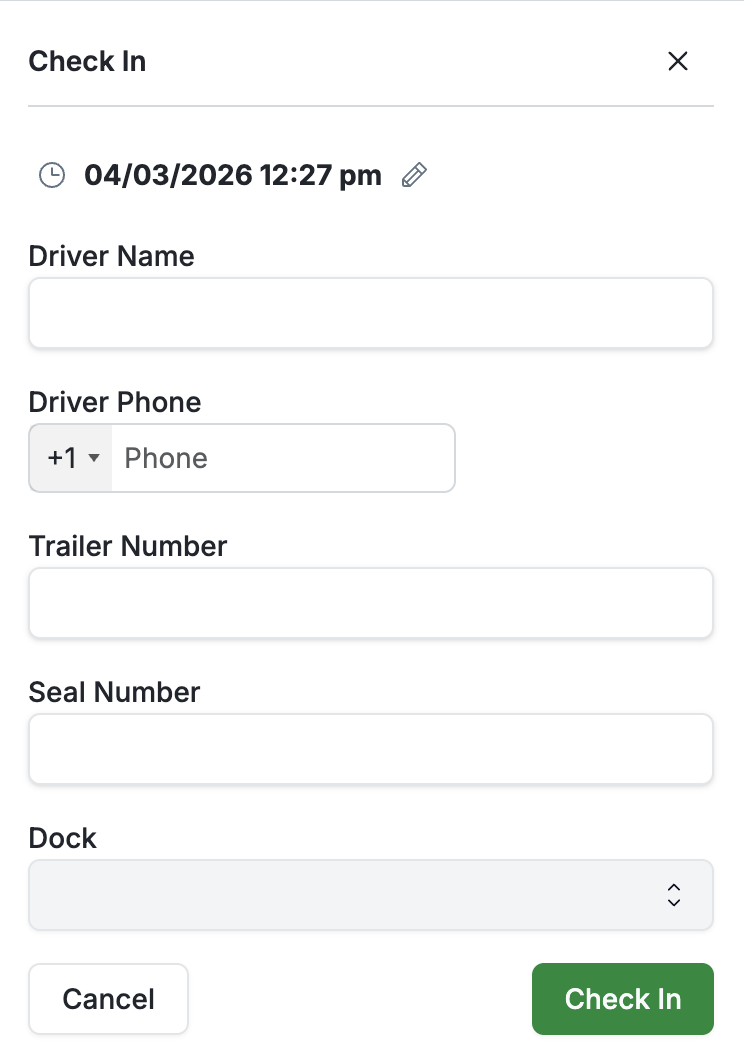
Check In: These actions will toggle on the shown fields once a user clicks the Check In button.
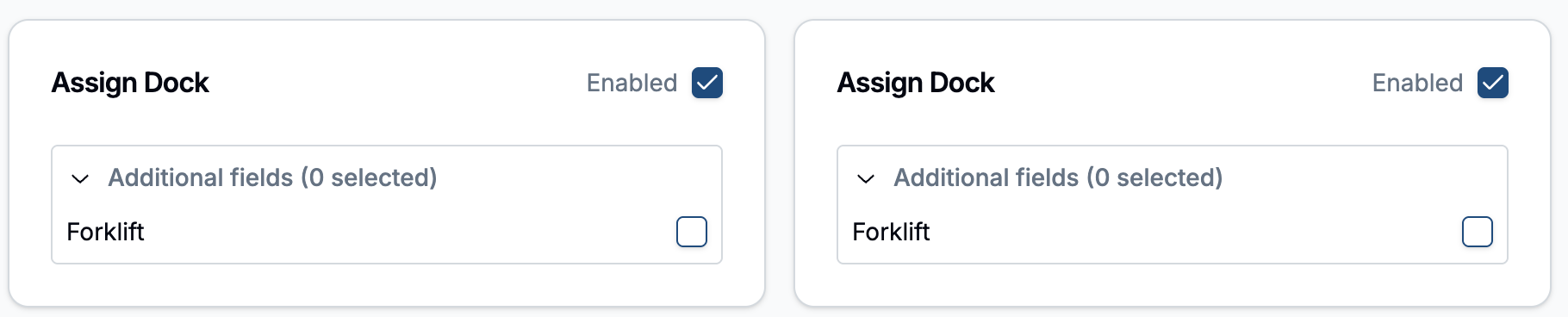
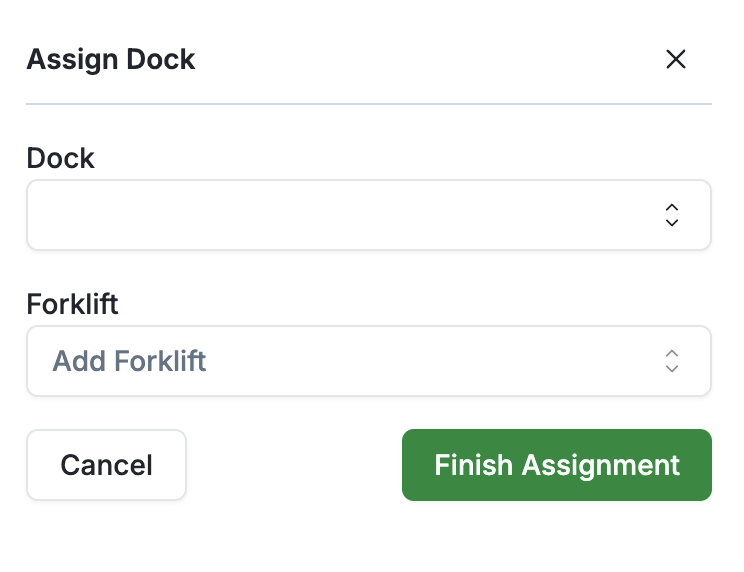
Assign Dock: When toggled on, a user will be prompted to also assign a Forklift operator when assigning a dock.
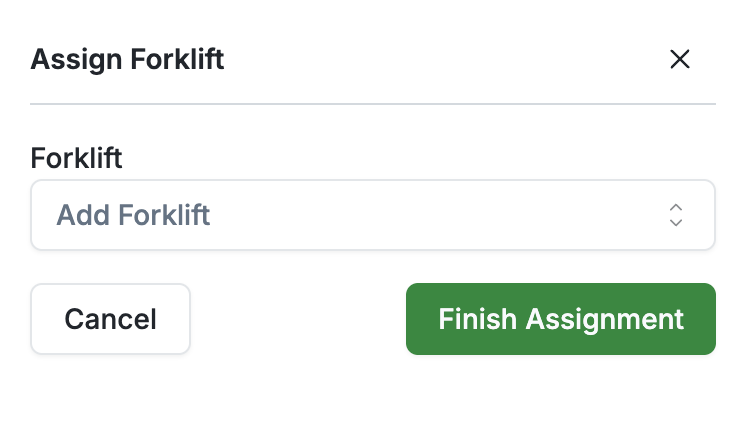
Assign Forklift: This will toggle on or off a separate field for assigning forklift operators.

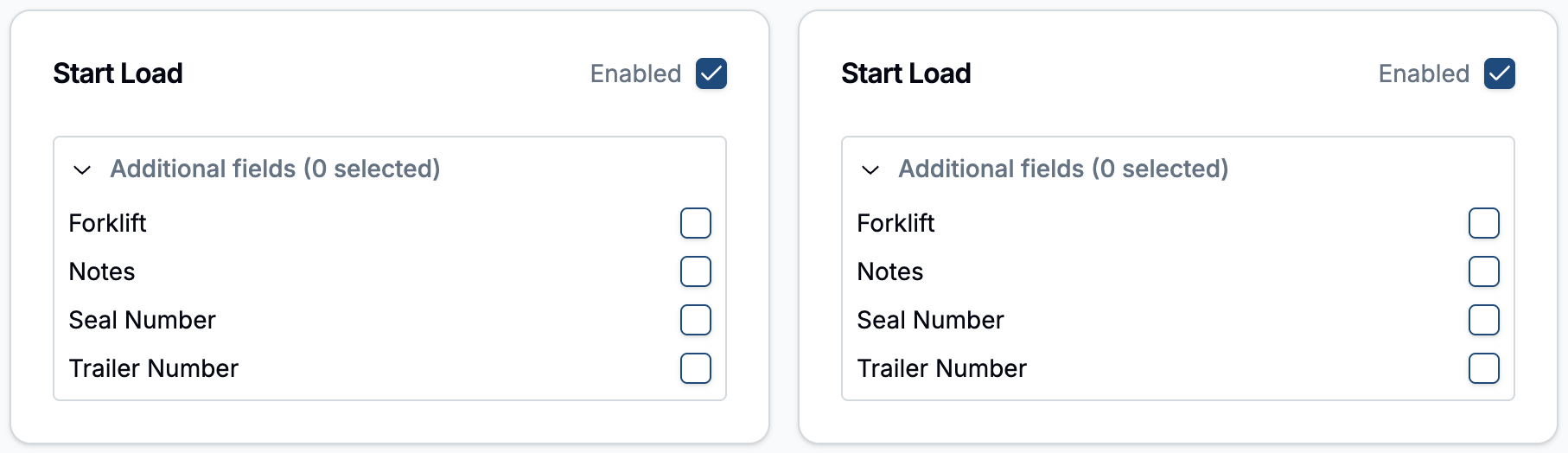
Start Load
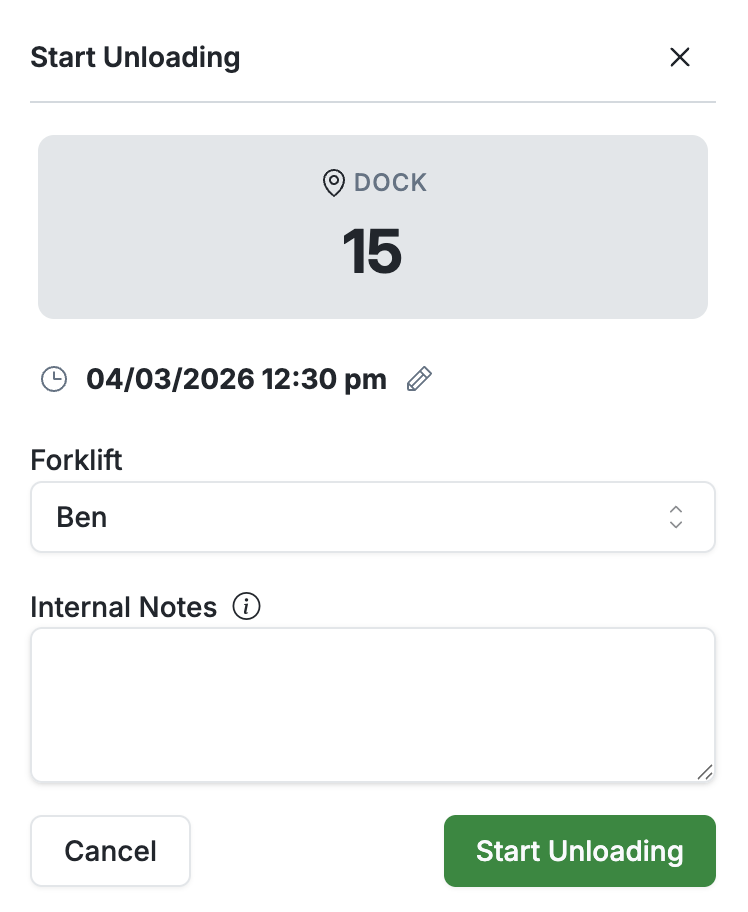
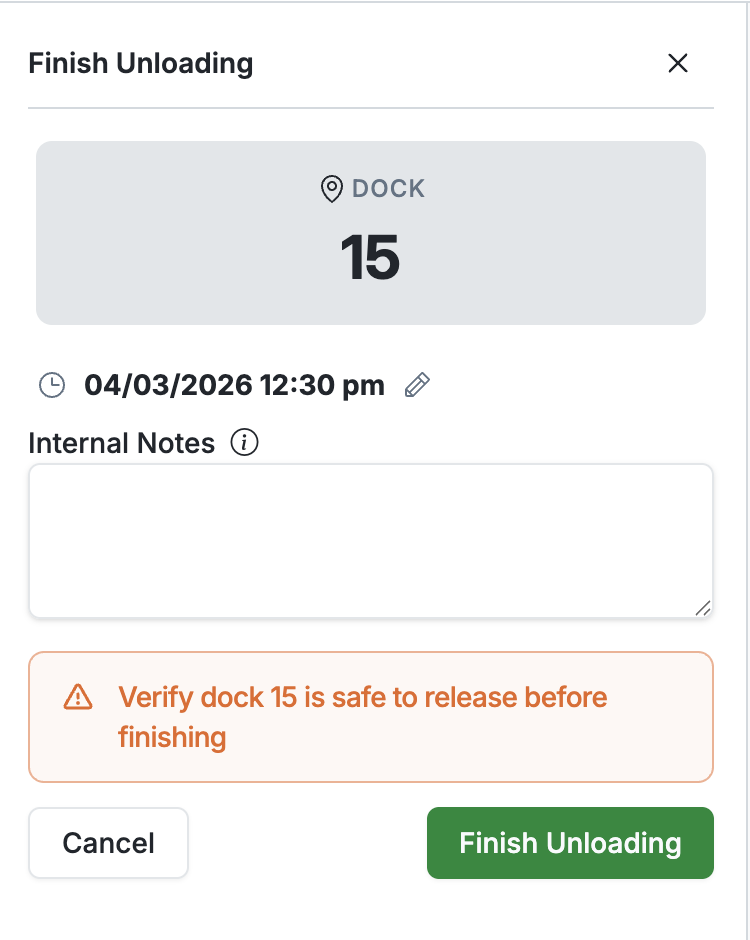
Finish Load: This will toggle on or off a pop up to add notes before finishing a load. These notes will be Internal only, and will not be shared with Carriers/Shippers/Customers.

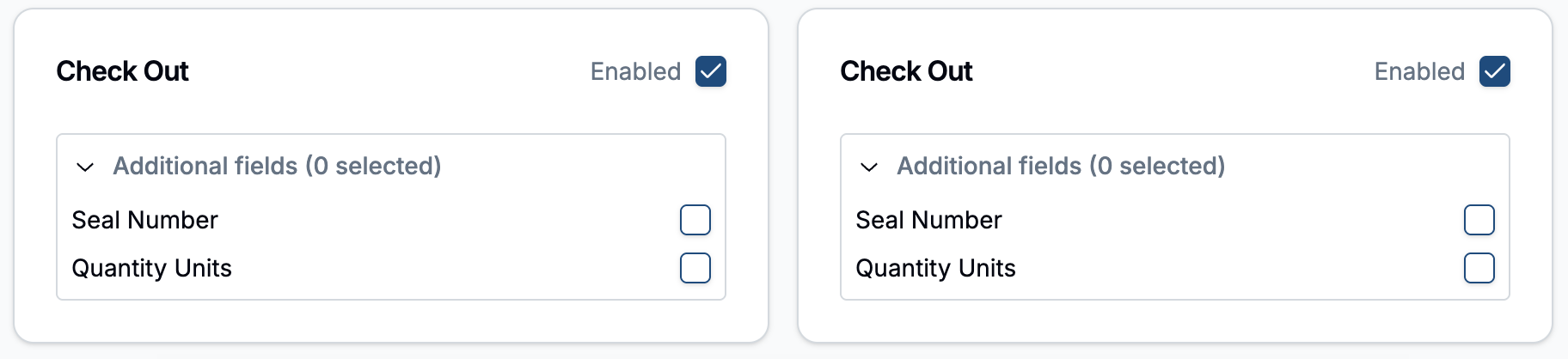
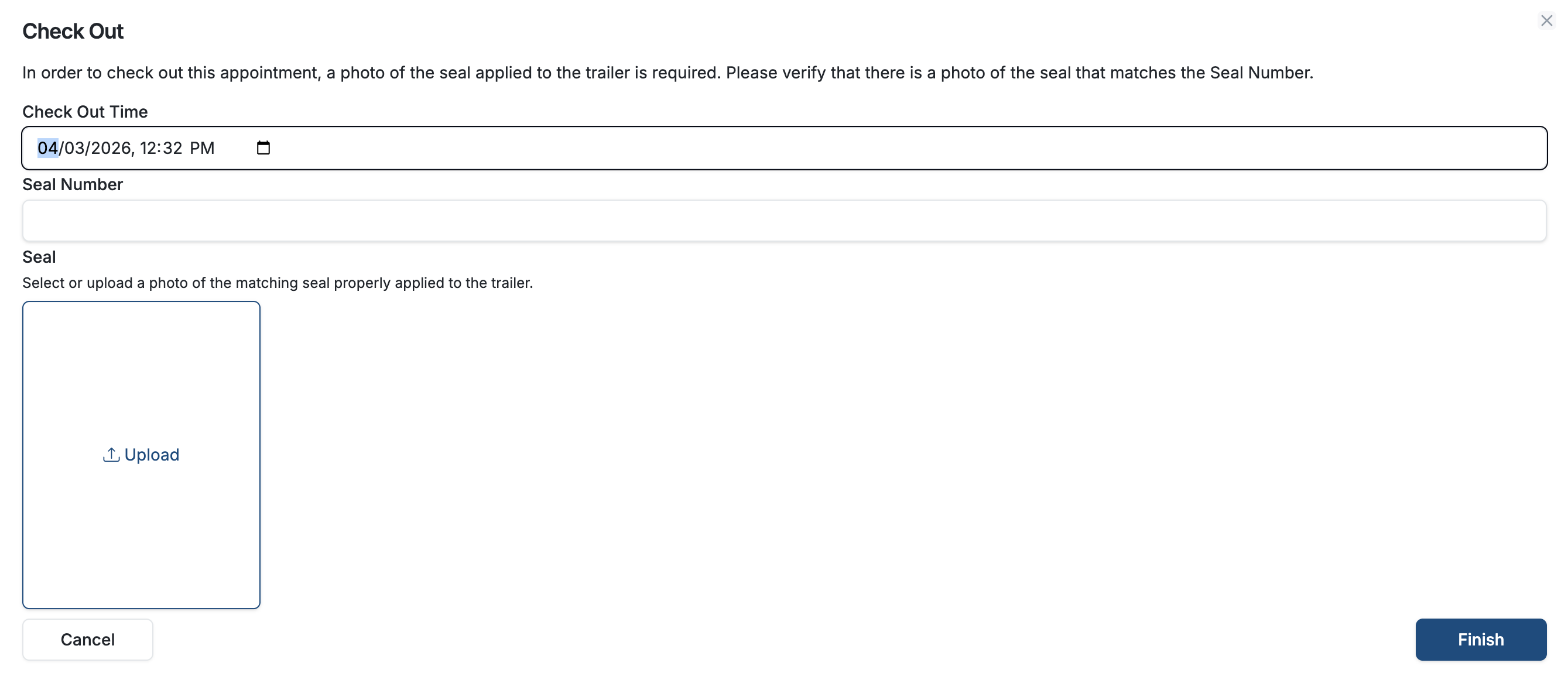
Check Out: These will toggle Seal Number (Outbound) to be and Qty Units as fields upon checkout.
Frequently Asked Questions
Who can change these settings?
Only an admin user can change Appointment Action Settings