Managing your Logo Banner
Last updated: June 24, 2025
Ensuring that your company branding is present can give confidence to carriers and drivers that they are interacting with the correct site. To facilitate this, Conduit supports customizing your company banner on the scheduling and check-in pages.
Instructions
Organization Admins can manage banner logos at a the Organization level. A banner configured at this level will be used for all warehouse facilities.
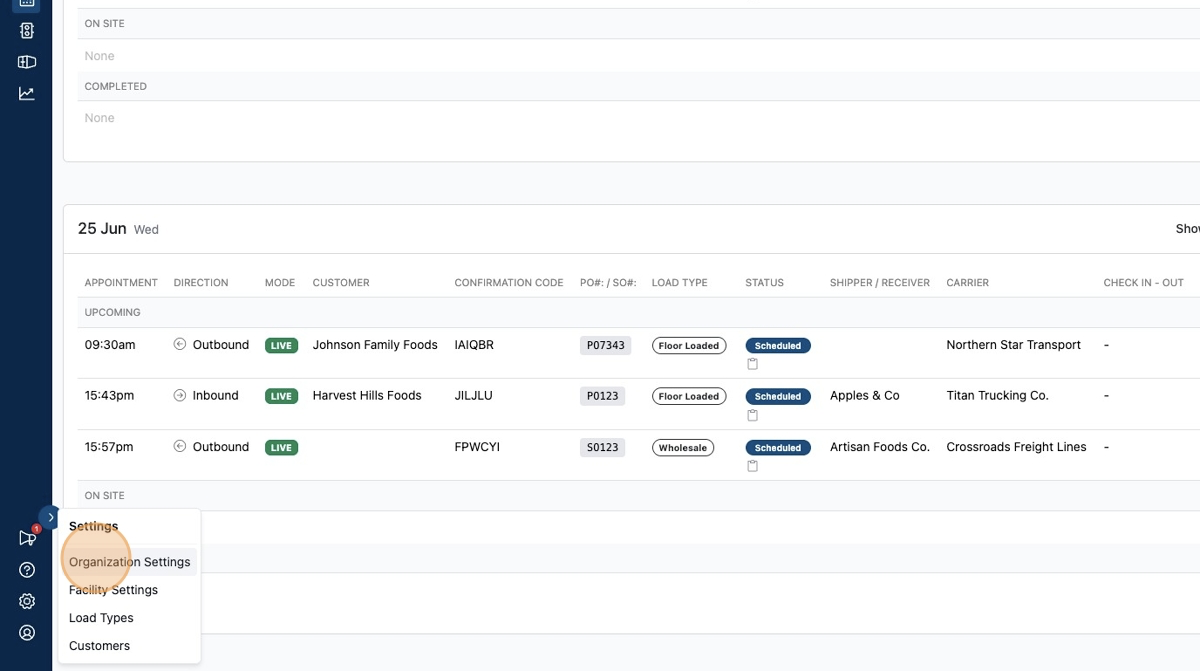
To do this, click "Organization Settings" within the gear icon menu.
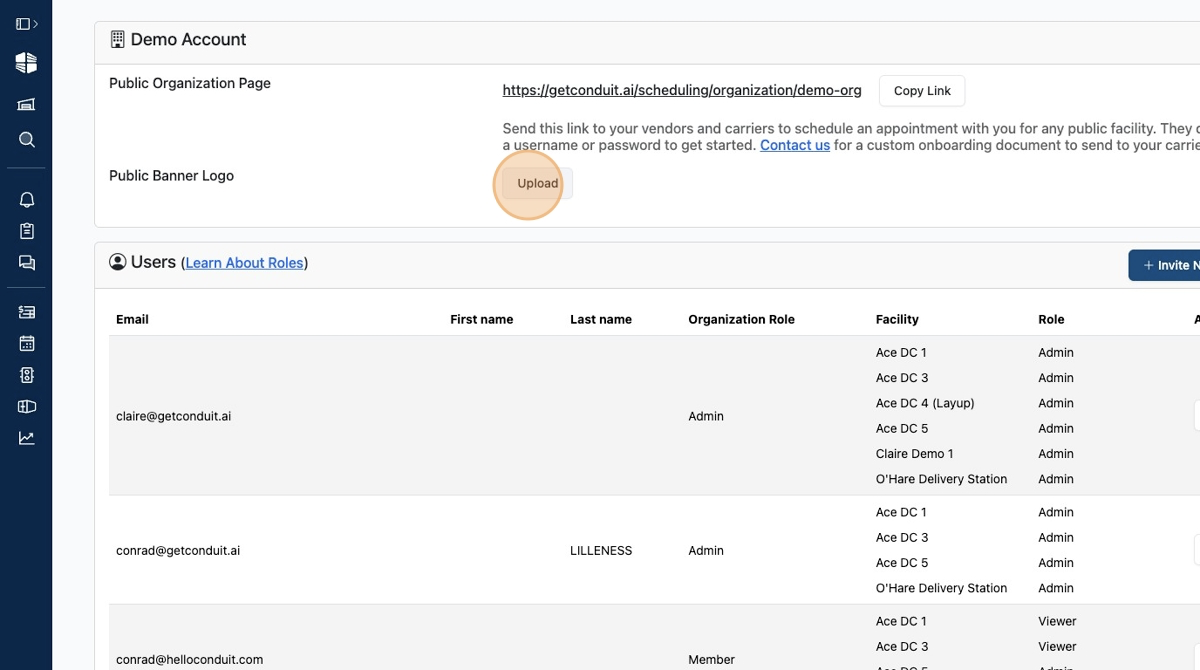
Click "Upload"
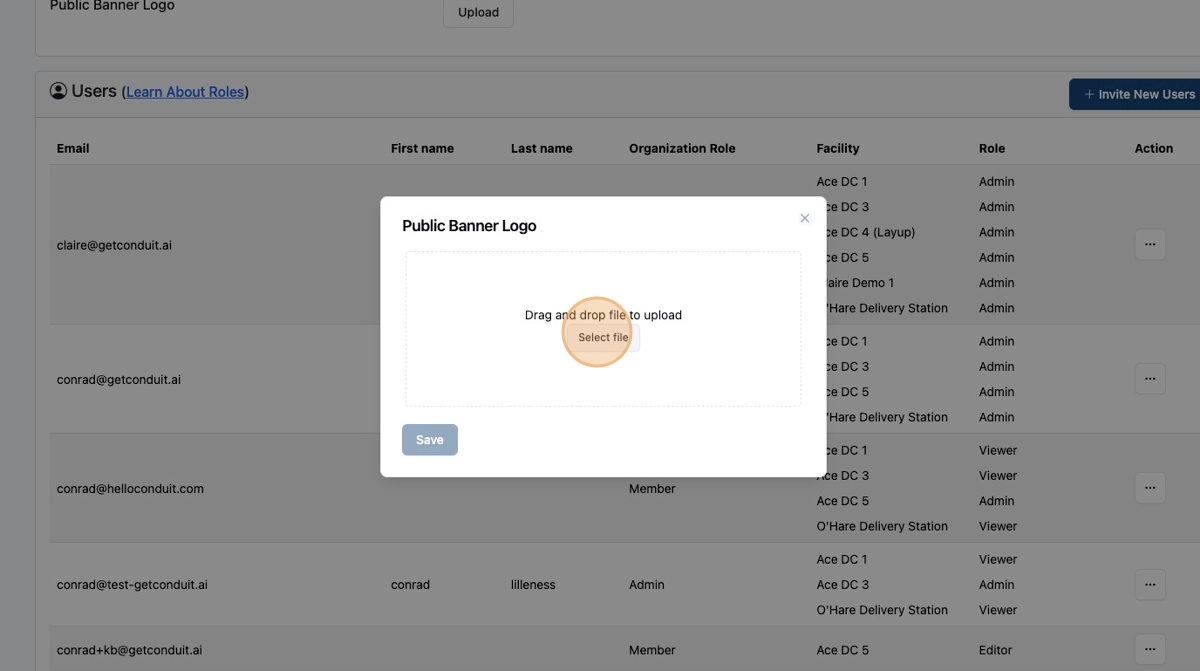
Click "Select file" and select the appropriate image file from your file system. Alternately, drag and drop the appropriate image file into the input box.
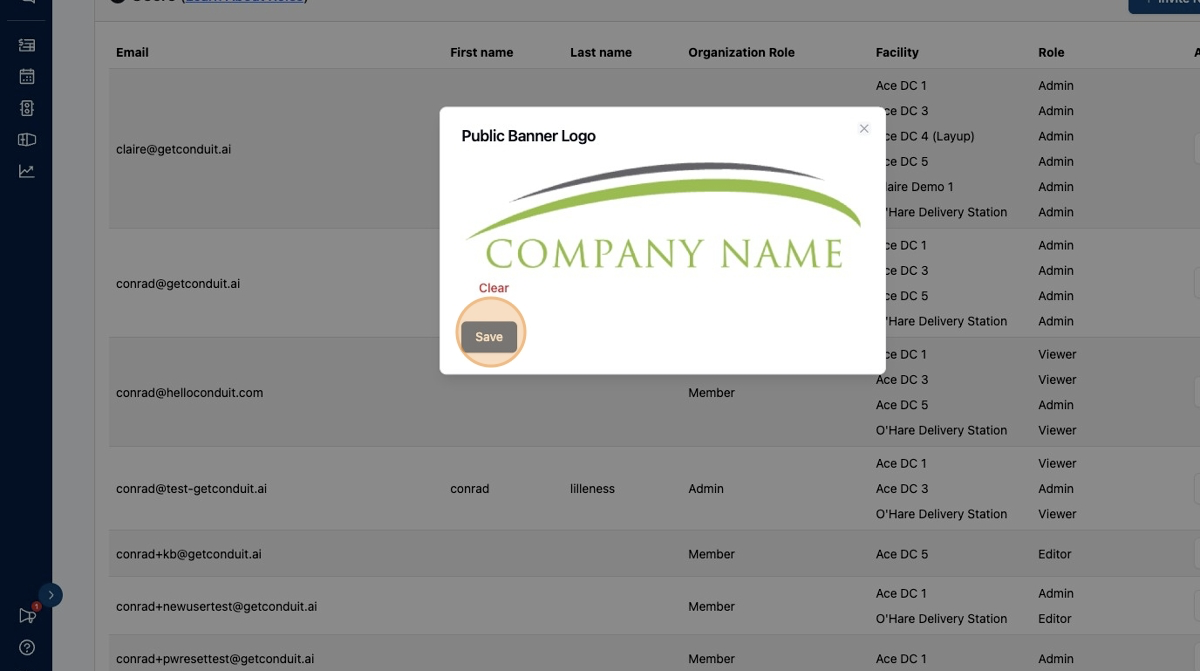
A preview of your uploaded file will appear. Click "Save" to save your selection.
The configured banner logo will now be displayed in your scheduling page.
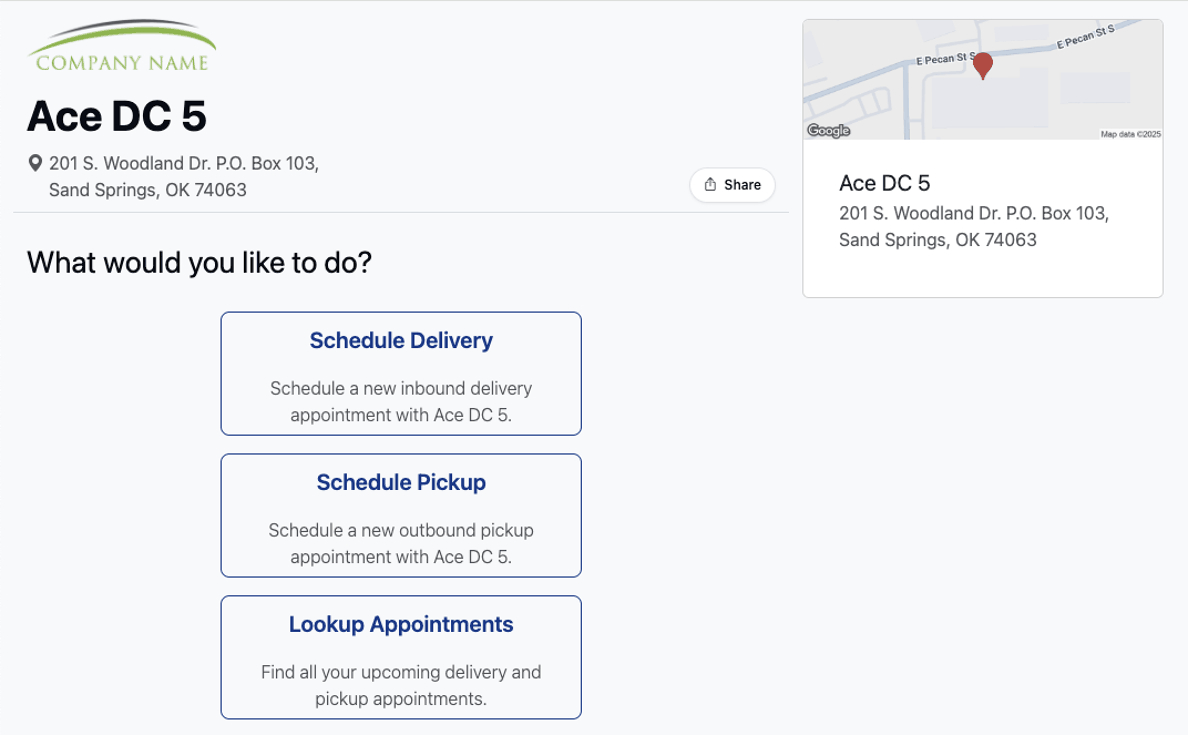
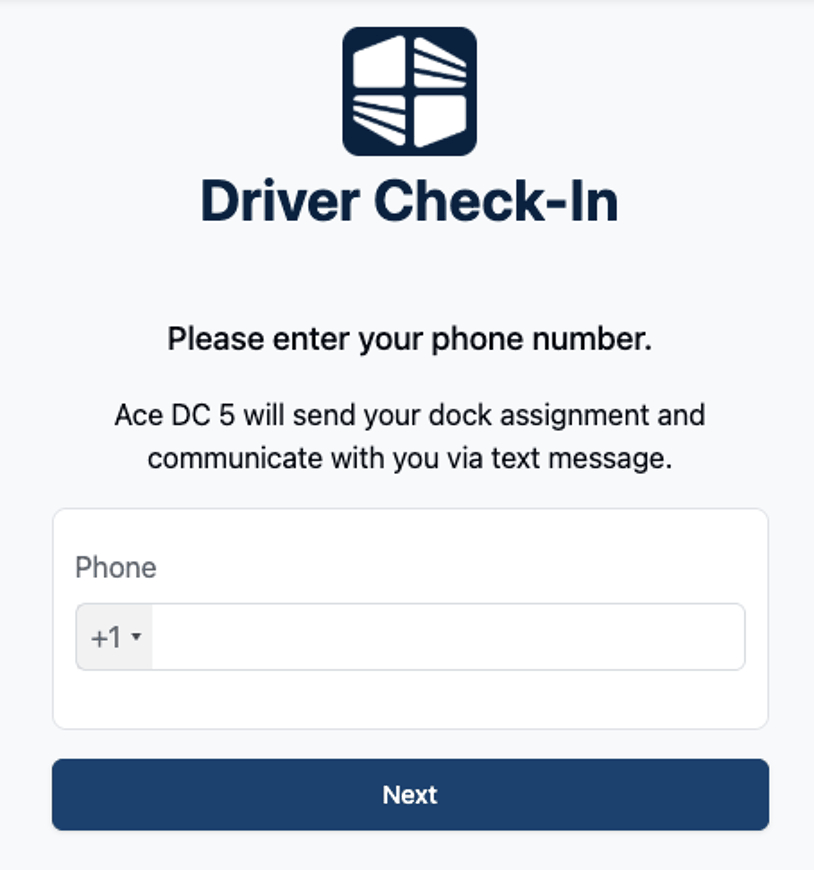
The configured banner logo will also be displayed in your check-in page.
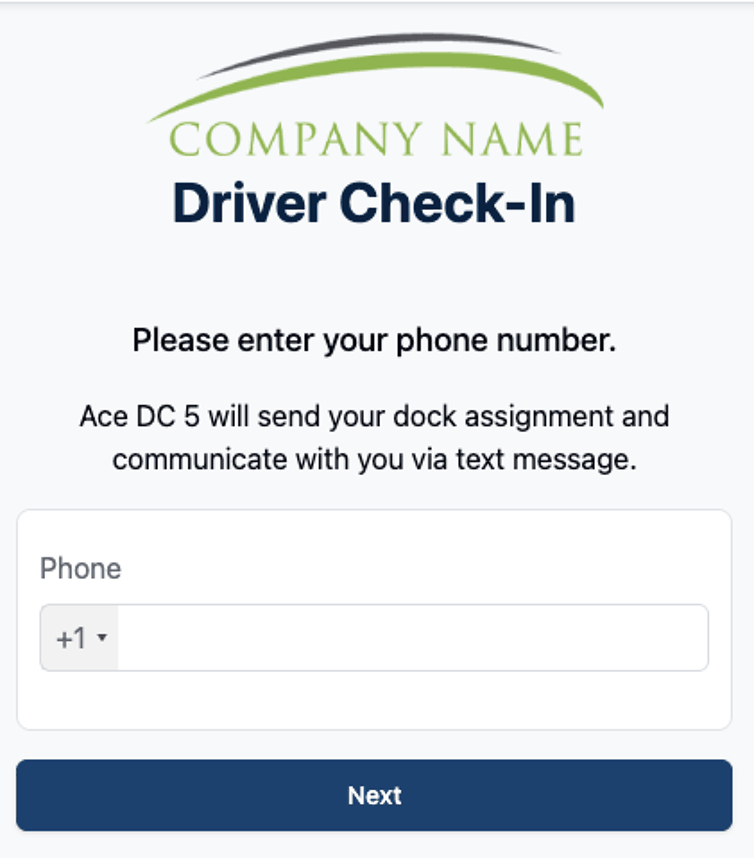
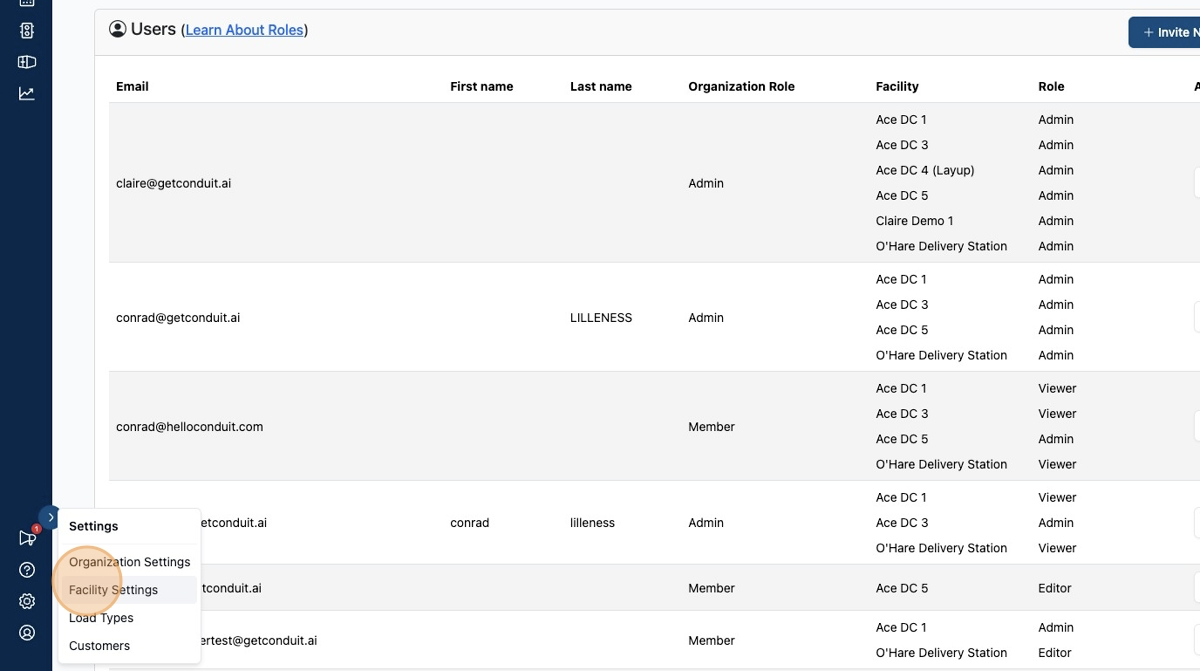
Facility Admins can also manage banner logos at an individual Facility level. To do this, click "Facility Settings" within the gear icon menu.
Click "Branding"
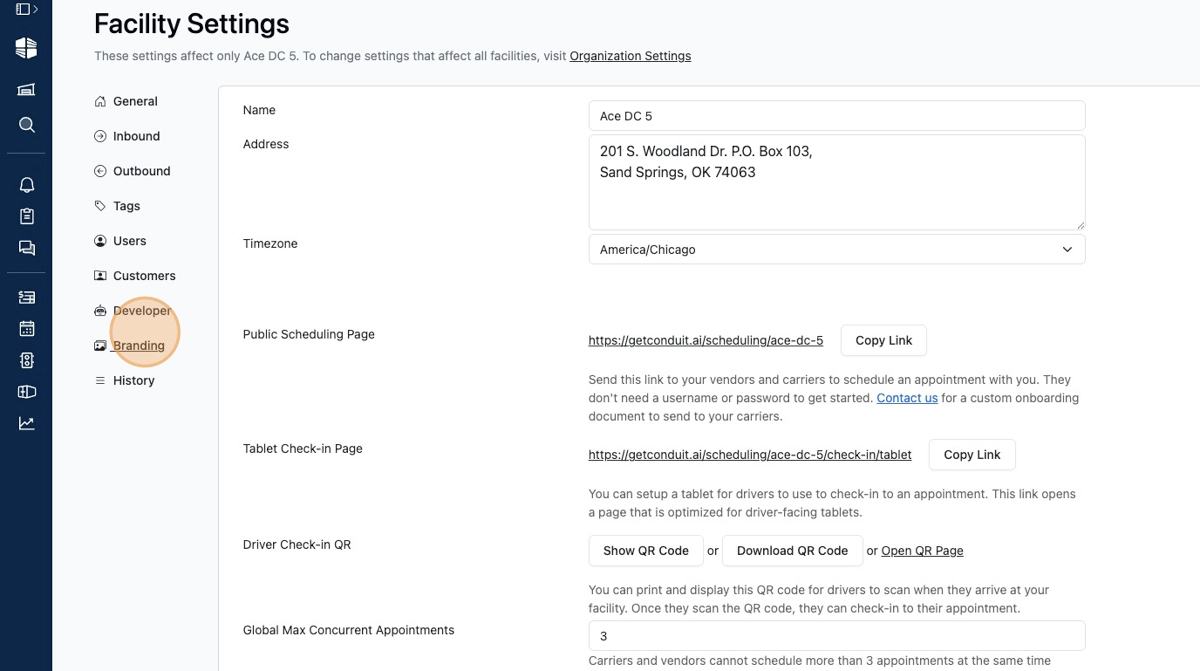
Click "Upload" next to Facility Public Banner Logo .
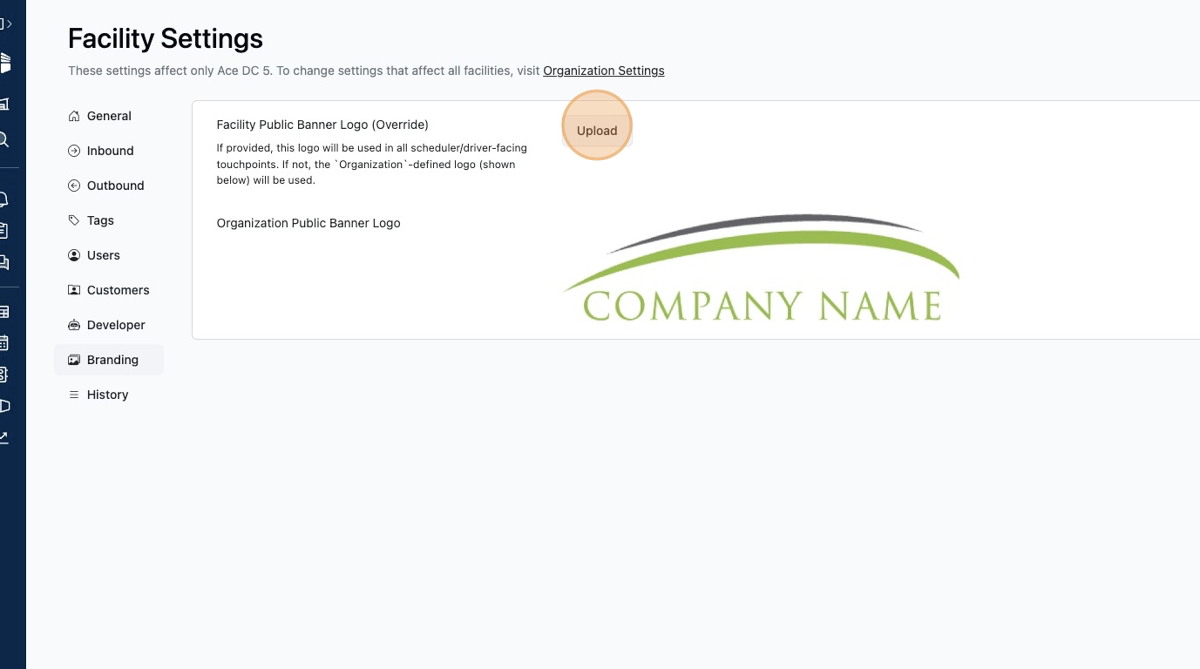
Click "Select file" and select the appropriate image file from your file system. Alternately, drag and drop the appropriate image file into the input box.
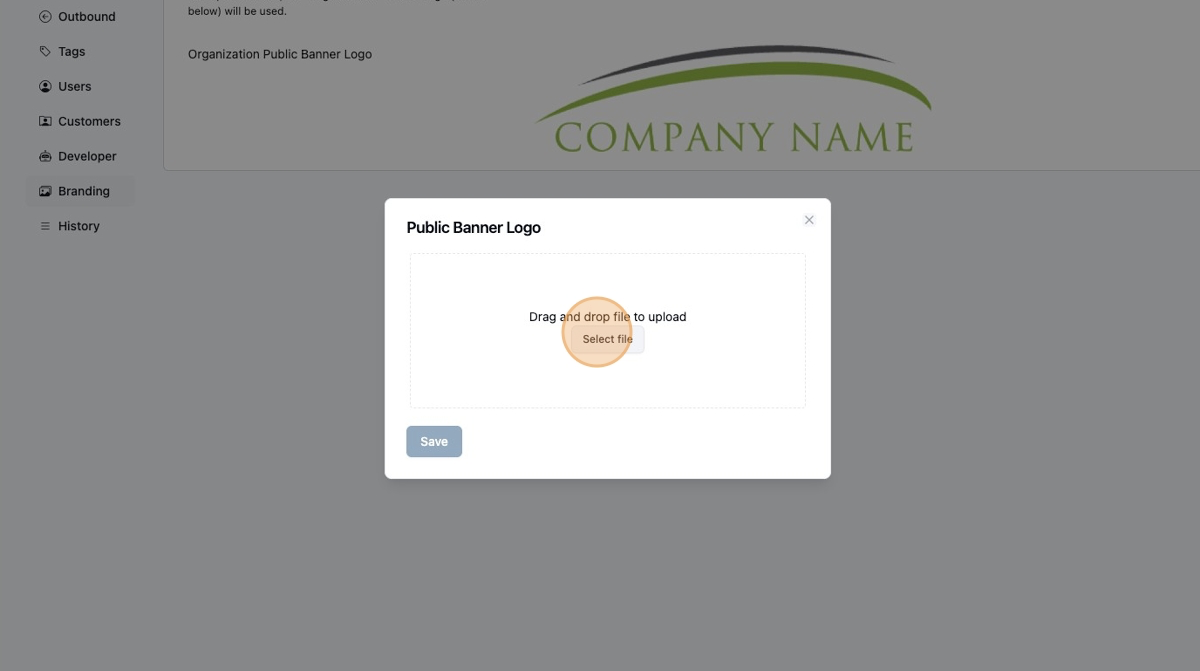
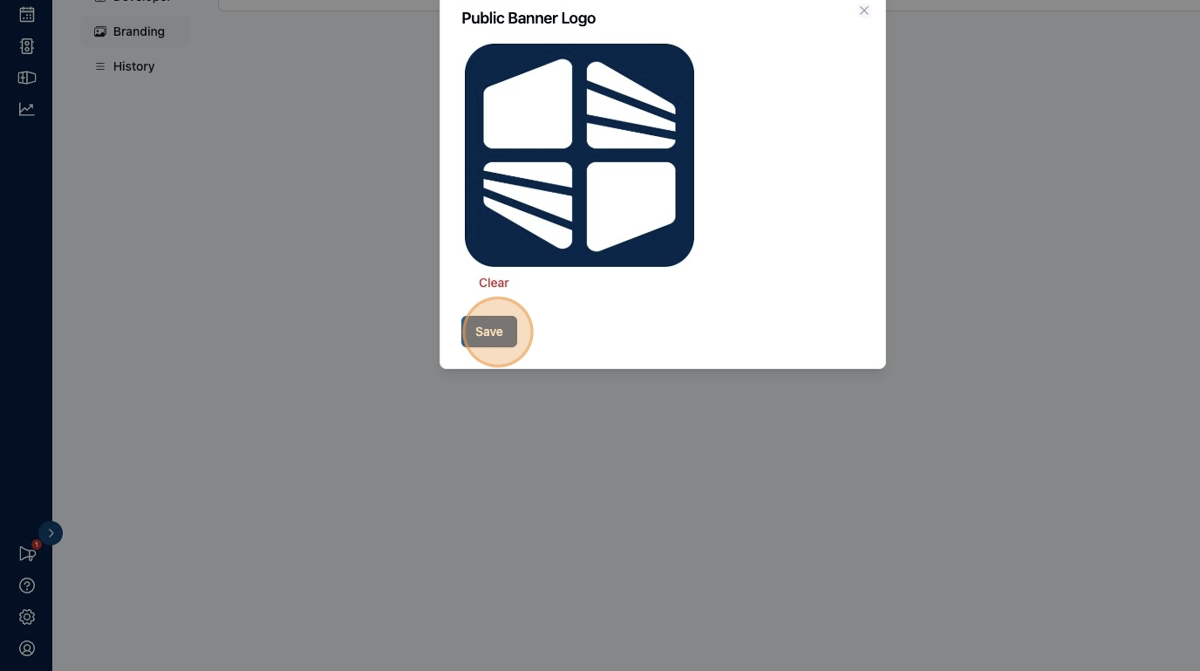
A preview of your uploaded file will appear. Click "Save" to save your selection.
The configured banner logo will now be displayed in your scheduling page.
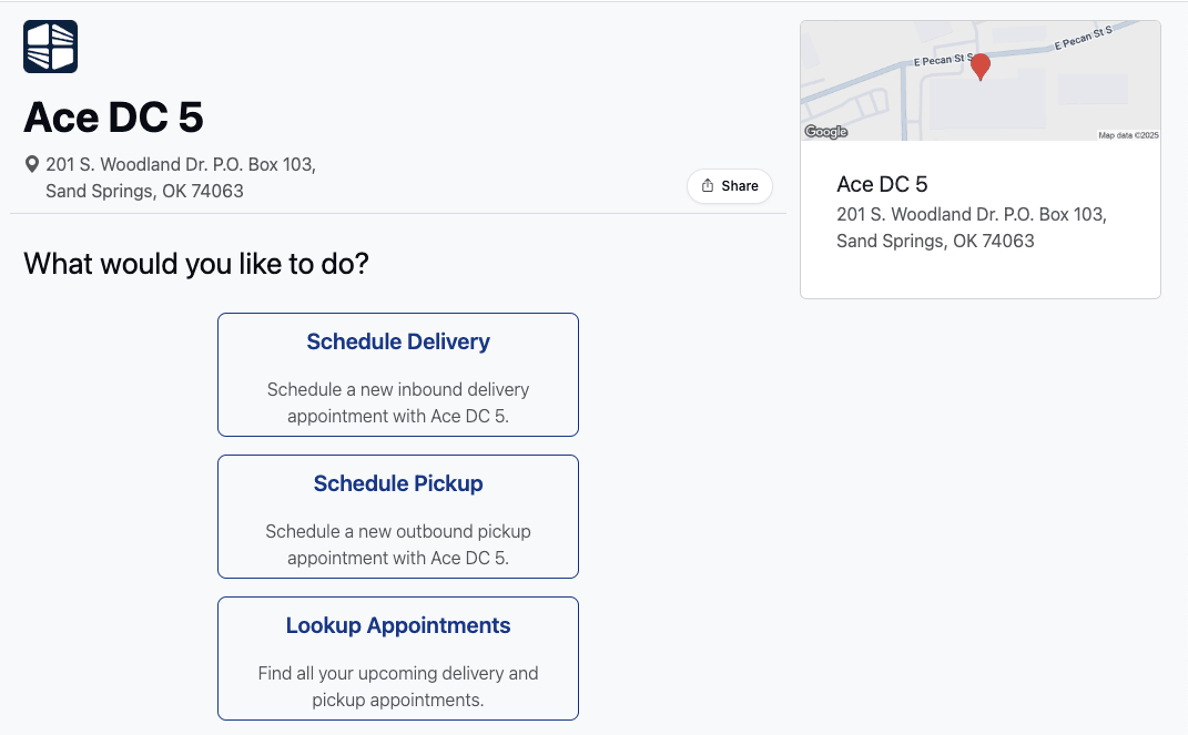
The configured banner logo will also be displayed in your check-in page.
Frequently Asked Questions
What is the recommended size for my banner logo image?
The banner logo is typically displayed with a fixed maximum height. The ideal ratio for a banner logo image can vary, but we generally recommend a 4:1 width:height ratio.
If in doubt, check out your own scheduling and check-in pages after updating the configuration.
Who can manage banner logos?
Organization Admins can manage banner logos for the entire organization. Facility Admins can manage banner logos for their individual facilities. If both are configured, the Facility-level banner logo is displayed.