Organization (Company-Wide) Settings
Last updated: June 3, 2025
This guide provides information on organization settings, which are for the entire company. These include the public booking page for all of your facilities. It also includes all of the users that are part of your company, as well as API access instructions.
Organization settings are distinct from facility-specific settings, which can be managed separately.
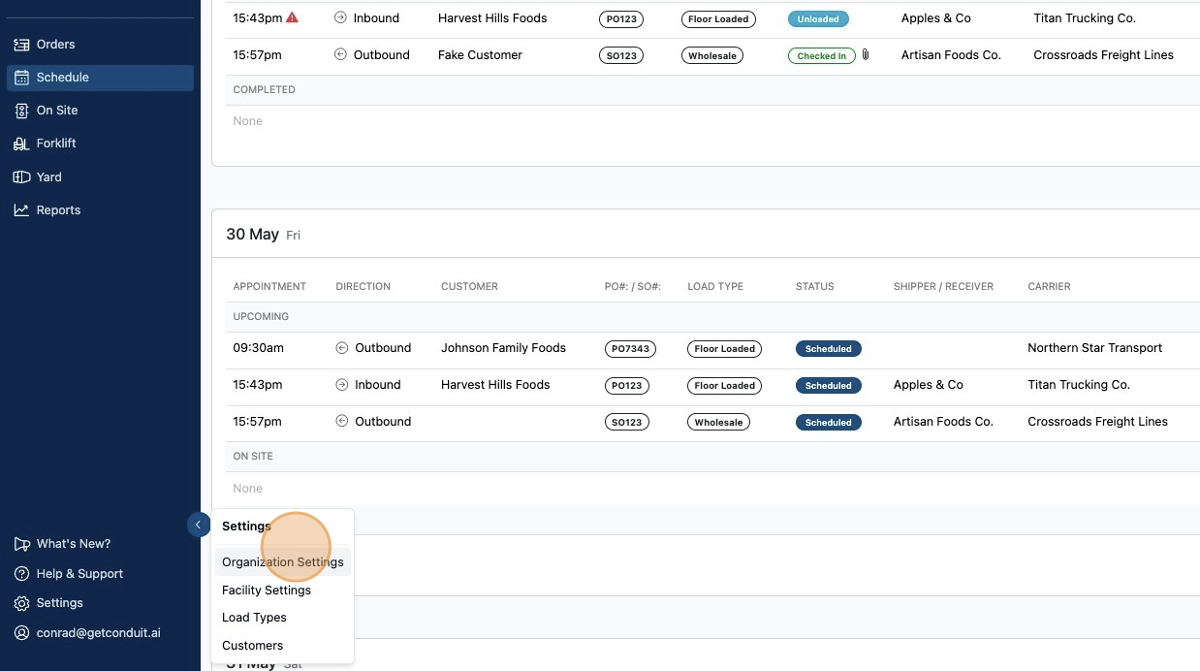
To access organization settings, click the gear in the bottom left corner, then click organization settings.
This page includes:
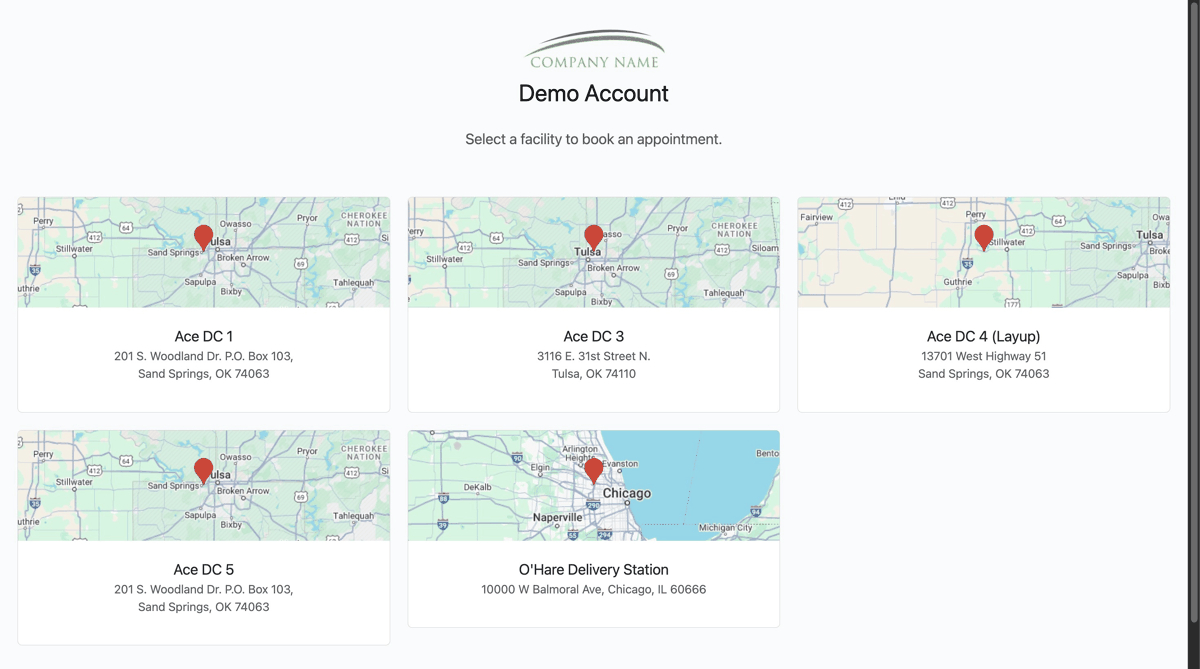
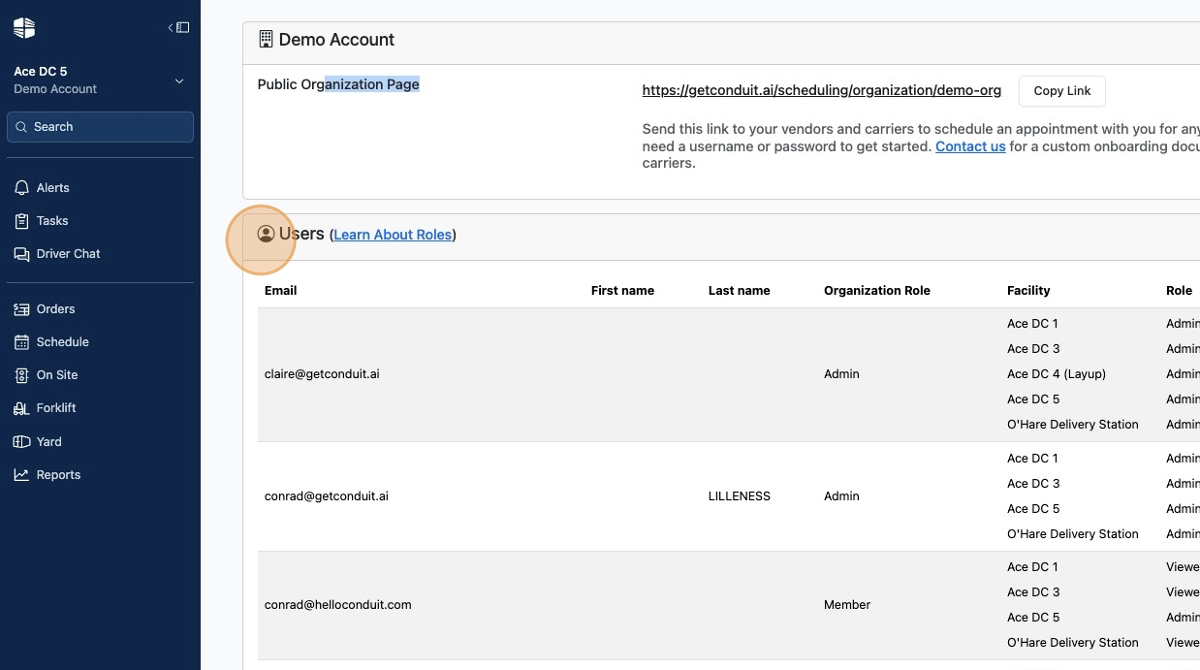
Access to your public organization page where carriers can select a facility before booking.
A list of all users
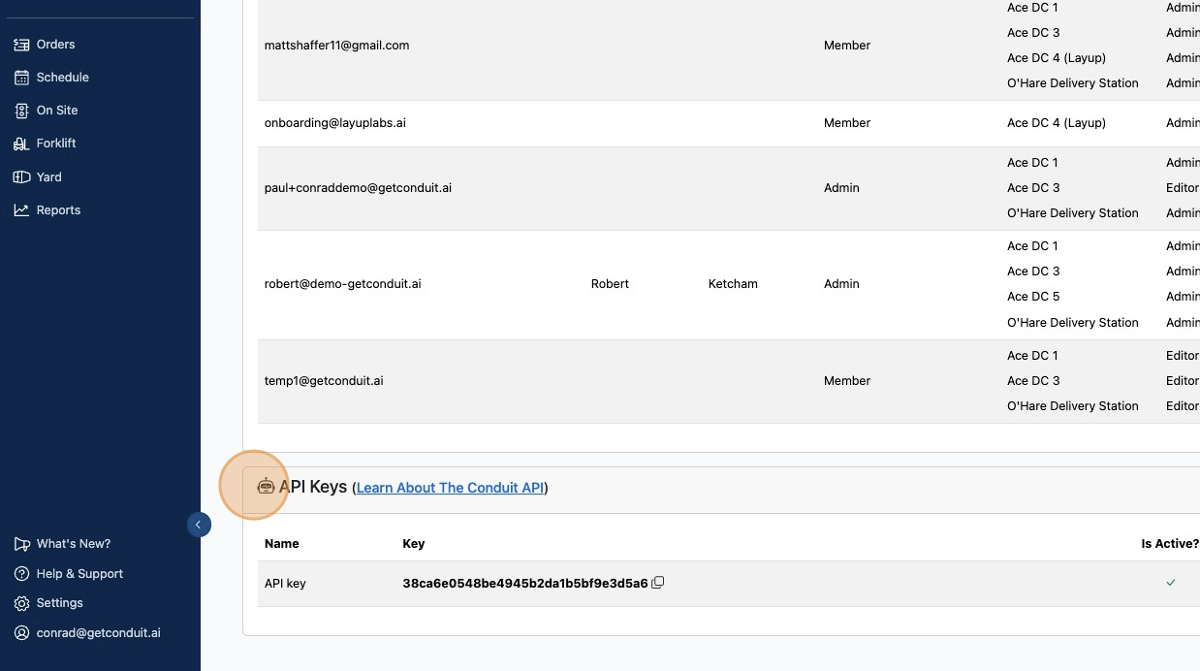
A list of API credentials
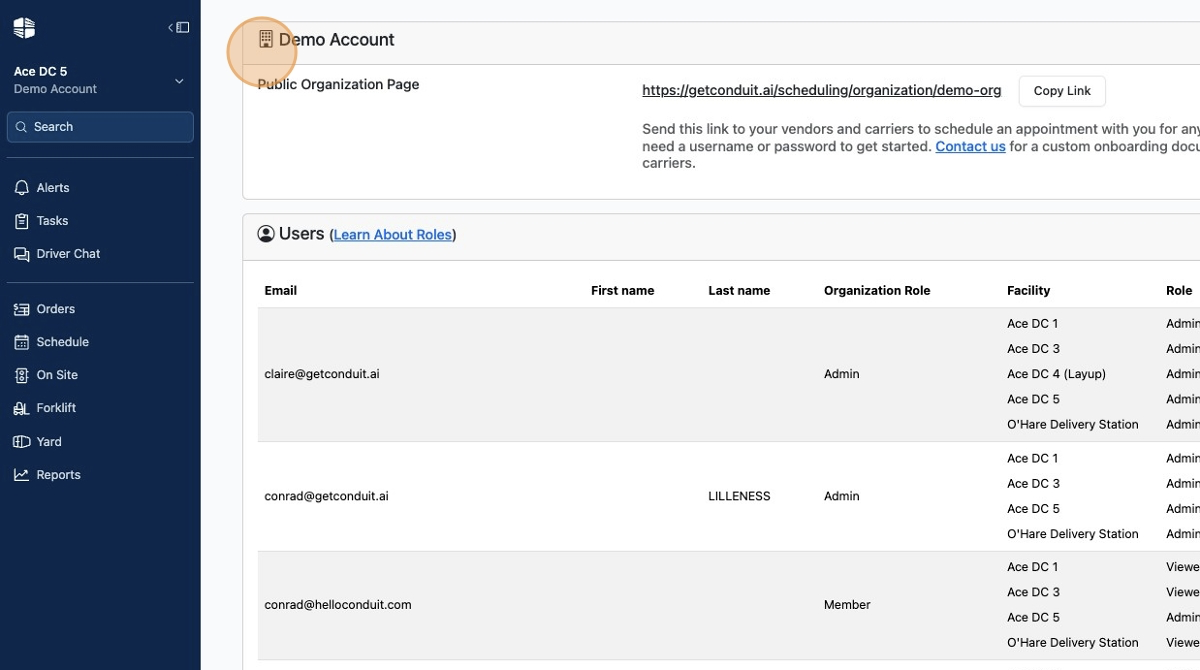
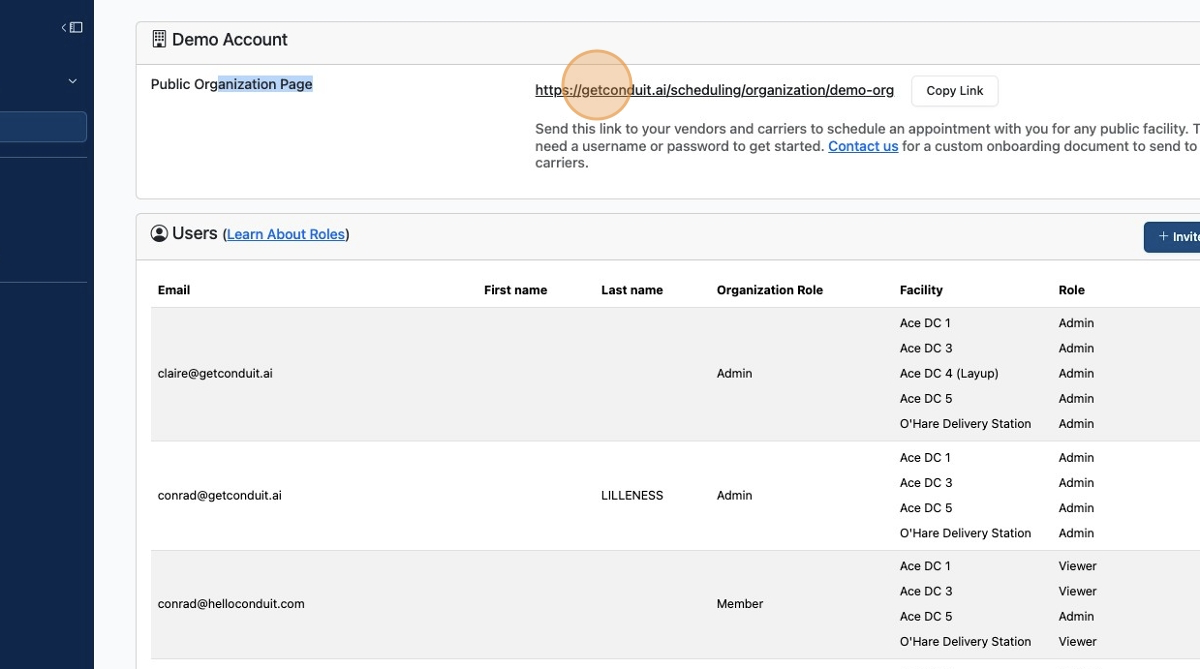
The public organization page can be shared with carriers by copying and pasting this link.
Sharing this link prevents you from having to manage unique links for every facility.
It will take the carrier to a page like this where they can select a facility before booking.
Your users can be added, managed, and deleted in the
Userssection.
Your API credentials can be managed at the bottom.
Frequently Asked Questions
Who can edit organization settings?
Only Organization Admins can edit settings.
Can Organization Members see but not edit the settings?
Correct. Organization Members can only see the settings. They cannot edit them. This includes adding, deleting, or editing Organization-level users.