Document Management
Last updated: November 20, 2025
Carriers, shippers, and receivers can all view documents uploaded to any appointment they have access to view. This includes documents uploaded by the booker, and also the facility.
Instructions for Shippers/Receivers
Shippers and Receivers will be able to view appointment details through the confirmation/request email that they have received once an appointment has been booked by a carrier. They will receive this email if it has been enters in the Shipper/Receiver box of the scheduling link, or if entered by a facility user creating appointments.
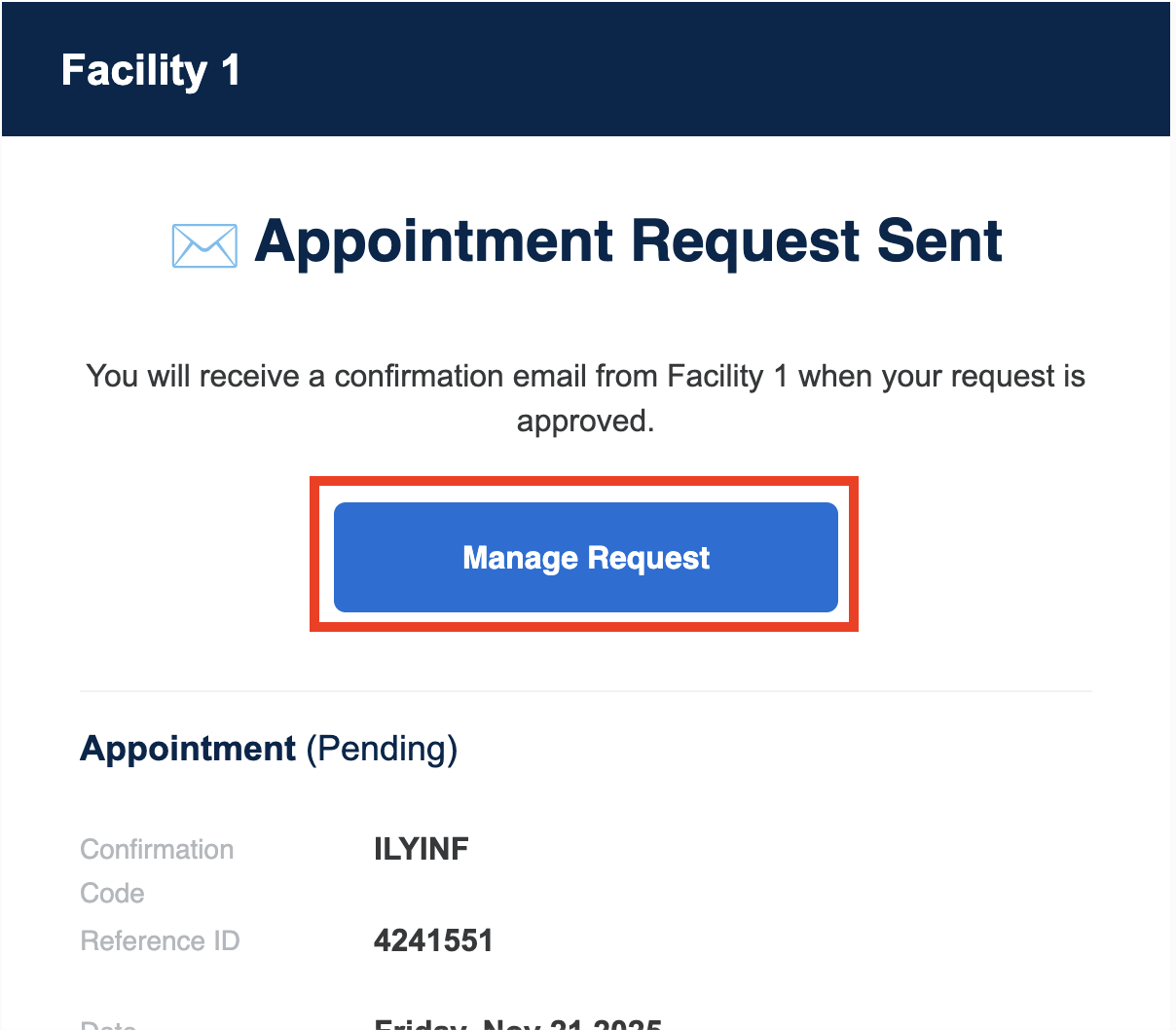
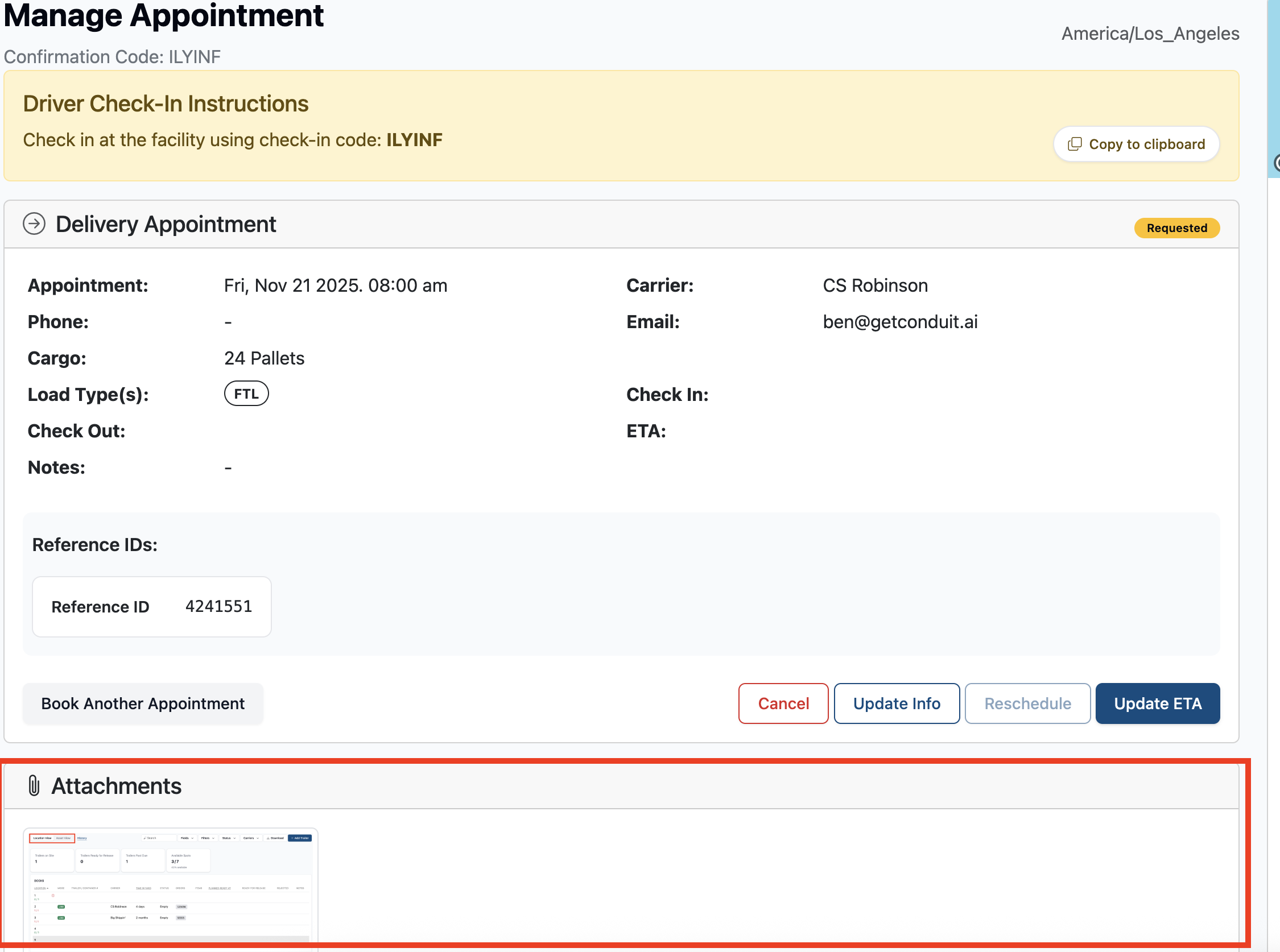
From the manage appointment screen, navigate to Attachments to see all attachments uploaded to the appointment.
Instructions for Carriers
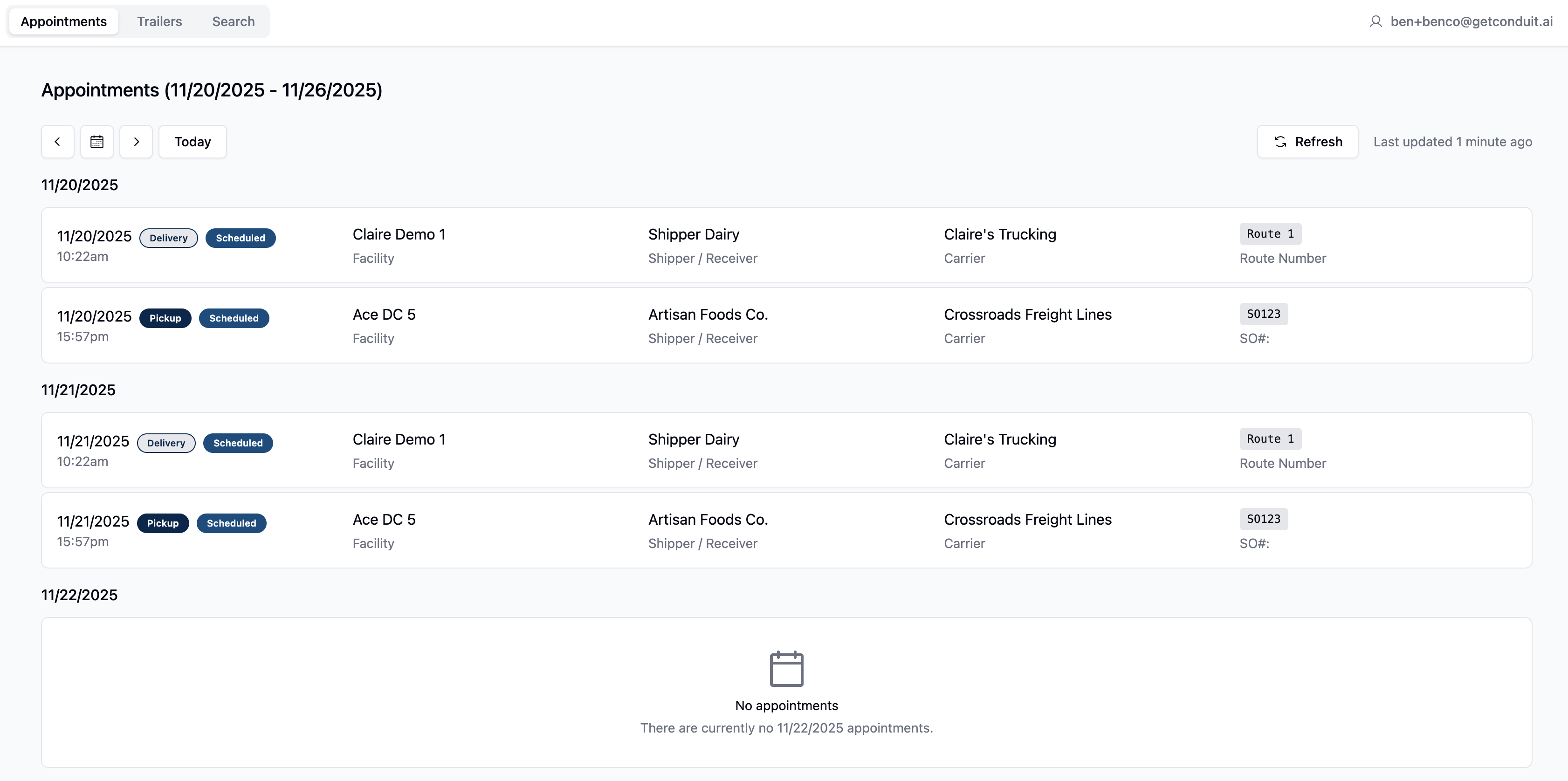
Carriers can view documents uploaded to appointments by navigating to the Manage Appointments section of the booking flow, entering the email that they booked the appointment under, then selecting the appointment they would like to view the documents of.
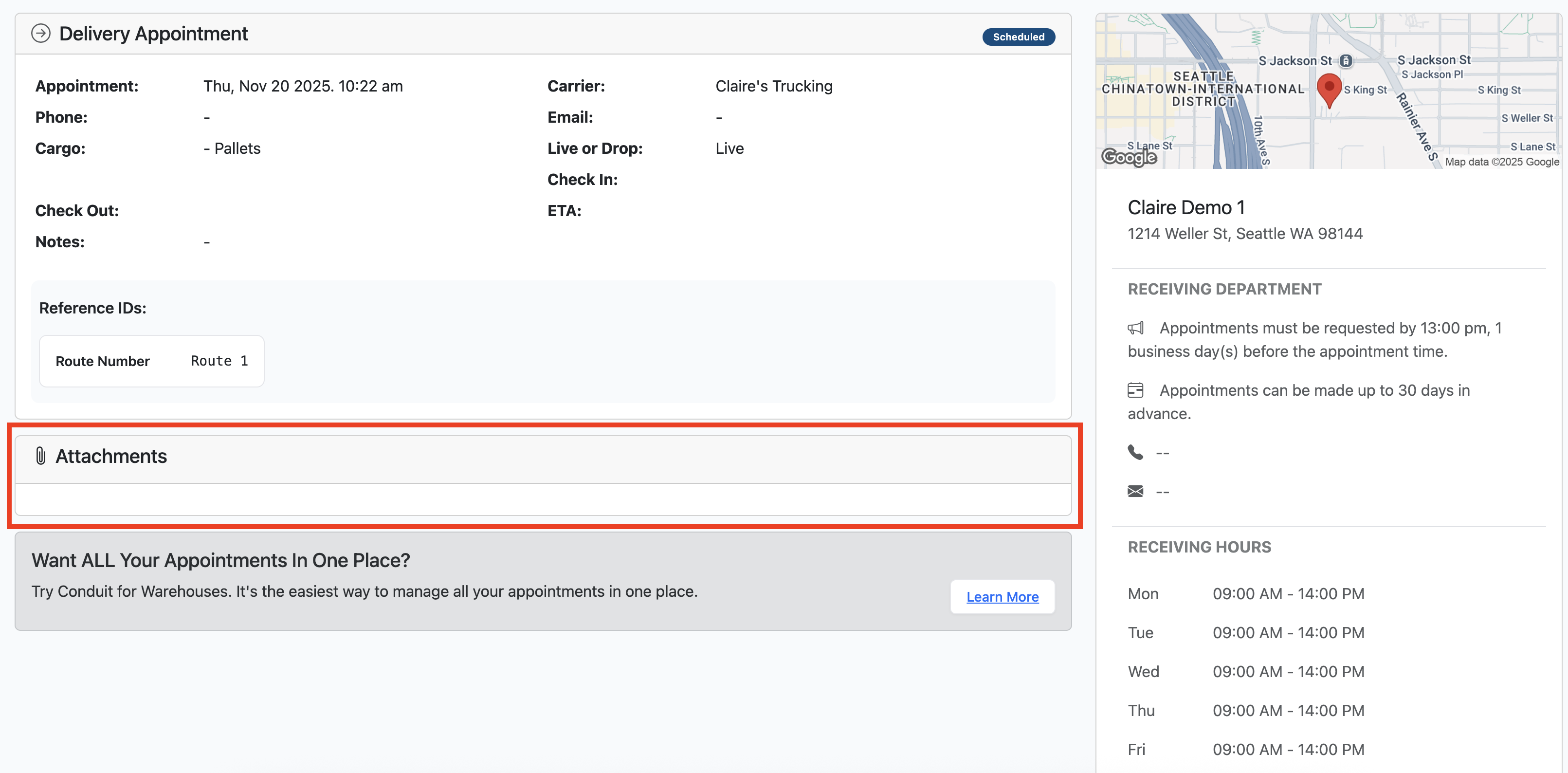
Once on the appointment page, you'll be able to see any documents uploaded under the Attachments bar.
Frequently Asked Questions
How long will I be able to view documents?
Conduit keeps all uploaded documents and appointments for 7 years.