Editing Docks
Last updated: June 3, 2025
Instructions
Click the
YardIcon in the navigation bar.
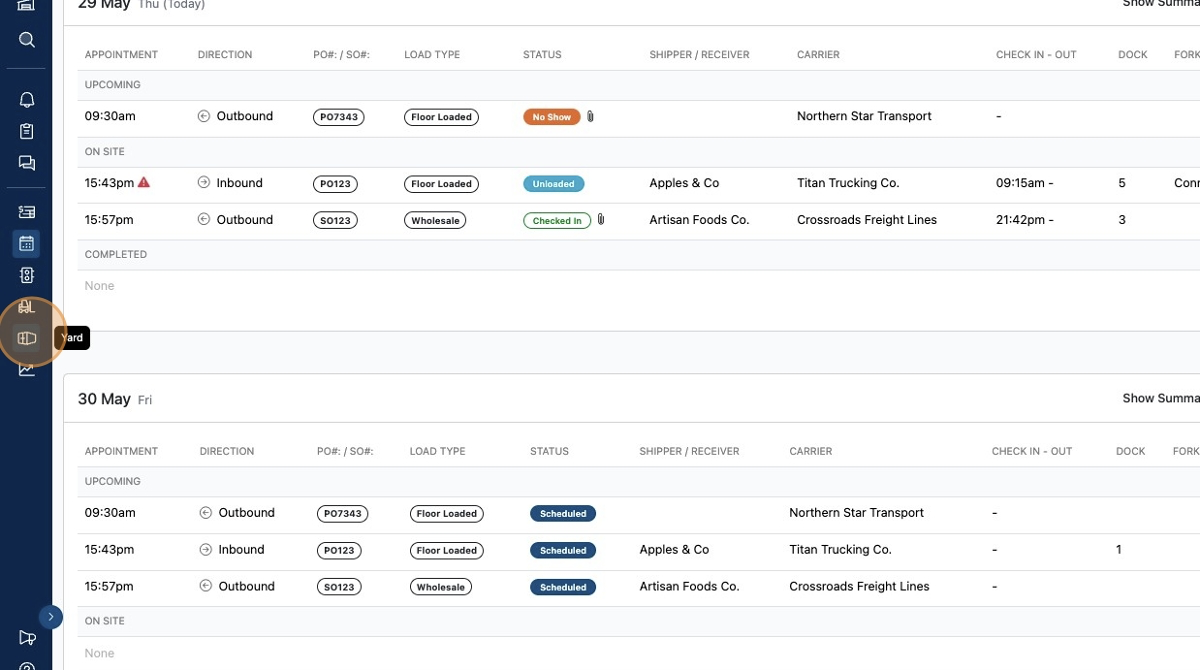
On the Yard page, you can create dock locations and manage them.
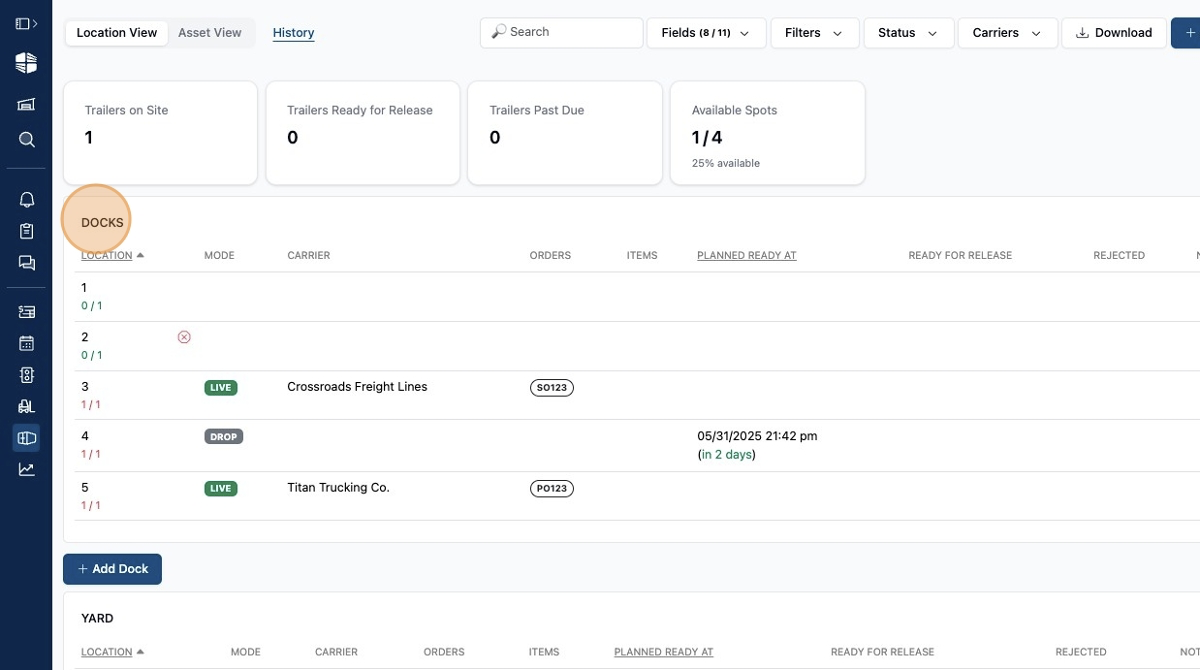
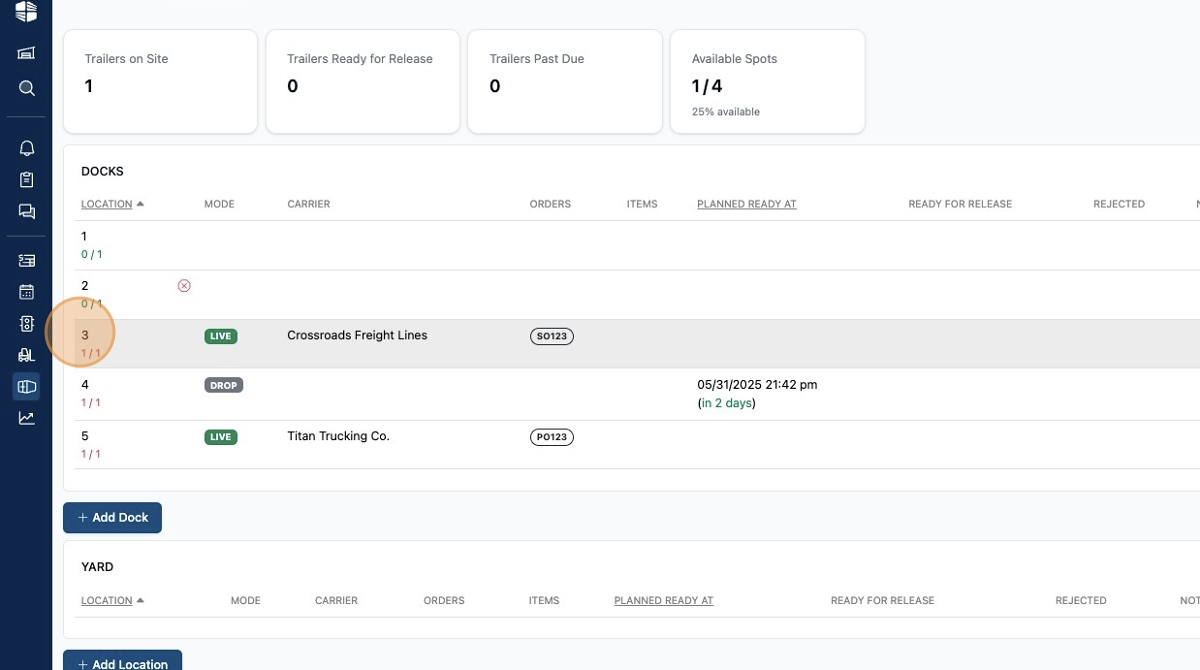
To edit a dock, click the name of that dock. In the example, dock
3is clicked.
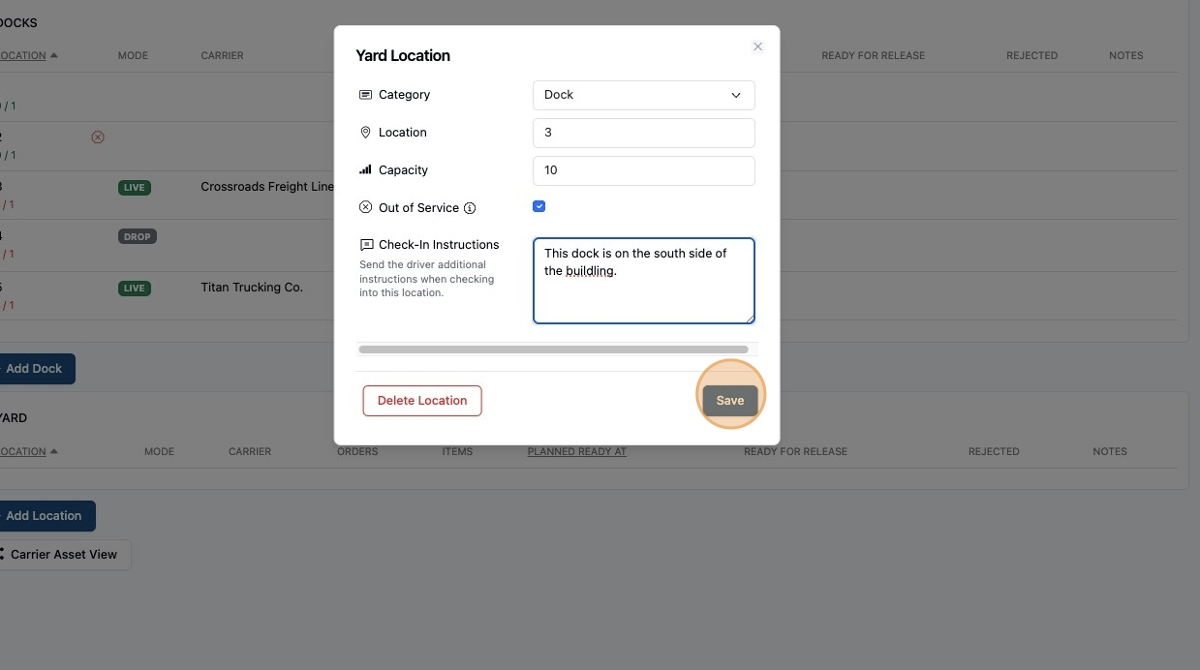
When editing a dock or location you can:
Change the
category(dock or yard)Change the
location(name)Set the
Capacity(number of trailers or appointments that can be assigned to the location; default = 1)This is especially helpful for
Stagingareas where you want to assign multiple trucks or trailers to the same location at the same time.
Set the location to
Out of ServiceAdd custom
Check In Instructionsthat you want to share with the driver when they are assigned to that location. They will receive this via text as well as on the portal.
Frequently Asked Questions
Can a dock location be named anything?
Yes, it is free form text and can be a letter or number combination.
Can multiple docks be named the same thing?
Yes, but our recommendation is to make each dock name unique.
Can multiple trucks be assigned to the same dog at the same time?
Yes, and you can change the capacity of a specific dock for better tracking of capacity. This is very helpful when you have a staging area that you want to add as a dock location.