Creating Docks
Last updated: June 4, 2025
Instructions - From the Yard Page
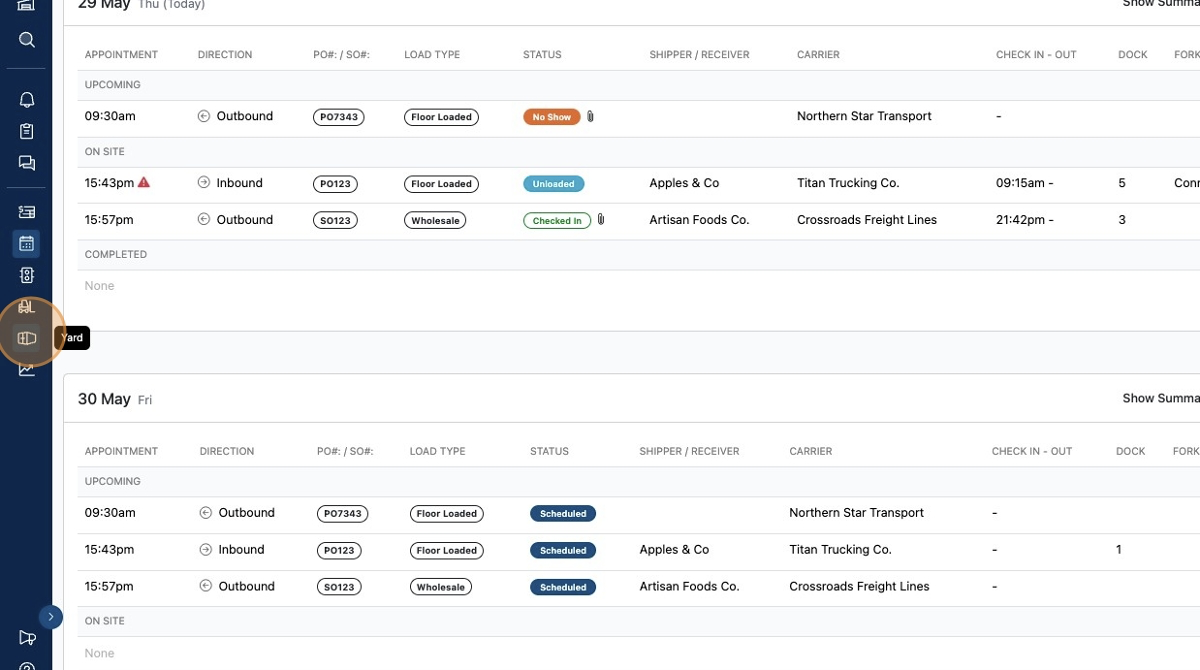
To create a new dock, click the
Yardtab.
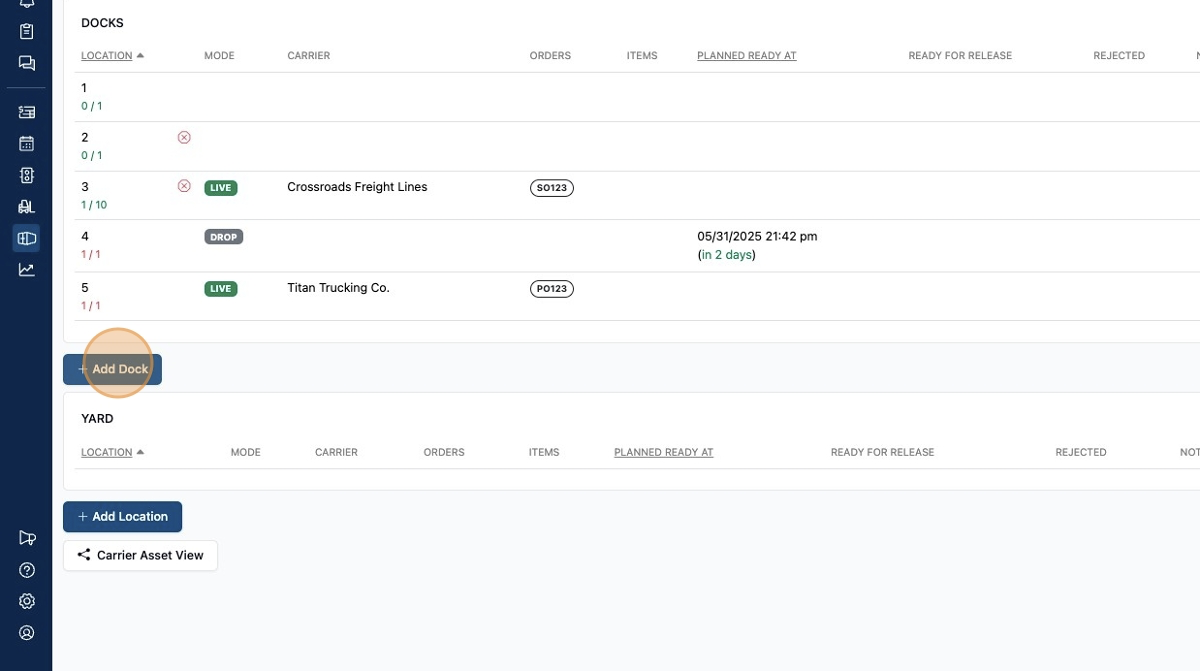
Then click
Add Dock
And enter in the relevant information and click
Save
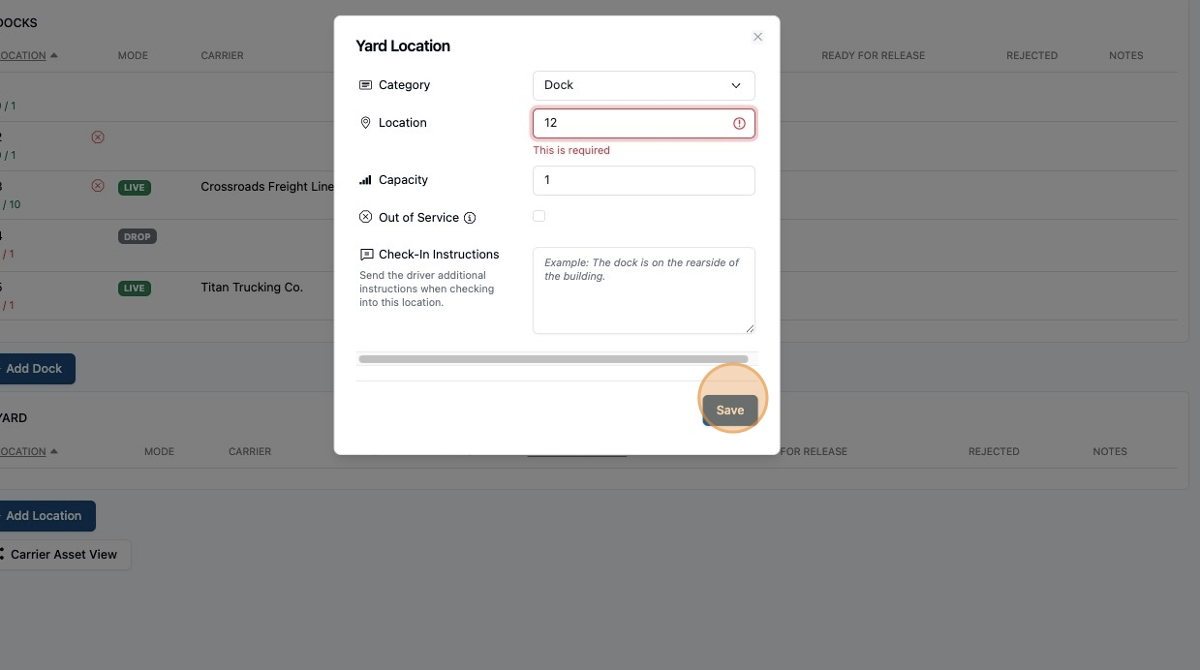
This dock can now be assigned for drop trailers and live loads.
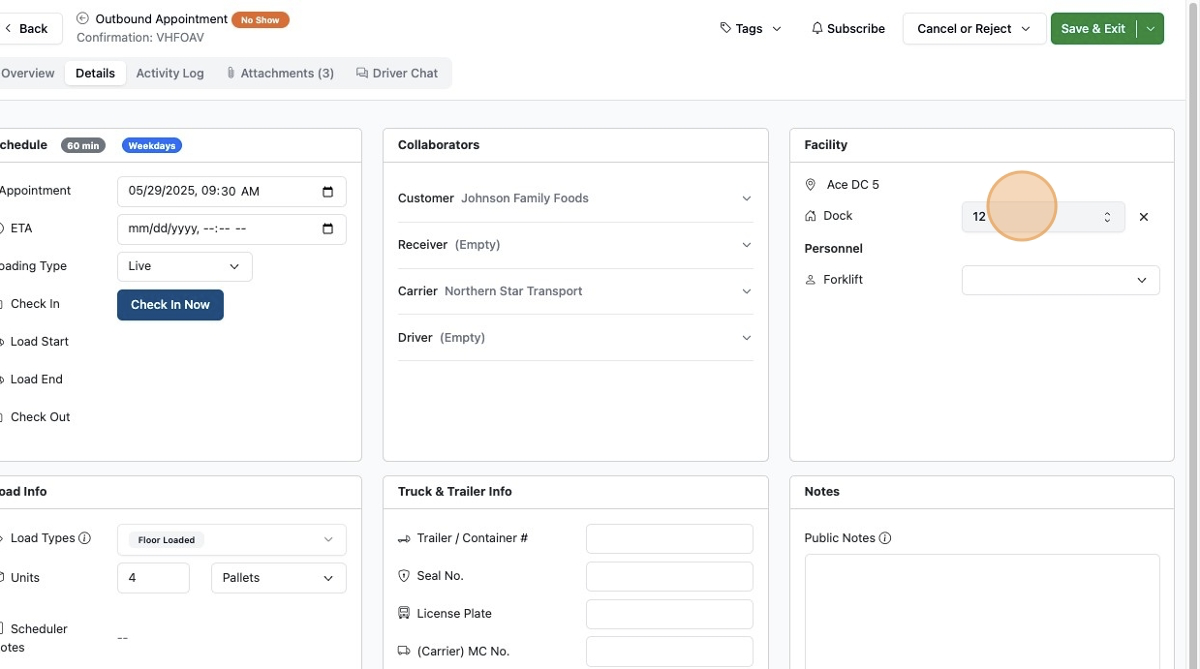
Instructions - From an Appointment
Docks can also be created on the fly on the Appointment Details page. Start by typing in your new dock name and click
Create Location.
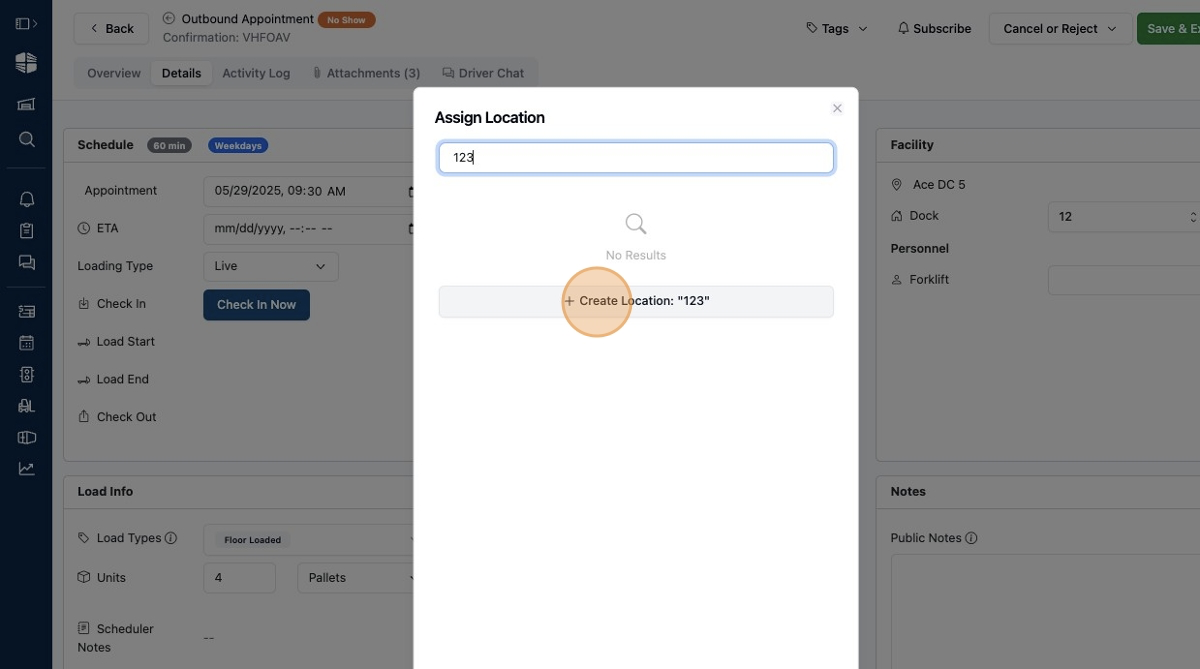
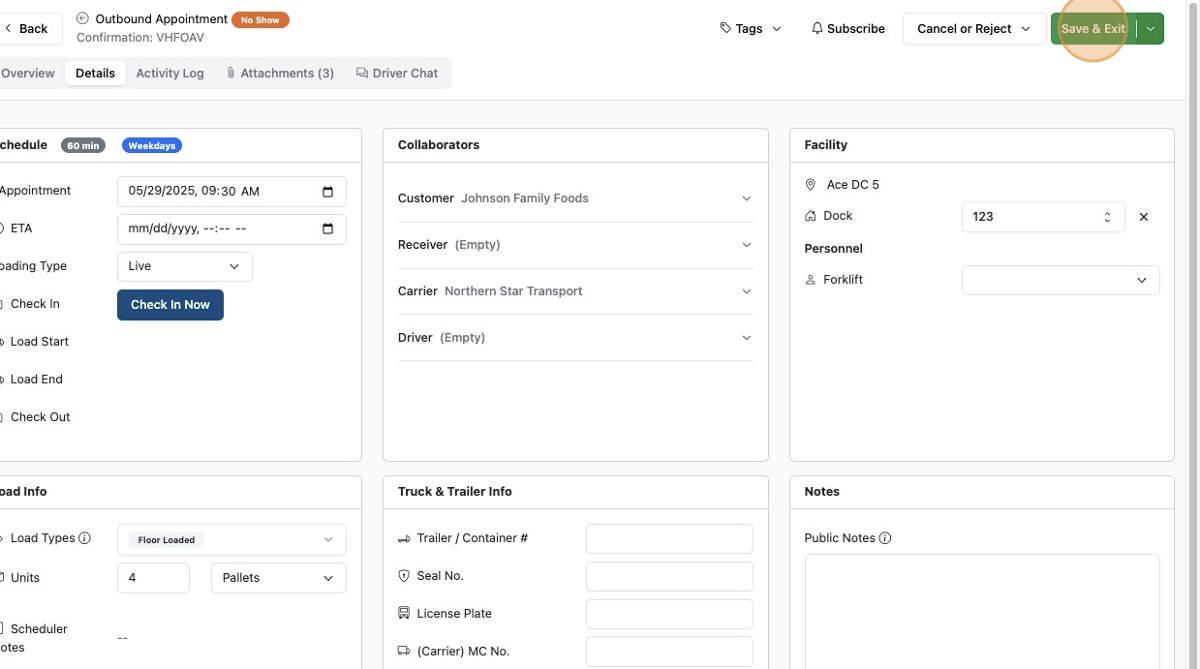
After you "Save" that appointment the dock will be assigned to that appointment. Plus, it will be saved to the system for future use.
Frequently Asked Questions
How can docks be deleted?
A dock can be deleted on the Yard tab. They can also be marked as out of service on the Yard tab.
Are yard spots any different?
Docks and yard spots are similar but have unique capabilities. Please reference the yard articles for more information.