Adding, Editing, and Deleting Customers on Conduit
Last updated: June 5, 2025
When you add a customer to an appointment in Conduit, the email address associated with the customer will receive updates about the appointment, including any publicly shared attachments related to the appointment. By setting up a list of customers, you can ensure that the correct email is associated with every appointment for that client. When the customer is selected, it will autofill the appropriate email addresses for that customer.
Instructions
Managing customers on Conduit allows you to streamline how you communicate with them (emails, photos, documents) and manage customer specific metrics. You can see the customer for an order in the Customers column.
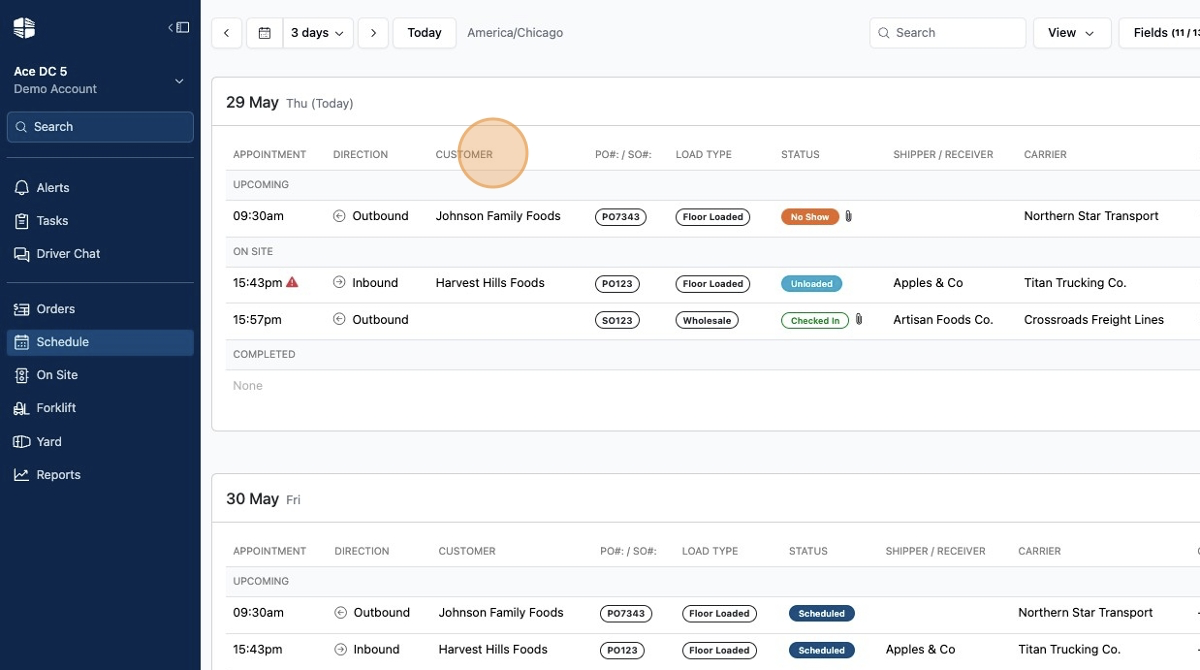
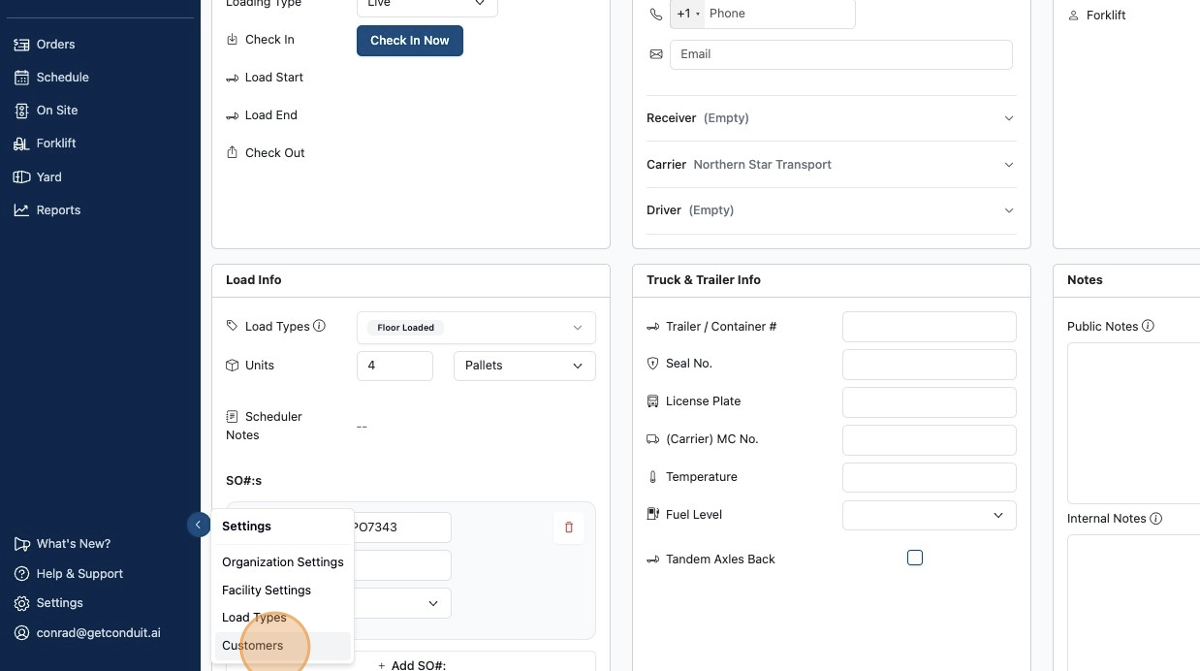
You can manage your customers by going to the settings menu and clicking
Customers.
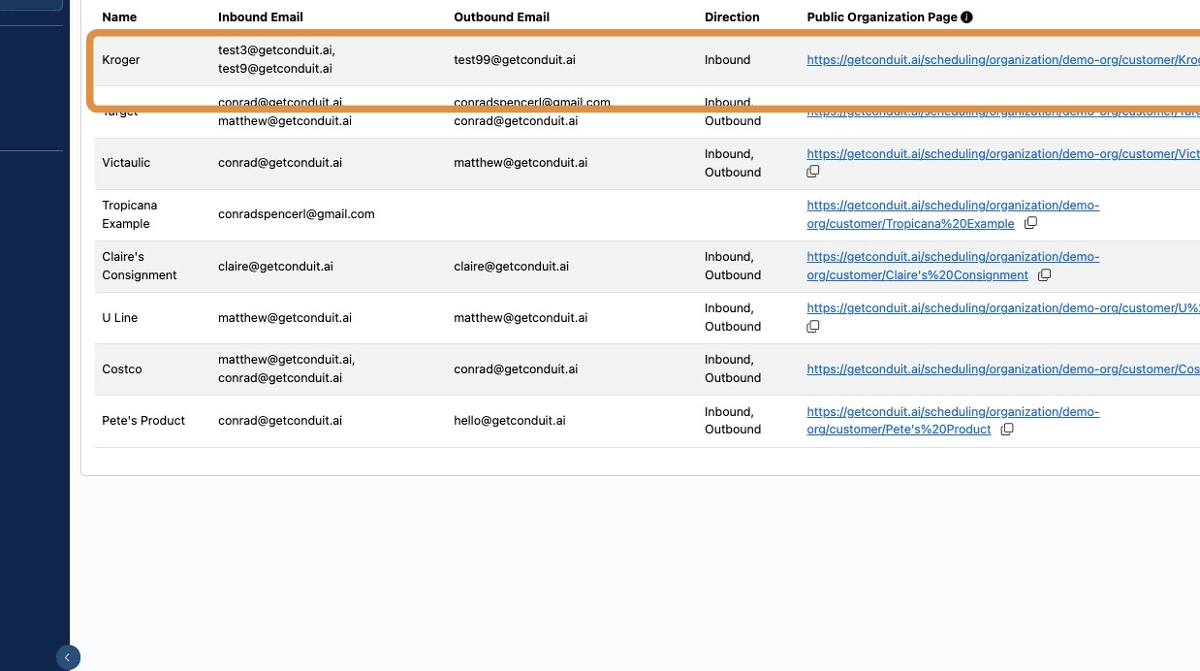
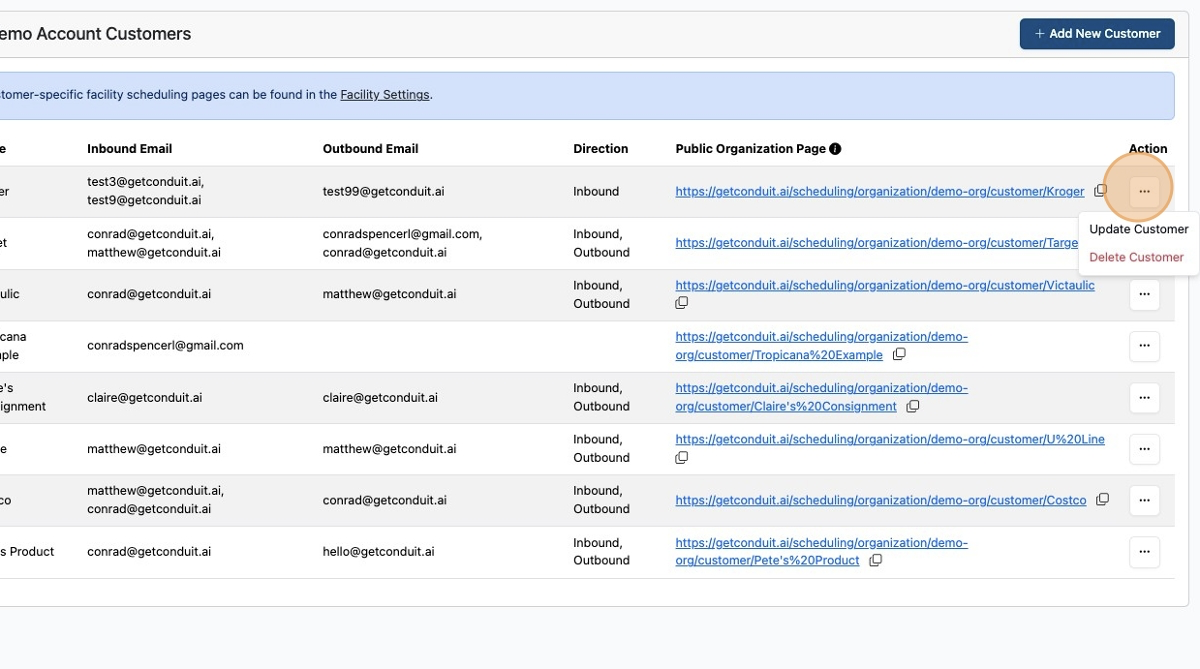
Each customer has a name, a set of inbound emails, outbound emails, and whether they're available for both inbound and outbound loads.
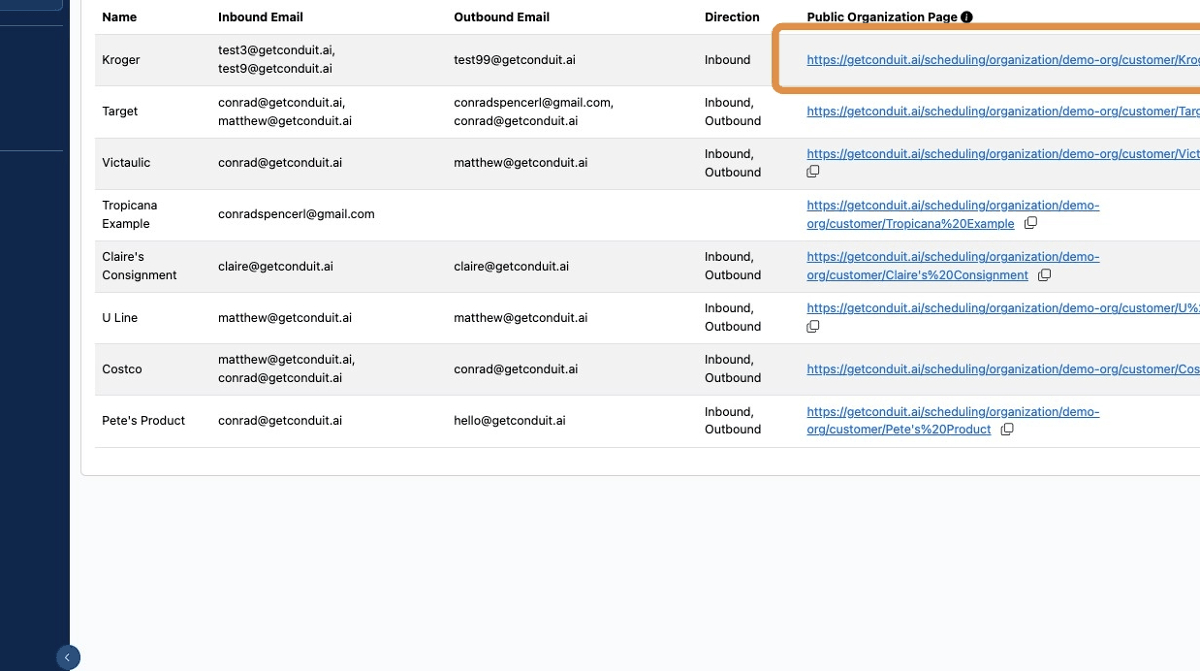
There is also a custom booking link for each customer. Sharing this with each customers allows them to not have to enter their customer name every time they're booking an appointment with you.
Customers can be updated and deleted by clicking the
actionmenu.
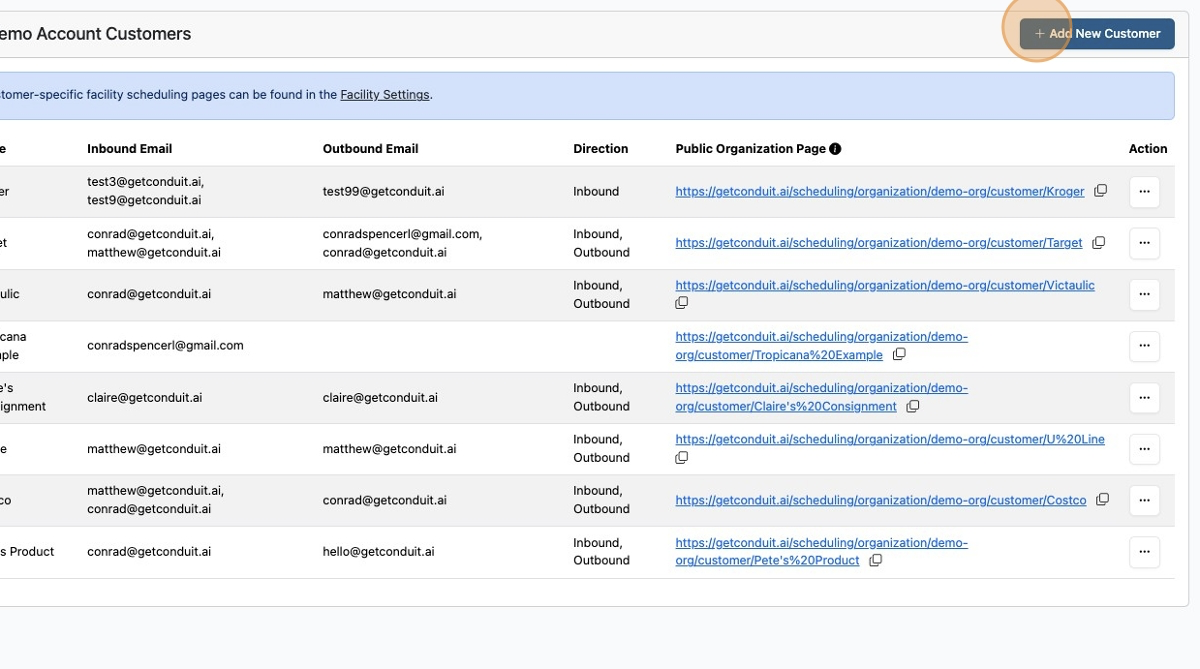
To add a new customer, click
Add new customer.
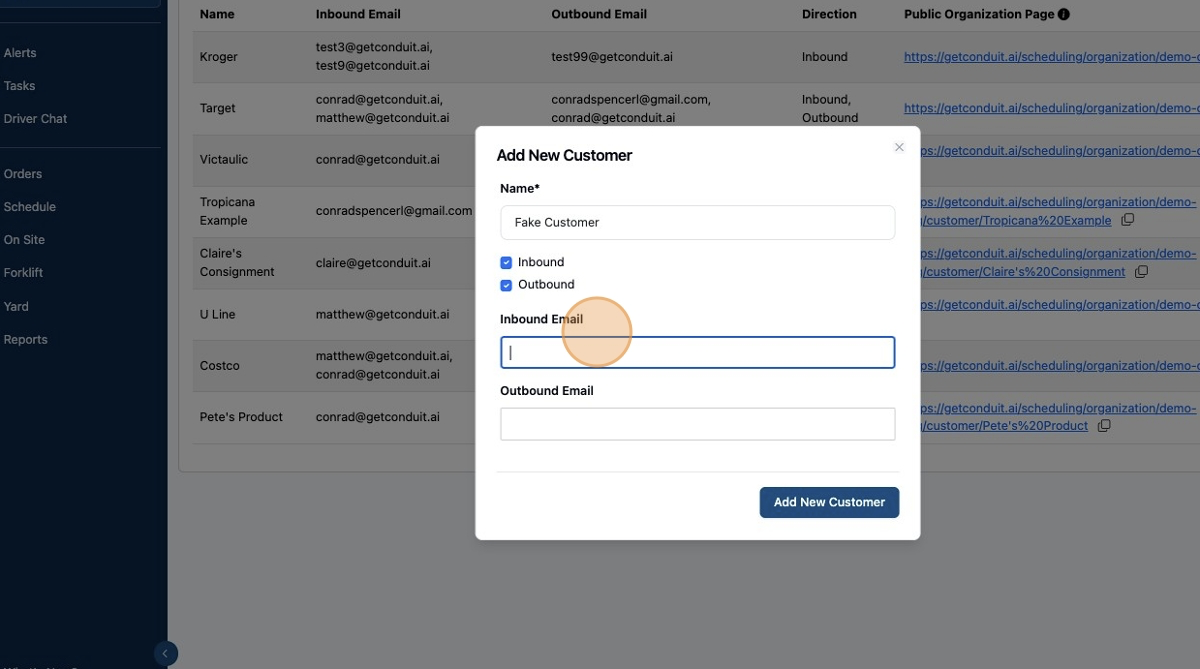
Enter their name, direction (inbound or outbound), and their email(s). To add multiple emails, simply put a comma between each email address.
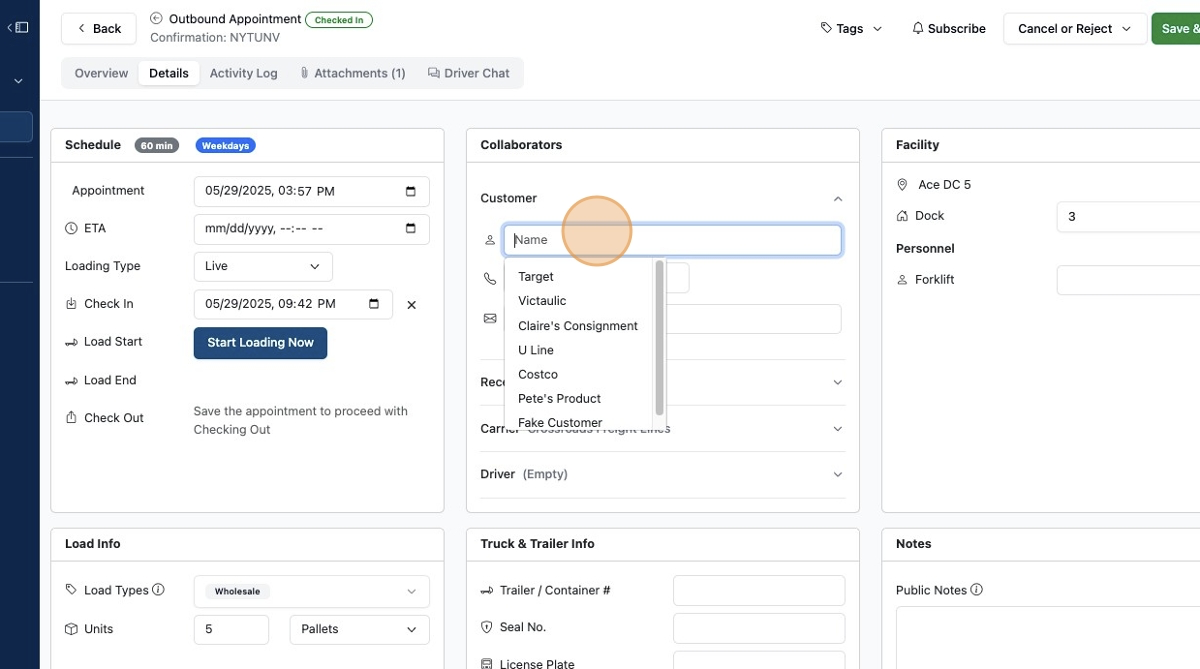
Now you can assign that customer to any shipment and the customer will receive automatic updates as the shipment is checked in, checked out, and any documents that are associated with it.
Frequently Asked Questions
Can customers view their appointments or trailers on conduit?
Yes, customers can go to your booking portal and click Lookup appointments . They will then need to enter their email address and they will receive an authentication code via email to log in and see all of their appointments and trailers.
Will customers automatically receive emails for various milestones on an appointment?
If there is an email address that you have associated with the customer, then yes, they will receive email updates. If there is no email, then there will be nowhere for the system to send the email to.
Can an email be associated with multiple customers?
Yes, you can associate as many emails as you want with a customer and an individual email can be associated with multiple customers.
I have a customer that only ships inbound. Is there a way that I can remove them from the outbound drop down?
Yes, in the customer settings menu, go to the actions menu, click edit and deselect outbound.